
DOWNLOAD THE APP


Customer Services
Copyright © 2025 Desertcart Holdings Limited
DOWNLOAD THE APP


🚀 Elevate your creative workflow with speed, security, and style.
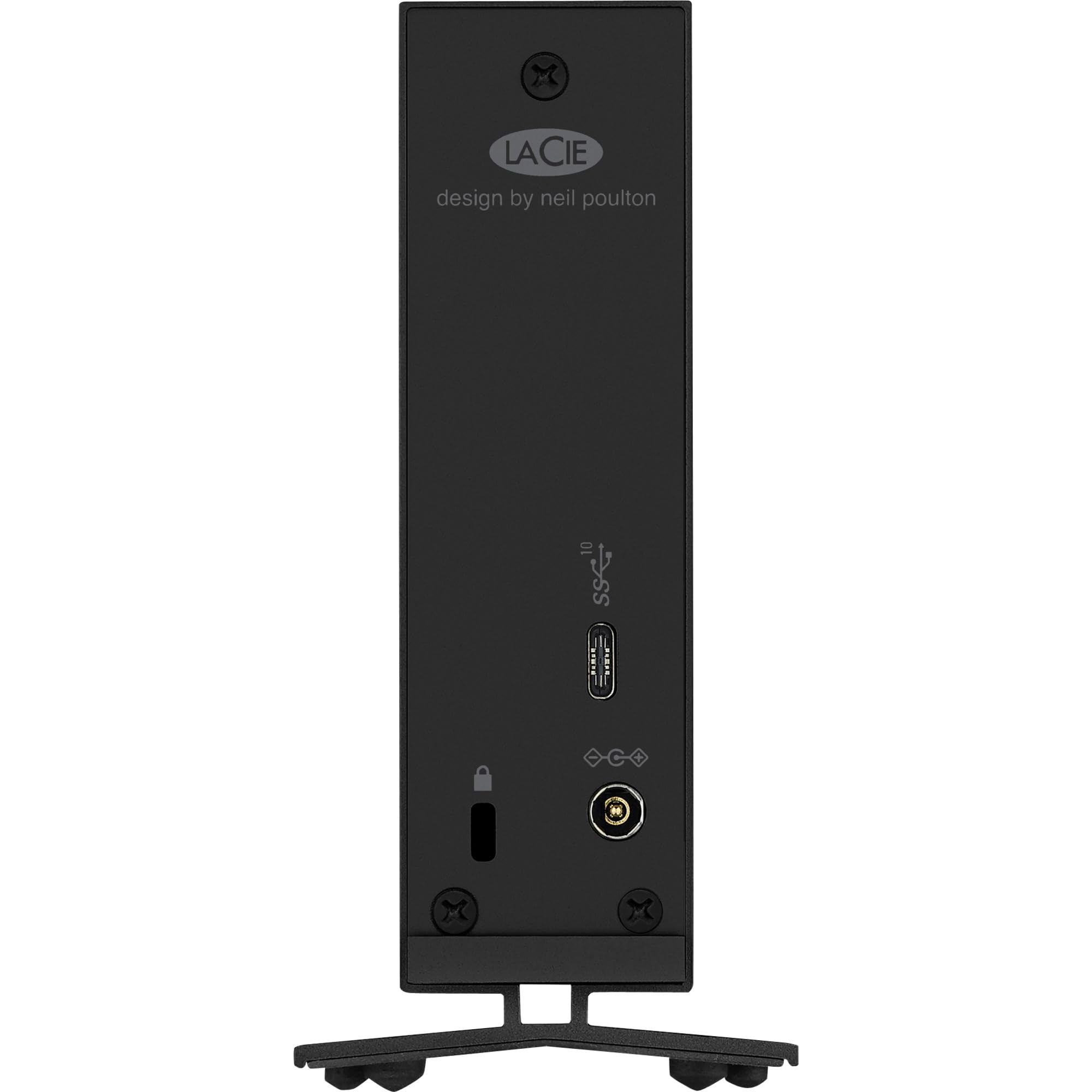
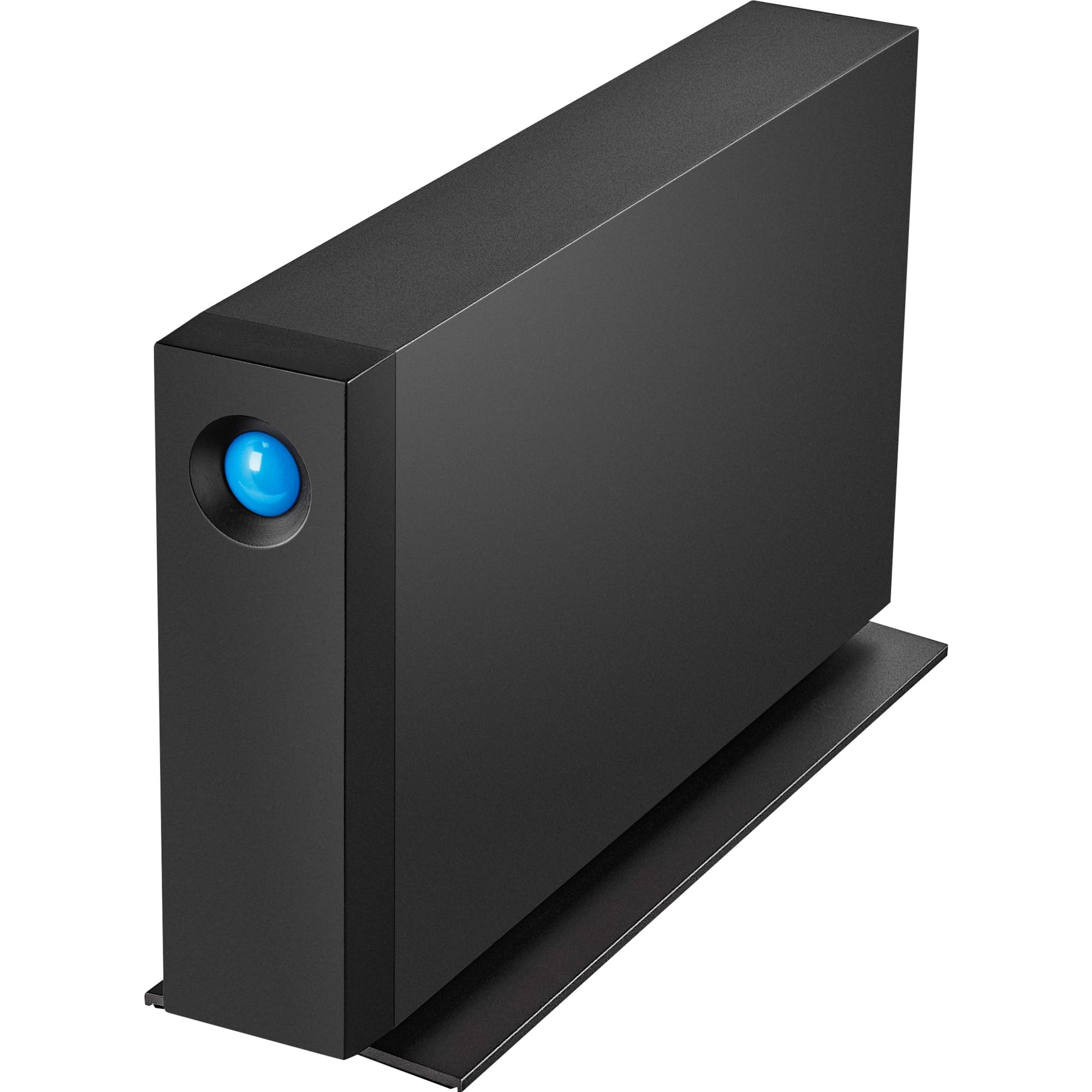
The d2 Professional USB Type C External Hard Drive by LaCie offers 14TB of high-speed storage with USB 3.2 Gen2 support delivering up to 260MB/s transfer rates. Encased in a heat-dissipating aluminum shell and equipped with the enterprise-class IronWolf Pro drive, it ensures reliable, long-term performance backed by a 5-year warranty and free data recovery service. Designed by Neil Poulton, it features a security slot to prevent theft and seamless USB-C compatibility for Mac and PC users, making it an ideal choice for creative professionals seeking robust, secure, and stylish external storage.


| ASIN | B086XDKHHL |
| Amazon Bestseller | #127,462 in Computers ( See Top 100 in Computers ) #711 in External Hard Drives |
| Are Batteries Included | No |
| Batteries | 1 Lithium Ion batteries required. |
| Brand | Seagate |
| Color | d2 Professional |
| Computer Memory Type | DIMM |
| Customer Reviews | 4.3 4.3 out of 5 stars (67) |
| Date First Available | April 13, 2020 |
| Form Factor | 3.5-inch |
| Hard Disk Description | Hybrid Drive |
| Hard Disk Rotational Speed | 7200 RPM |
| Hard Drive Interface | USB 2.0/3.0 |
| Hard Drive Size | 14 GB |
| Hardware Platform | Mac, PC |
| Is Discontinued By Manufacturer | No |
| Item Weight | 1.4 Kilograms |
| Item dimensions W x H | 18.8 x 6 x 13 cm |
| Item model number | STHA14000800 |
| Lithium Battery Energy Content | 2 Kilowatt Hours |
| Lithium Battery Packaging | Batteries packed with equipment |
| Lithium Battery Weight | 2 Grams |
| Manufacturer | ラシー(LaCie) |
| Nombre de cellules Lithium-Métal | 5 |
| Number Of Lithium Ion Cells | 5 |
| Number of USB 2.0 Ports | 1 |
| Operating System | Windows_10, mac_os, macintosh, windows |
| Product Dimensions | 18.85 x 6 x 13 cm; 1.4 kg |
| Series | d2 Professional |
| Wattage | 3600 |
K**A
Öncelikle kötü yanından bahsetmek isterim; Ürün çok yavaş. Type C bağlantı yapmama rağmen diski açtığımda dahi içinde yanlızca 2 TB dosya olmasına rağmen klasörlerin gelmesi 30 saniye sürüyor artık 10 TB dolu olsa dakikalarca beklerim sanırım. Aktarım hızı vesaire de oldukça yavaş. LaCie firması satıldıktan sonra içindeki disk yapısı vesaire ucuz malzemelere dönmüş bu yüzden eski Lacie ürünleri güzel ama yenileri önermiyorum. Evimdeki eski Lacie disk bu yeniye taş çıkarıyor hız ve sağlamlıkta. Diğer iki kötü özelliği arada takır tukur eden yüksek bi sesi var içindeki diskle alakalı, bir de ışığı bayağı kocaman karanlıkta çalışan birini rahatsız edebilir göz alıyor ama oda ışıklandırmanıza katkısı olur. Ürünün güzel tek özelliği çok oturaklı olması masayı tutuyor resmen sağa sola oynama falan hiç yok. Geçmişe dönme şansım olsa alır mıydım? Hayır almazdım ama biri hediye etse kullanırım öyle bi kategoride gözümde
E**.
Robust drive well built. Good extended warranty gives peace of mind
G**L
El producto es bueno sin duda, pero la luz azul, es invasora y prende en todo momento y eso molesta
A**.
POR EL TAMAÑO NO ES UN DD PARA TRANSPORTAR CONSTANTEMENTE, PARTICULARMENTE YO LO USO EN UN LUGAR FIJO COMO DISCO DURO EXTERNO DE MI CPU QUE ME PERMITE MANTENER MIS ARCHIVOS A SALVO. HASTA AHORA TODO FUINCIONA BIEN. BUEN PRODUCTO
R**N
La Cie is always amongst the best designed/quality/speed/quiet/capacity/long life external hard drive, as is Seagate. Much more reliable/efficient/better/longer-lasting than other popular brands such as Western Digital. the only negative: La Cie's own software La Cie Toolkit is only good for mirroring, not formatting. La Cie tech support, though good, 2 tech staff did not know how to format the drive for macOS (latest, 11 Big Sur). In Apple Disk (20.1) Utility you erase in APFS (new vs older HFS+) format, by simply clicking on Erase, yet for 2 days tech staff couldn't make it work. I kept getting error message "couldn’t be unmounted because it is in use by process 86 (fseventsd)". Tip articles online never solved it either. Until i called Apple's world's best support: La Cie drives, at least this one, need to go to menu View > Show all Devices vs default Show only Volumes. You erase the 1st of 3 for the drive "Seagate Backup+ Hub BK Media" vs Container or Volume under container ; ) After that, in future, you can return to Show Volume and erase just Volume. Perfect drive ; )
Trustpilot
3 weeks ago
1 month ago