Desert Online General Trading LLC
Dubai, United Arab Emirates
Desert Online General Trading LLC
Dubai, United Arab Emirates

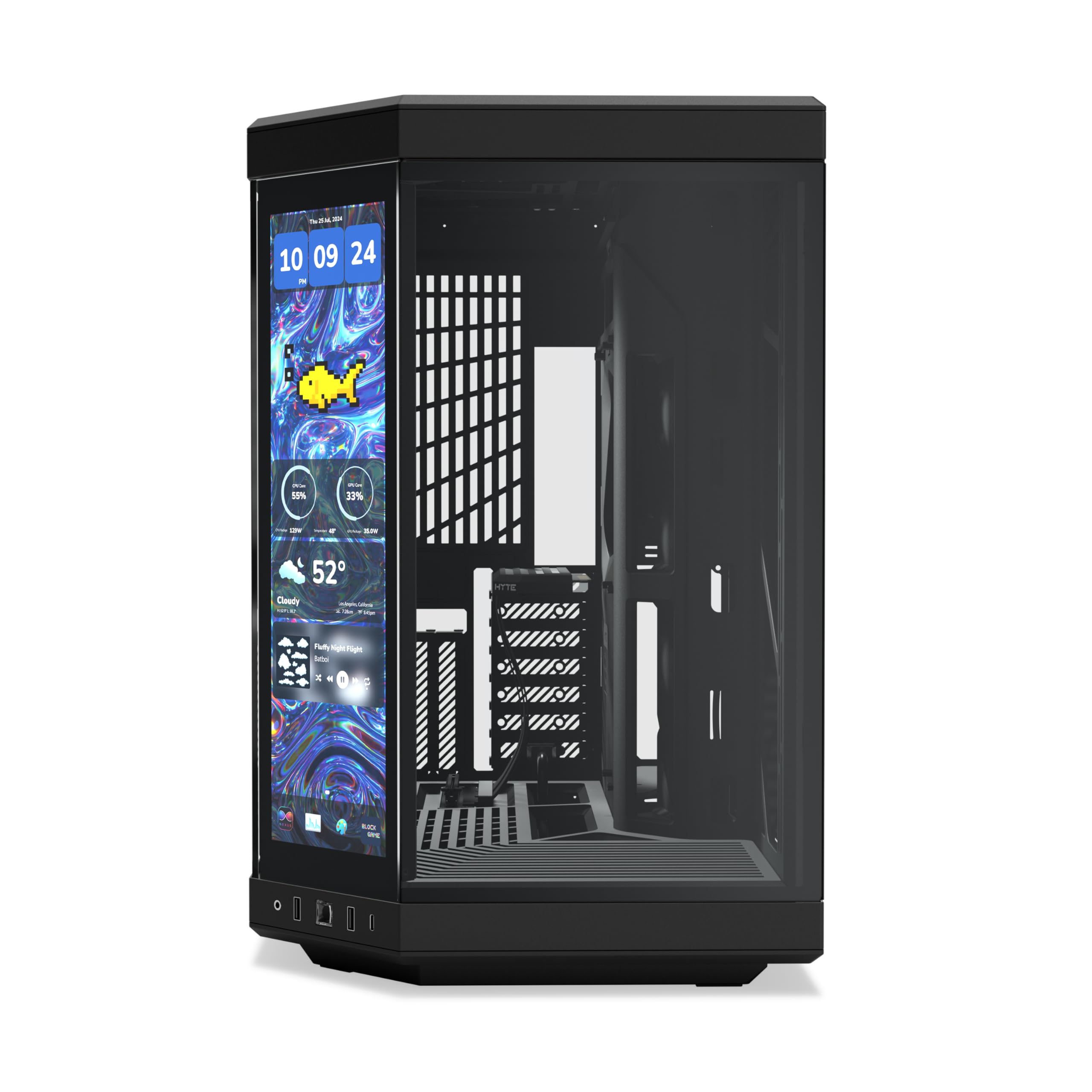


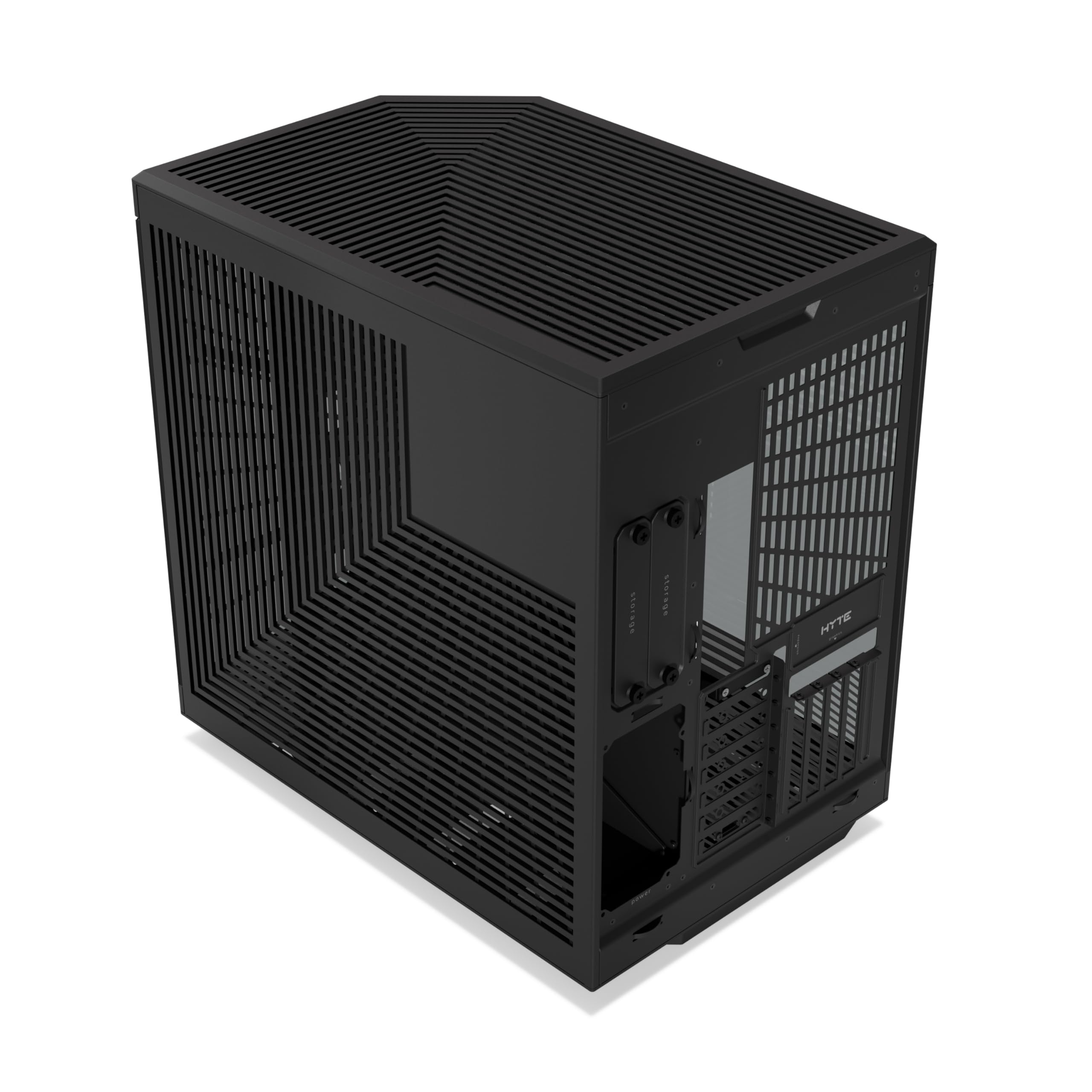

🖥️ Elevate your build with the Y70 Touch Infinite — where cutting-edge meets sleek sophistication.
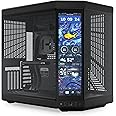
The Y70 Touch Infinite is a premium ATX mid-tower PC case featuring a stunning 14.9” integrated 2.5K LCD touchscreen with 10-point multi-touch and 60Hz refresh rate. It boasts a modern dual-chamber design with panoramic glass, supports up to 360mm radiators for superior cooling, and includes a vertical 4-slot GPU mount with a PCIe 4.0 riser. Available in four unique colorways, it combines high performance with customizable aesthetics for the discerning professional.


| Number of USB 2.0 Ports | 2 |
| Brand | HYTE |
| Series | HYTE Y70 touch infinite Modern Aesthetic Case - Pitch Black |
| Item model number | CS-HYTE-Y70TTI-BB |
| Item Weight | 24.4 pounds |
| Product Dimensions | 18.5 x 12.6 x 18.5 inches |
| Item Dimensions LxWxH | 18.5 x 12.6 x 18.5 inches |
| Color | Black |
| Manufacturer | HYTE |
| ASIN | B0DKJKGPYZ |
| Date First Available | October 22, 2024 |
P**I
Perfect
Very perfecy
S**M
Great Case
Great, spacious case with plenty of room for components and cooling. Touch display is a fun novelty but I tend not to use this much.
P**G
No fans
Great pc cabinet but no fans for the price
R**Y
Get what you pay for
Not the cheapest case but looks amazing, my 14 year old loves it 💪🏻
C**
Best case I've had
Great case, bit expensive but I would buy again. Great to build in and looks amazing
S**.
Bad do not buy
Did not come with new carry parts. On the listing no where on it does it say it’s second hand until you see that on orders it says condition very good.
M**S
A great case with the odd niggle
A great case, extremely spacious and the Touch screen looks awesome.The USBs being either side of the on/off switch means it's easy to catch when inserting / removing usb sticks. The switch also feels very cheap.The back panel can fit a 140mm fan although there are no specific holes, and there is no filter on the back grillBeing treated as normal 2nd screen, sometimes apps launch on the panel rather than the main screen. I use Display Fusion together with the panel app's Keep Ontop option to sort that out.Happy with my purchase, but 4 stars due to those little niggles
Trustpilot
1 month ago
2 weeks ago