
DOWNLOAD THE APP


Customer Services
Copyright © 2025 Desertcart Holdings Limited
DOWNLOAD THE APP
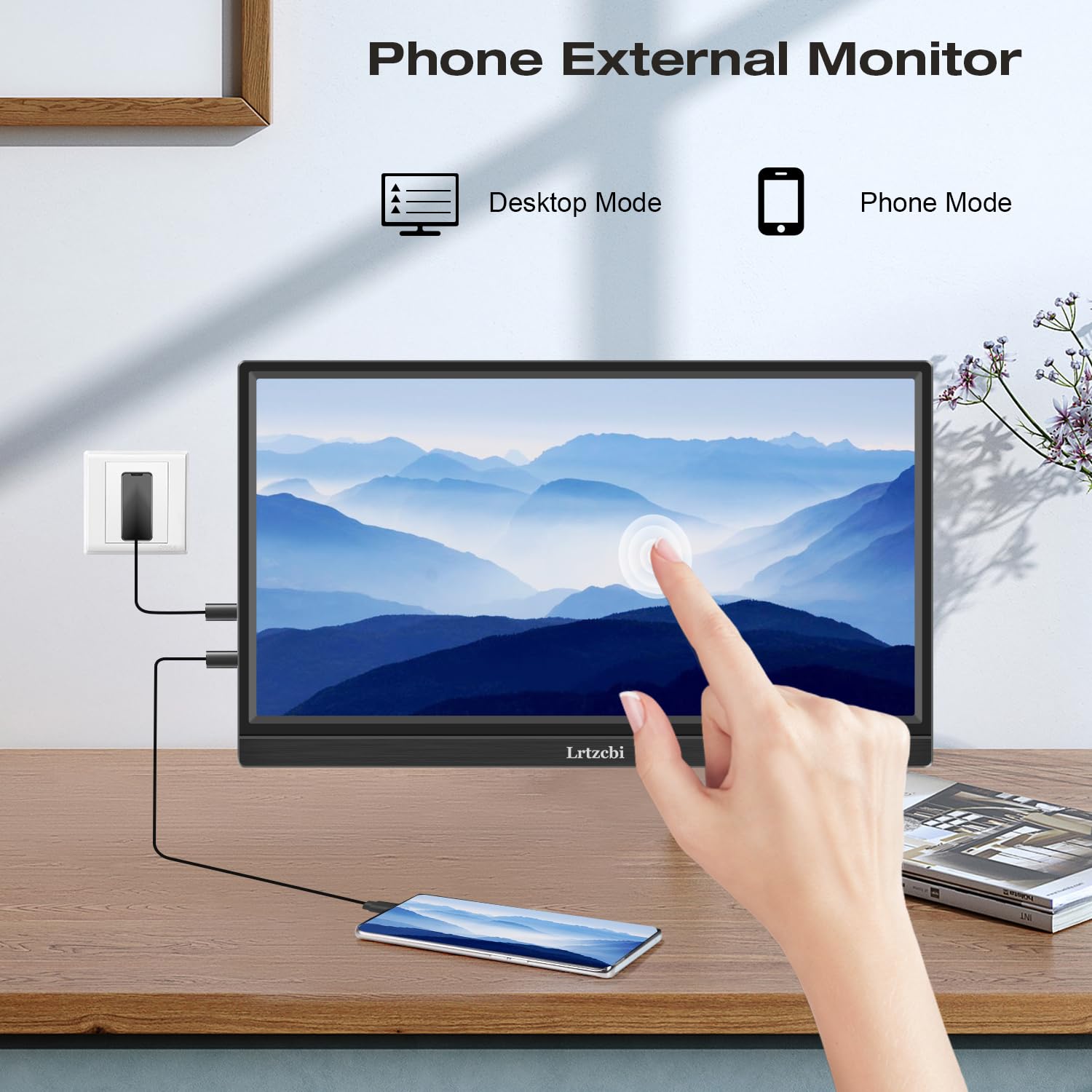


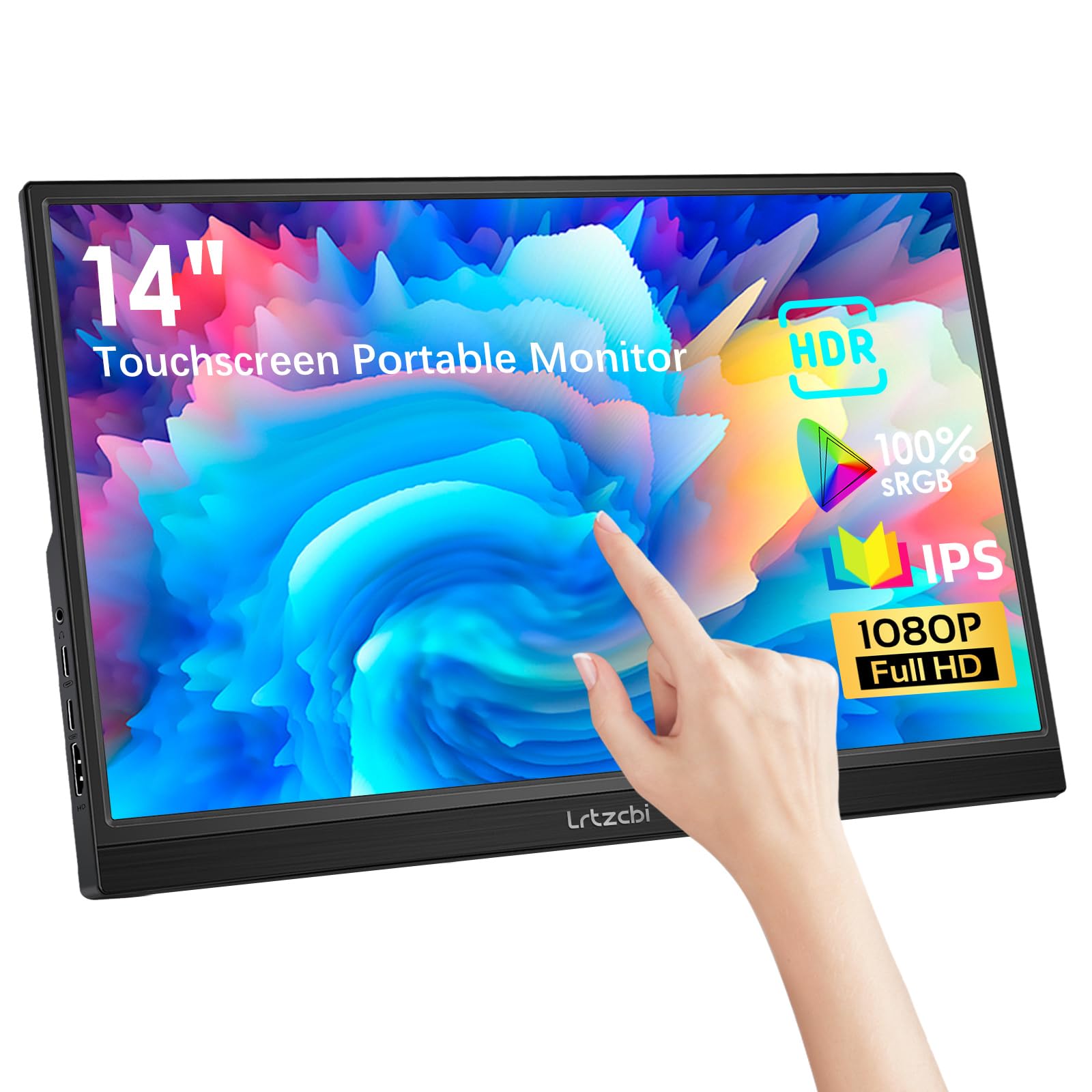
🚀 Elevate your workspace anywhere with touch-powered brilliance!
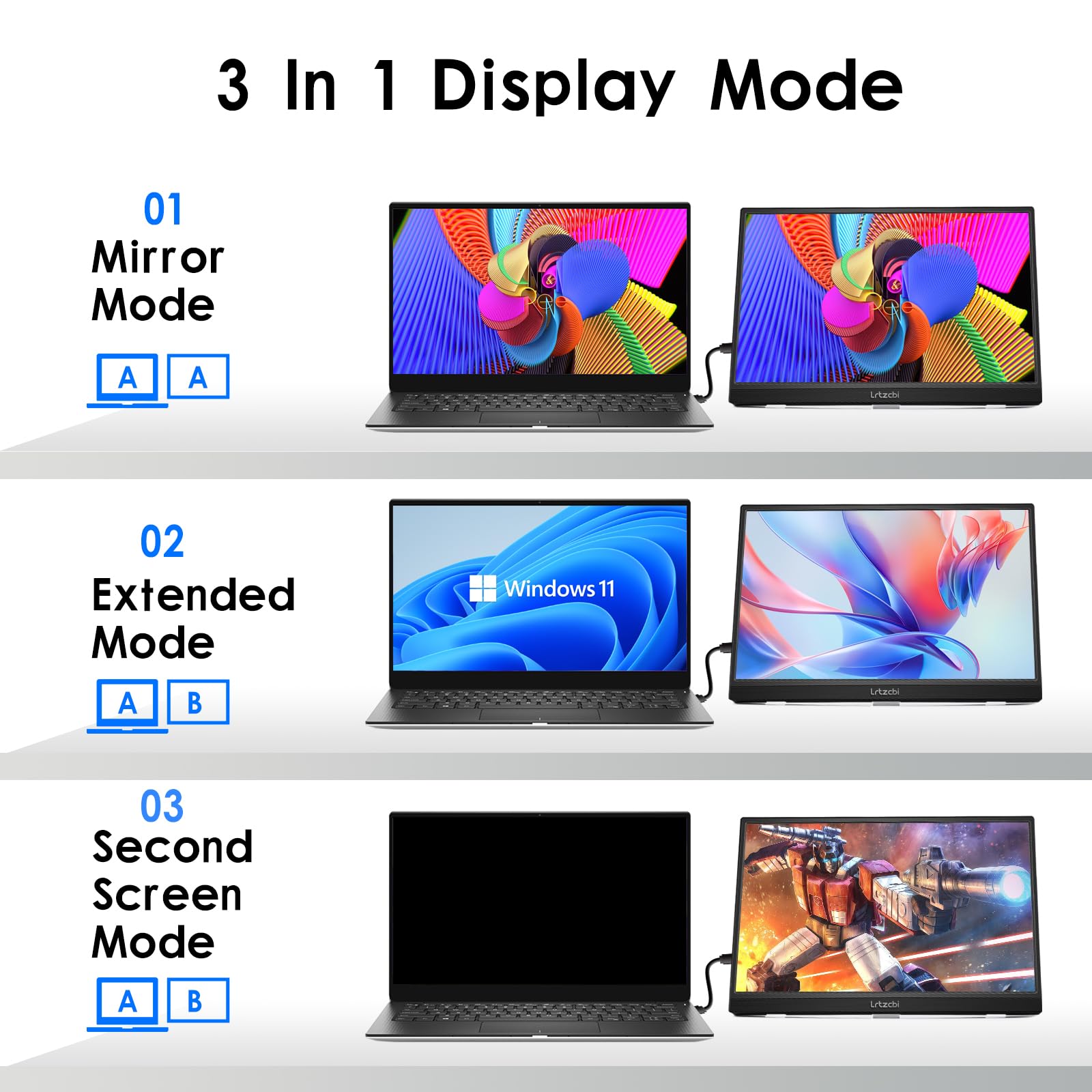
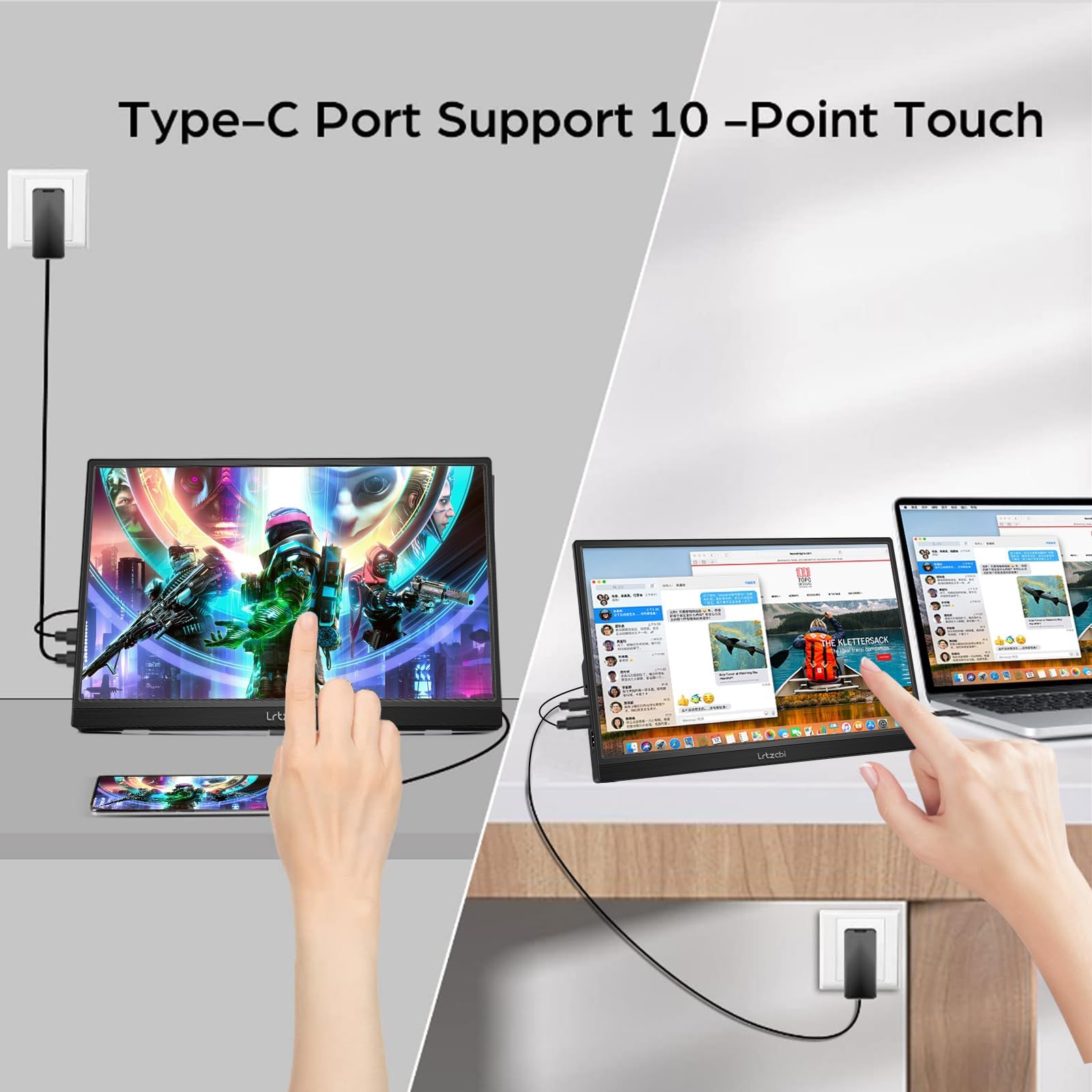
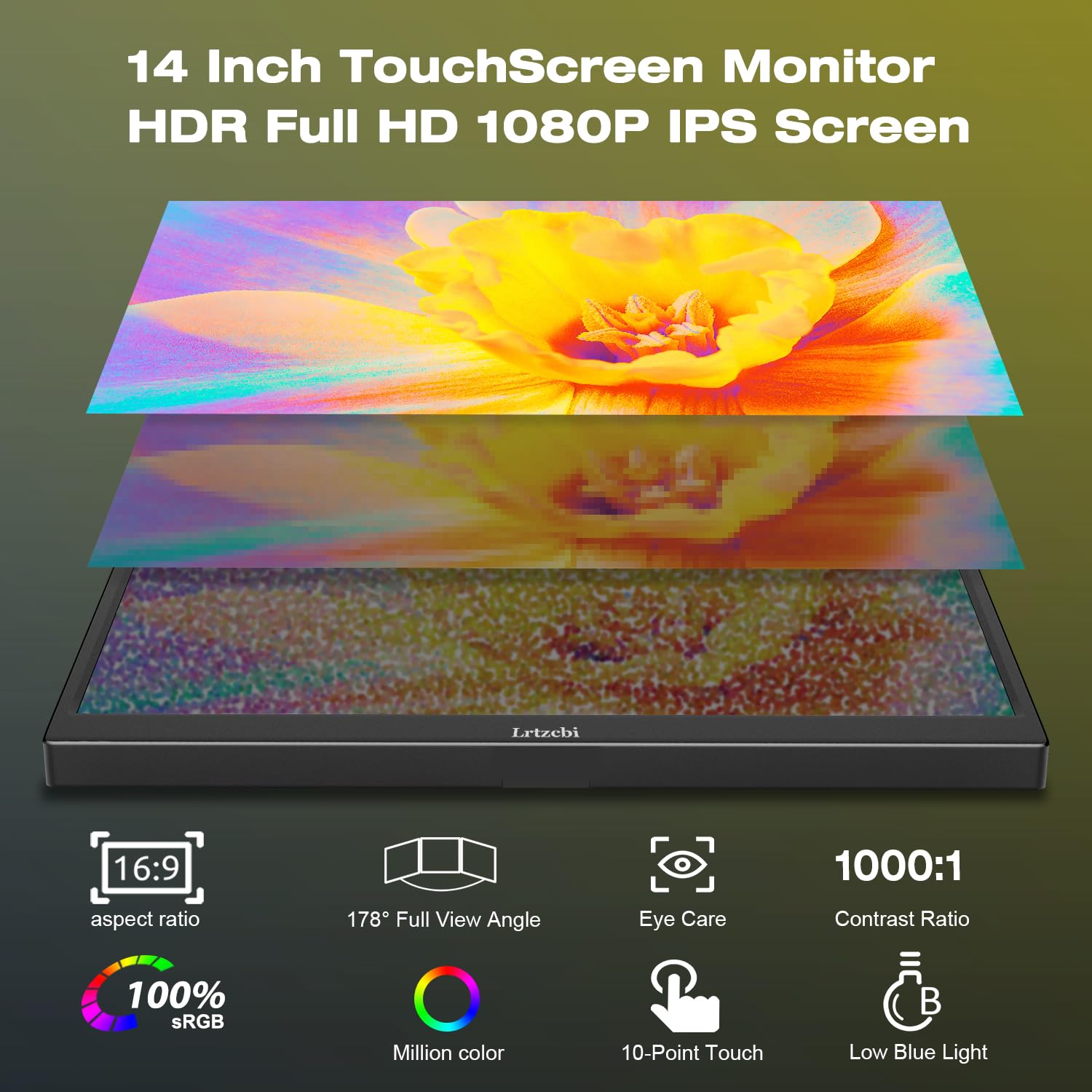
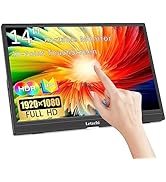
The Lrtzcbi 14-inch portable touchscreen monitor delivers crisp 1920x1080 HDR visuals on an IPS panel with 178° viewing angles. Featuring 10-point multi-touch support and versatile USB-C, HDMI, and OTG connectivity, it’s designed for seamless plug-and-play use across laptops, phones, gaming consoles, and Raspberry Pi. Lightweight and slim, it offers flexible display modes to boost productivity or gaming on the move.






| ASIN | B0D7HRS68D |
| Best Sellers Rank | 16,230 in Computers & Accessories ( See Top 100 in Computers & Accessories ) 304 in Monitors |
| Brand | Lrtzcbi |
| Colour | sRGB |
| Customer Reviews | 3.8 3.8 out of 5 stars (74) |
| Date First Available | 19 Jun. 2024 |
| Guaranteed software updates until | unknown |
| Item Weight | 1.05 kg |
| Item model number | HD-14 |
| Manufacturer | Shenzhen Kenowa Electronics Co., LTD |
| Number of HDMI Ports | 1 |
| Number of USB 3.0 Ports | 2 |
| Product Dimensions | 2 x 22 x 31 cm; 1.05 kg |
| Resolution | 1920 x 1080 Pixels |
| Screen Resolution | 1920x1080 |
| Series | HD-14 |
| Standing screen display size | 14 Inches |
| Voltage | 5 Volts |
P**L
Works great for Microsoft Flight Simulator and Air Manager
Purchased 2 of these to use with MSFS and Air Manager alongside my DIY knobster so that I don't need to use the mouse in the cockpit to manipulate the in game knobs. Screen is a good size and quality and touch capabilities is fine for my use case. I've connected to my PC with both HDMI cable and usb c, since my PC doesn't have usb c slots that can take video which means a HDMI cable is needed - the usb c just supplies power.
P**Y
May not be suitable for my needs, but it's a stunning screen, let down by lack of guidance
I have a very specific need that led to me buying this. I'm creating a flight deck and wanted a device to display cockpit controls on, which was interactive. This sounded to me like it was just the ticket. Size good. Touchscreen capable. Price good. So I went ahead and bought it. Had this been a normal monitor, I'd have not worried so much. But I have to say the instructions were a bit of a joke. A tiny booklet marginally bigger than a business card that folds out. Lots of image, but not at all clear, at least to me. And I suspected I'd need 3 cables (HDMI and two USB-C). My first point of confusion was I thought the USB-A connector was how to connect this as a touchscreen, therefore emulating the mouse. My older touchscreen worked exactly like this. USB-B to the computer and it worked. But the instructions say this is for a keyboard or mouse, and I think they mean it's a kind of loop-through connector. A bit like a one input hub. I don't think it has any bearing on this as a touchscreen. So I plugged in one USB-C cable from a 2017 iMac and HDMI. I managed to get an image - yay! But no touchscreen capability. So I plugged in another USB-C as I'd read you might need to. Sure enough I was able to get touch capability. But it didn't work anything like I expected. And this might make this unsuitable for my needs. I configured it as an extension screen, and then dragged a window onto it. Dropping the window on this touchscreen I was able to move it around and interact via touché which is what I want. But if I move the pointer back to the main screen then try and interact, the touchscreen works more like a touchpad and impacts the main screen. So it's like I can extend the screen visually but the touch interaction is limited by which screen has focus. I need this to allow me to click on this screen to interact with the thing I've clicked on (fairly obviously). But if it doesn't have focus, I would have to move the mouse pointer first to bring the screen into focus, then interact. The moment the system gives focus back to another screen I'd have to repeat this. Definitely a show-stopper. Not sure what's going on here. I saw some buyers mention that you have to have a certain version of USB for this to work. However not sure how I could possibly know which version of USB I have. I know it's USB-3 but that's it. Would be grateful for help on this. The screen itself is absolutely stunning and the image quality of the flight instruments reminds me of an actual cockpit. I could live without the touch capability but already have a plethora of this kind of screen, so don't need more of the same. I really need to get the touch capability working if I'm to keep it. The other thing I noticed is if I rotate the display in the computer's settings to be portrait. Even with focus, the touch feature does not work at all well. So I'm clicking top left and moving right and the cursor appears elsewhere on the screen and travels vertically. It's like the mouse mapping hasn't been rotated. Really confused by all the above and what a shame as I really want to keep it. If the seller or any knowledgeable buyer could give me guidance I'd be so grateful. Thank you
T**N
Exactly what I wanted
Great item, simple controls and a lovely quality screen. I was looking for a screen to use OBS and Discord with, but as I have big studio speakers (not placed yet so not in the picture), I dont have space for 2 screens next to eachother without having an uncomfortable placement. Glad I went for 14 inch as any less would have been too small for OBS and discord i think. I have some rack mounts on my desk so I installed a couple of red hooks on them and just lean it back. Works perfectly and does everything I need. Cant speak to how long it will last, as this is the first day, but I'm very happy!
M**N
Avoid a headache!
Touchscreen did not work in any configuration and was connected to multiple devices. Beware could be scam sending out non touchscreen displays out as touchscreen displays or could be a mistake in picking in the warehouse but i doubt it. On the box it come in no mention of touchscreen on it. Time waste save your time and money at this price it is too good to be true i think.
A**R
Decent budget touchscreen. Works well with phone as long as you have the correct usb lead (supplied)
Positives - compact and lightweight, colours are reasonable, but not perfect in colour temp. (However, Adjustment steps are large, so difficult to get right.) Touch screen works very well and pretty responsive - works seamlessly with Samsung DeX. Like the rear stand which folds down flat, but can be adjusted to different angles. HDMI also works well. Negatives - feels a little cheap and plasticy, no case, so will need something to protect screen when travelling. A normal usb c to usb c charge lead will not work as a display cable as it needs to be usb 3.1 minimum to transmit the video data. This was not initally supplied (should have been in box) but seller was helpful when contacted and posted one separately that made all the difference. On screen controls can be fiddly to operate. Built in sound is ok, but its much better using a Bluetooth speaker. Overall a sound purchase - the touchscreen standing out overall in its features.
G**M
Excellent touch screen with in-built speakers
Monitor is of good quality with multi touch functionality and in-built speakers. It works with thunderbolt type C cable without any additional wires or connections. You can also connect your phone to this but that would require to connect AC adapter to monitor. I use it as second monitor to view teams chats while working. Overall I really like this and it is a steal at this price.
S**K
Great screen for use in multiview setup
This additional screen I have in front of my dial monitor setup and is angles in such a way as it gives me easy control of MS teams which I keep in this screen. I can then use the telephony functionality of MS Teams enterprise voice easily as using with a mouse is clumsy. I can easily turn on and off the mic and camera by quickly touching the screen. Connects to my Dell setup with a single USB C cable which gives power and video signal. The screen is sharp, albeit a touch yellowish when reset but this can be easily sorted by using the side buttons to alter the colour settings. For the price it adds loads of functionality for little money. Can highly recommend.
M**E
Great Value Screen
PROS: Good quality screen, nice and sharp, great viewing angles Touch is responsive, I rarely make mistouch (but i guess it depends on the size of your fingers) Very light and portable CONS: Because it is light and the stand has no rubber grip, it can be pushed backwards if you stab at it too vigorously when it's on a smooth desk surface. There is a slight amount of electrical whine unless you put the brightness to max
Trustpilot
1 month ago
3 weeks ago