
DOWNLOAD THE APP


Customer Services
Copyright © 2025 Desertcart Holdings Limited
DOWNLOAD THE APP

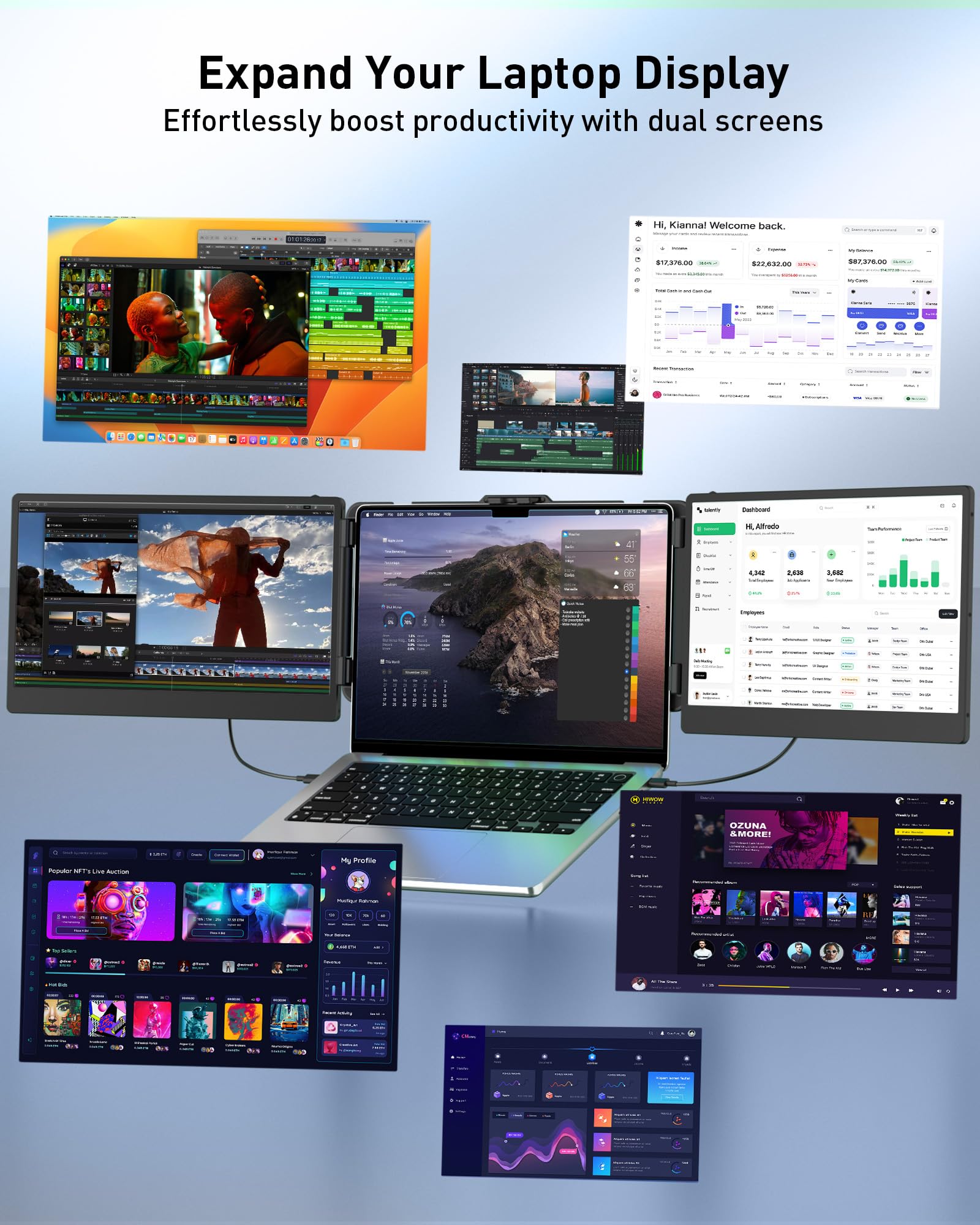
🚀 Triple Your Screen, Triple Your Hustle!
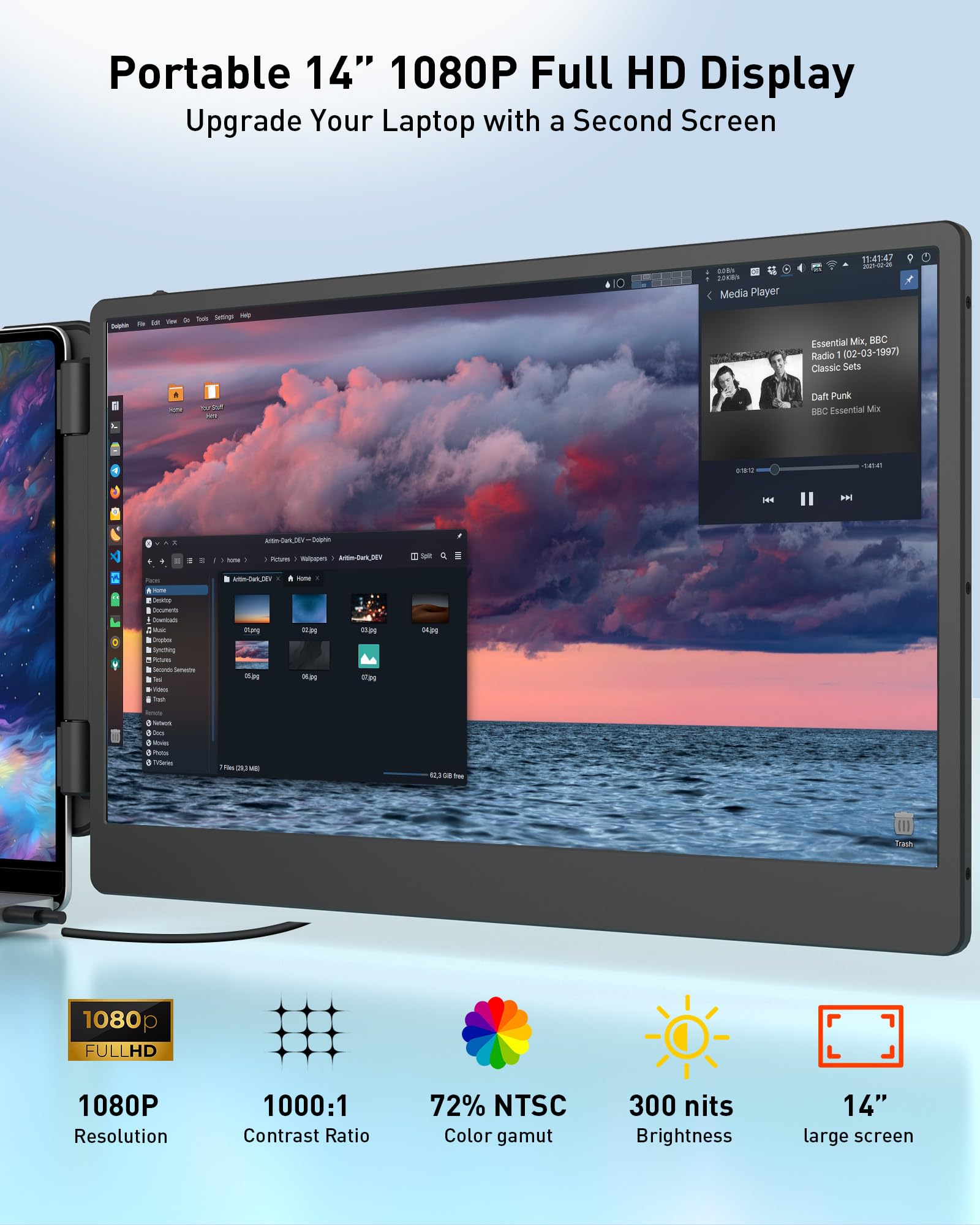
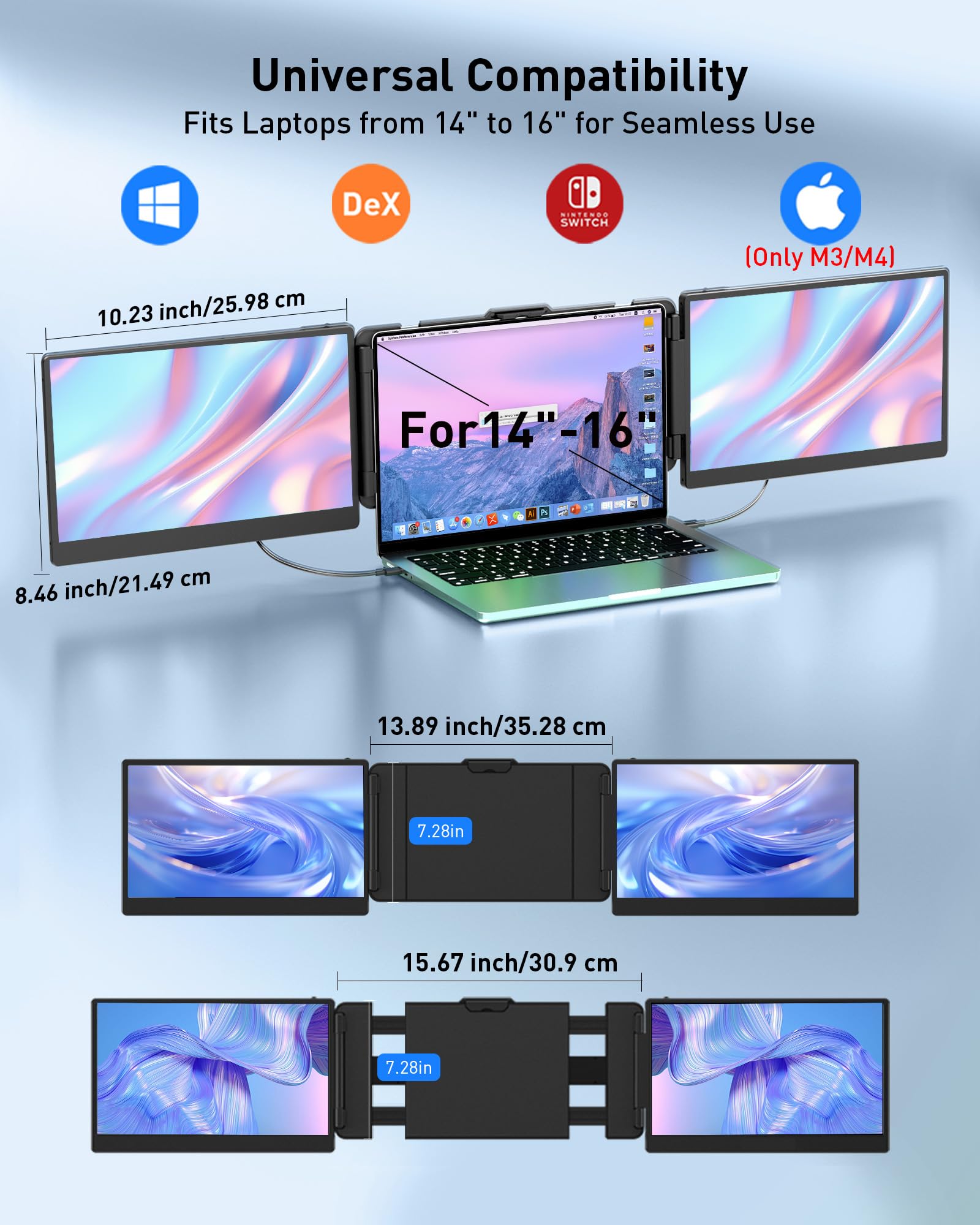
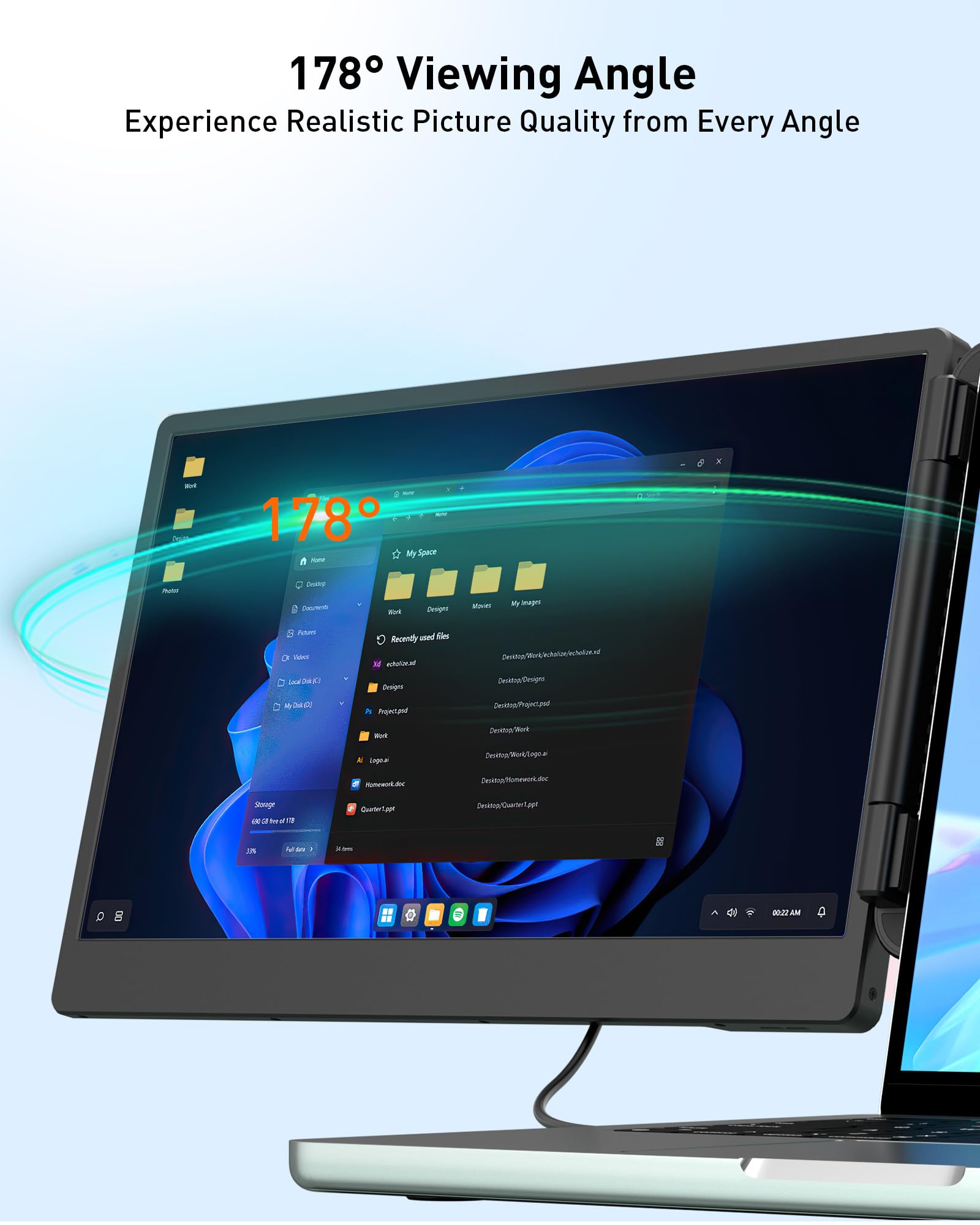
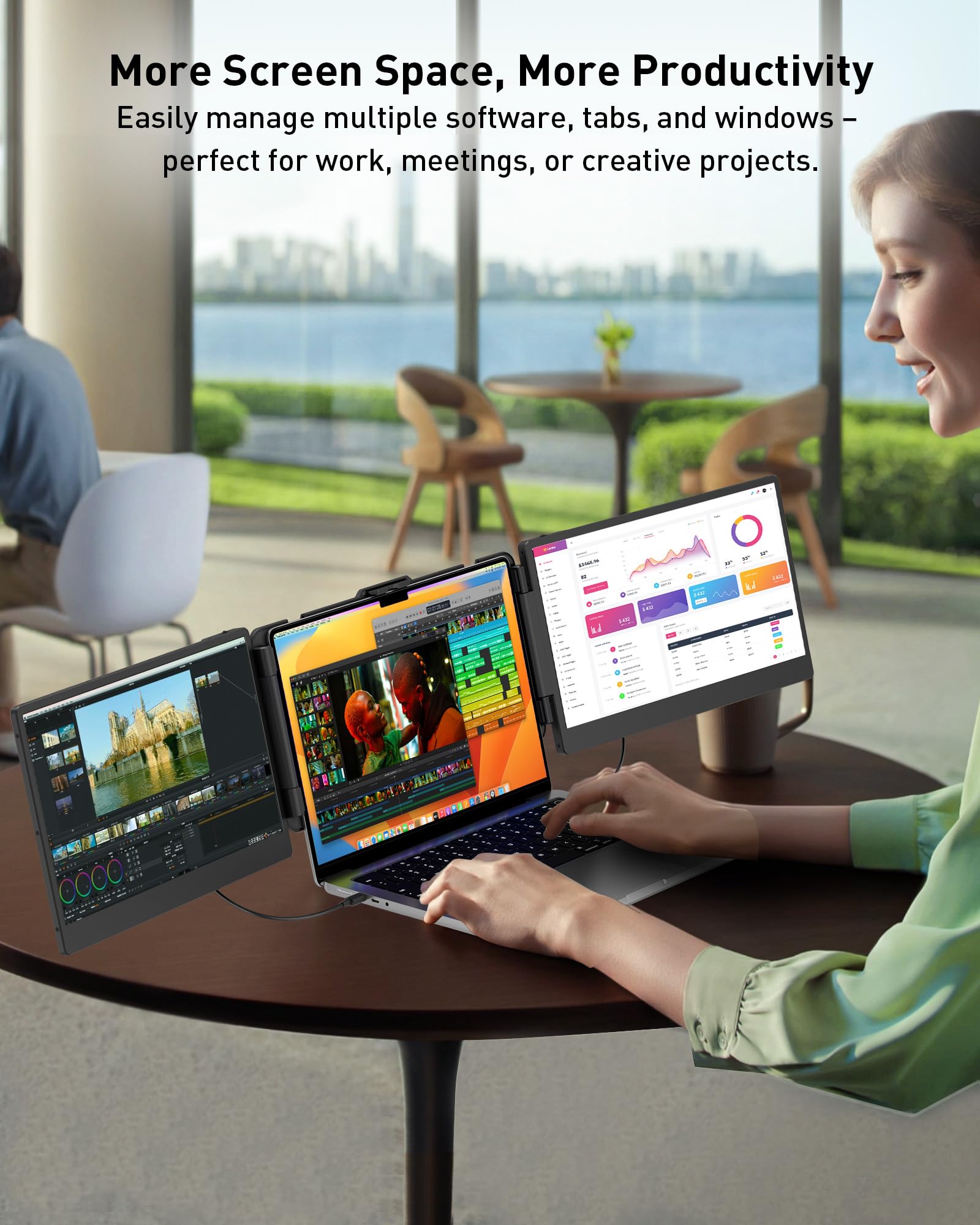
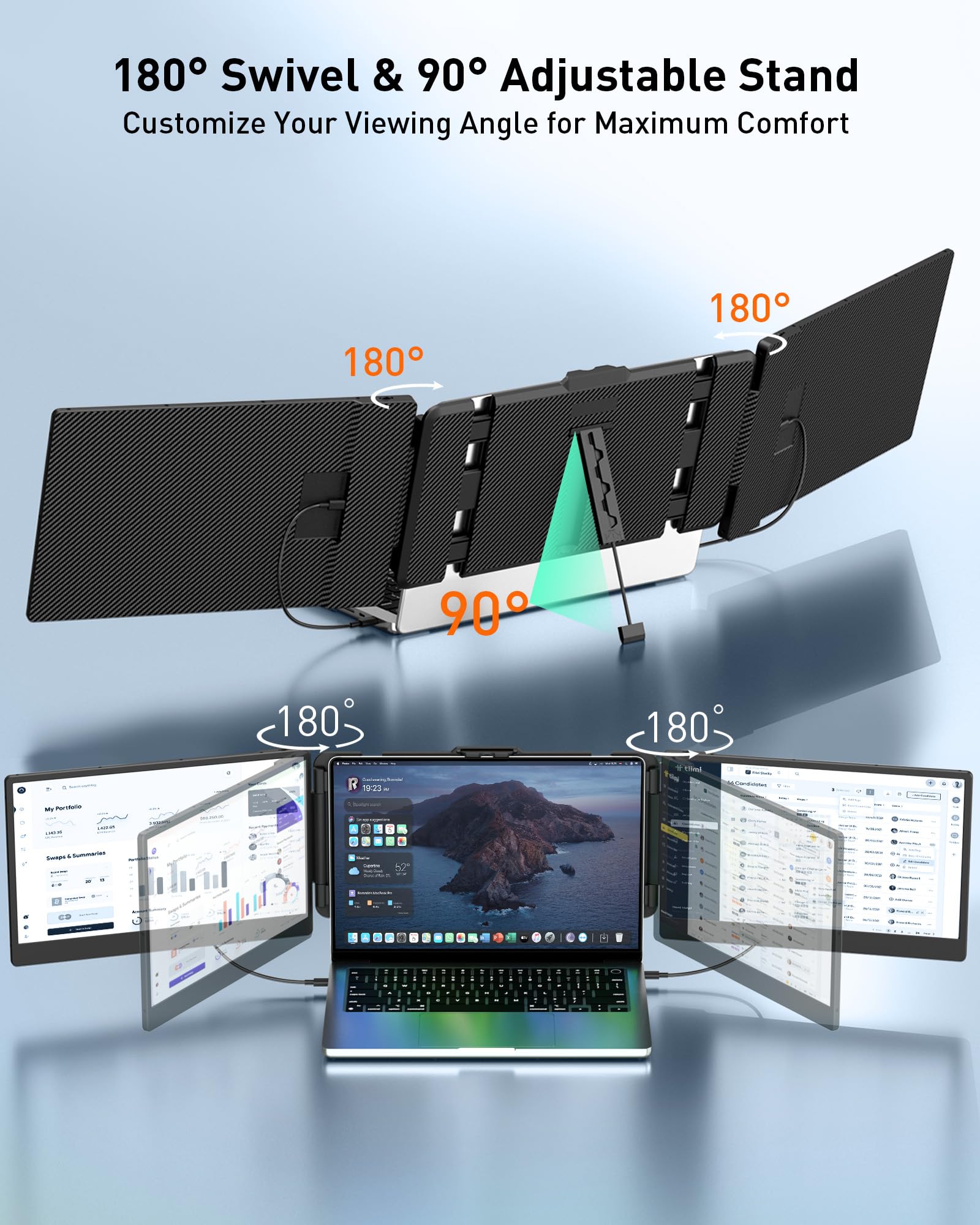
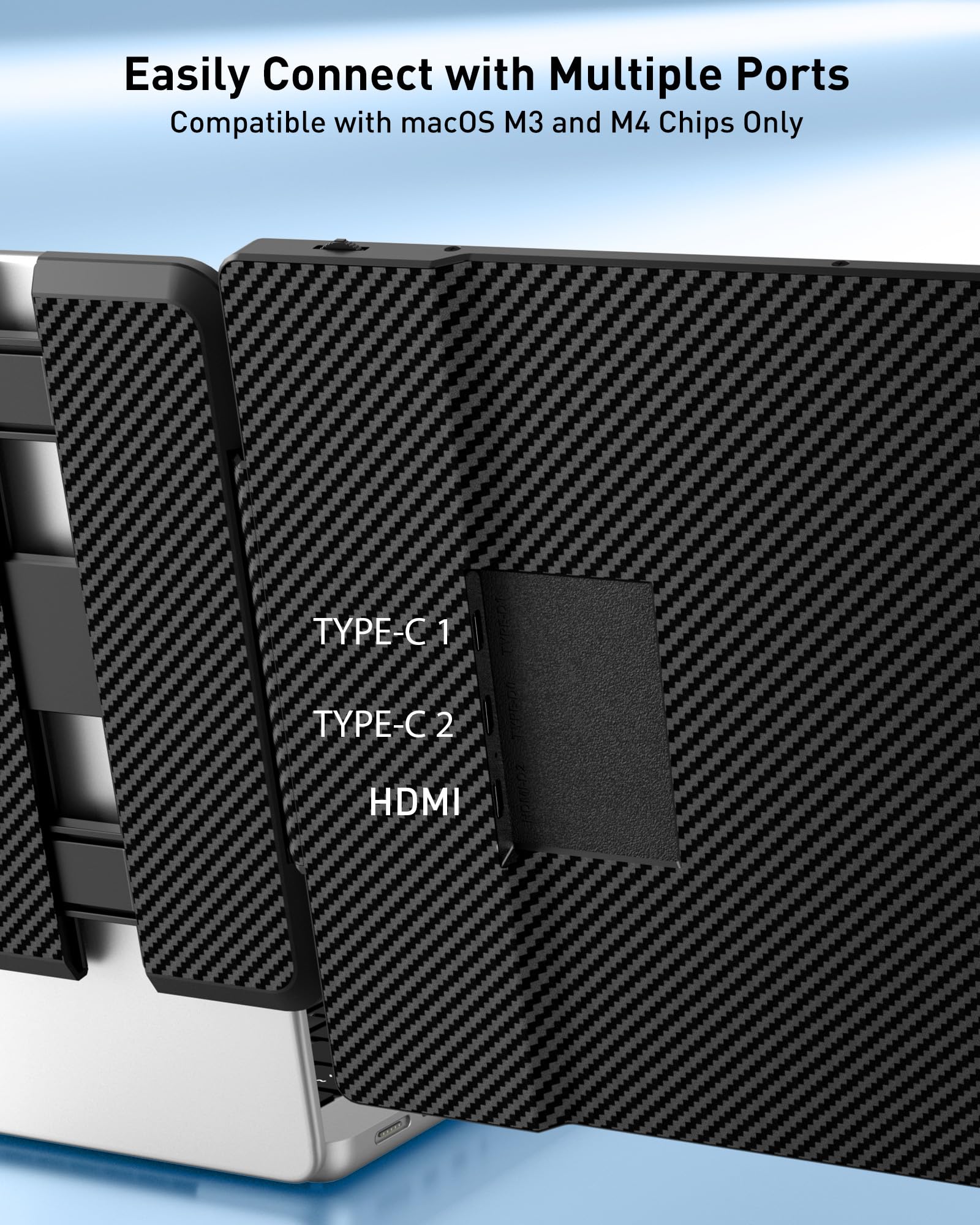
The MarsMyth S2 Triple Monitor is a 14-inch portable Full HD (1920x1080) IPS screen extender designed to boost productivity by 200%. It supports plug-and-play connectivity via Type-C, HDMI, and USB-A ports without requiring drivers, and offers flexible 180° rotation and multiple display modes. Compatible with a wide range of laptops (13-17''), Windows, Mac, Android, and gaming consoles, it delivers vibrant visuals and ergonomic viewing for professionals on the move.


| ASIN | B0CTMJ151X |
| Are Batteries Included | No |
| Audio Details | Headphones |
| Average Battery Life (in hours) | 6 Hours |
| Best Sellers Rank | #111,721 in Computers ( See Top 100 in Computers ) #2,731 in Computer Monitors |
| Brand | MarsMyth |
| Color | Grey |
| Customer Reviews | 4.2 4.2 out of 5 stars (272) |
| Date First Available | 2 February 2024 |
| Graphics Card Description | Dedicated |
| Graphics Chipset Brand | Intel |
| Hard Drive Size | 1 |
| Item Weight | 3.15 Kilograms |
| Item model number | S2 |
| Manufacturer | MarsMyth |
| Memory Technology | DDR4 |
| Number of HDMI Ports | 1 |
| Number of USB 3.0 Ports | 1 |
| Operating System | Windows |
| Processor Brand | Intel |
| Product Dimensions | 20.68 x 47.98 x 3.86 cm; 3.15 kg |
| RAM Size | 8 |
| Resolution | 1920 x 1080 Pixels |
| Screen Resolution | 1920x1080 |
| Series | S2 |
| Standing screen display size | 14 Inches |
| Voltage | 240 Volts |
A**N
Garbage product, it was working fine for like two weeks. But now my laptop's internal display isn't working. This thing caused my laptop's display to malfunction—it’s not working at all.
L**A
It's a 14'' portable device for a laptop, and I was very impressed with its performance and ease of use. This screen extension tool is a game changer in improving productivity and multitasking capabilities, especially for someone like me who constantly switches between apps and windows. The first thing that caught my eye was the seamless plug-and-play setup. It was easy to connect to my laptop, which ranges between 13'' and 17''. Compatibility with Windows and Mac systems, as well as PS5, shows the versatility of this device, making it a perfect choice for a wide range of users. FHD 1080P resolution delivers sharp, clear visuals, making every detail stand out, whether I'm working on spreadsheets, watching videos, or playing games. The addition of internal speakers was a pleasant surprise, offering decent sound quality that enhances the overall experience without the need for external speakers, I really like this product, very cool and easy to use!!!!
Q**N
Yo this literally saved my life! If you WFH or are a digital nomad, this is the must have item. Gives you two additional screens which obviously is way better than just the laptop screen alone. The monitors are pretty small but once you adjust the font and zoom you hardly even notice. The only caveat is that each monitor does require its own c-port plus in so if your laptop have mostly usb ports you will be limited to using both monitors only when the laptop have two c ports available. I’m sure you can get an adapter for this but it just sucks that the two monitors aren’t linked automatically. Aside from that, this is a game changer. It also folds really flat so it’s easy to travel with. Love it!
B**R
I had borrowed one of these from a friend for a week. She needed it back, and I was so used to it, I bought my own. Same model. It's now a permanent part of my computer bag and doesn't add much weight. On my MacBook, when connecting the screen with the USB video cable, it immediately works. I can use the Display section of System Settings to control resolution and positioning, so the mouse pointer travels as expected. I found the default resolution to be too low, but it was easy to increase it. I use the screen in extension mode, so I can drag applications onto it. The manual that comes with it says to use only the included USB cable, but you can use any USB-C video cable. It's industry-standard. The part of the device that clamps onto the back of the laptop screen has an easel stand that you can pull out and adjust the length. This provides stability and support when the laptop is on a table. I usually sit in a comfy chair with the MacBook in my lap, and the screen works fine like that. Two small caveats to be aware of: when the screen is connected, it uses more battery. This is to be expected. Also, it attaches properly only on the right side. I tried attaching it on the left (which I prefer), but in that position, there is no fold-out piece to rest on the top of the built-in screen. When the extension is on the right side, there is a fold-out piece that prevents the clamp from sliding too far down.
D**D
At first, I thought the screen extender was defective. I connected everything, but the screen stayed black. I tried different cables, restarted my laptop, and was about to return it. But then I realized it wasn’t the monitor’s fault — it was my laptop port. Turns out, not all USB-C ports support video output. My laptop’s USB-C port is only for charging and data, so the display didn’t show anything. I ended up using an HDMI-to-USB-C adapter with the included HDMI cable, and it worked instantly! The screen quality is great, and it's super convenient for multitasking. During Zoom meetings, I can use the extender to look things up or take notes on the side — really handy. Just a heads-up: if the screen doesn’t show up right away, check if your port supports video output. Once that’s sorted, this extender works perfectly.
Trustpilot
2 days ago
4 days ago