🔥 Stay warm, stay smart — control your heating like a pro! 📲
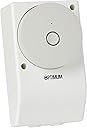
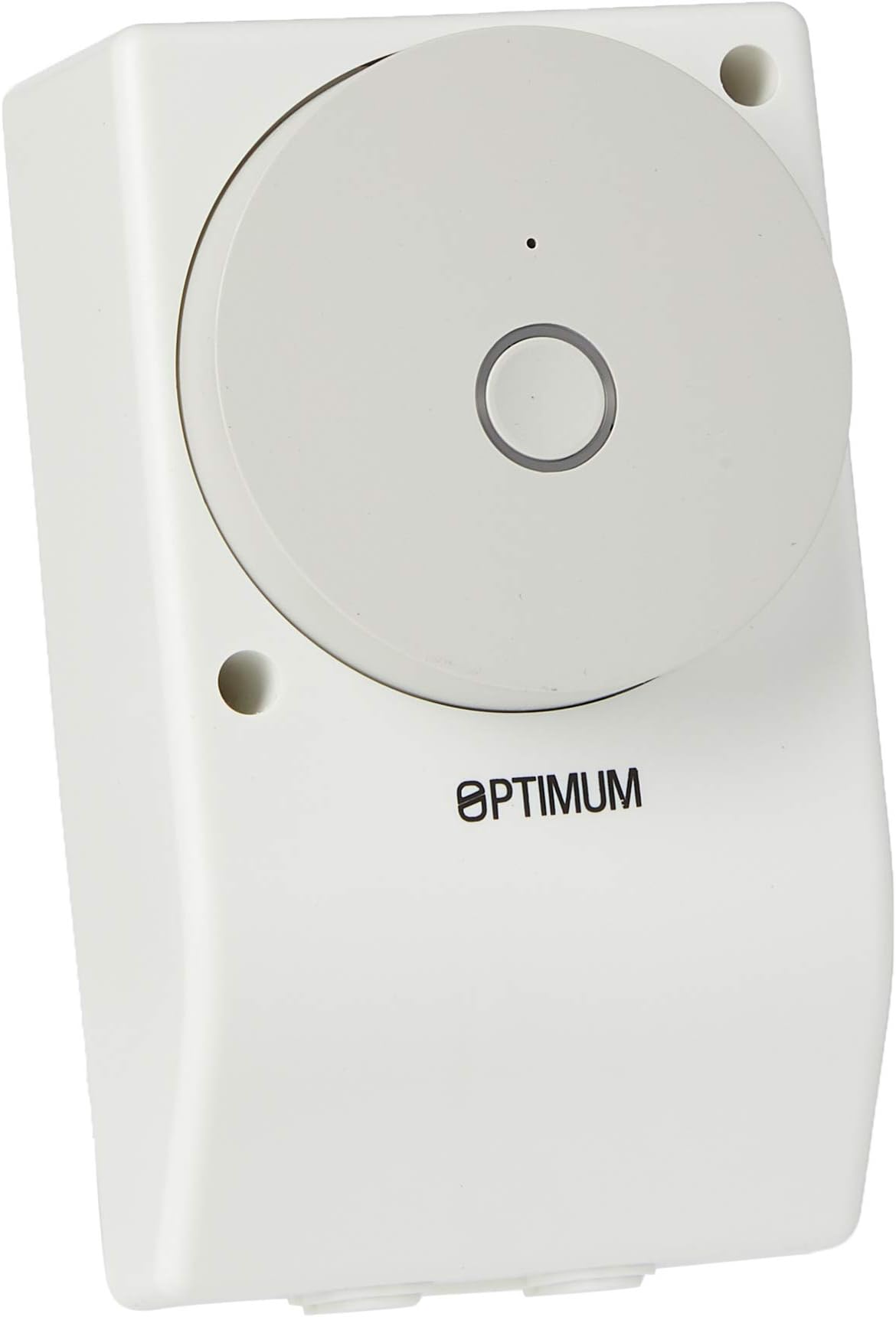
The Optimum OP-BM/IHTWF01 is a Wi-Fi enabled universal boiler and immersion heater module designed for professional-grade remote heating control. Featuring 20 programmable on/off schedules, compatibility with Alexa and Google Assistant, and robust AES encryption, it offers flexible, secure, and energy-efficient management of your heating system. Its volt-free SPDT contacts support up to 16 amps at 230V, and a manual override ensures uninterrupted control even without connectivity. Compact and easy to install, this module is perfect for modern smart homes aiming to optimize comfort and convenience.
| ASIN | B077NBZ3LD |
| Batteries Required? | No |
| Batteries included? | No |
| Best Sellers Rank | 119,356 in DIY & Tools ( See Top 100 in DIY & Tools ) 312 in Water Heaters & Parts |
| Colour | White |
| Customer Reviews | 3.9 3.9 out of 5 stars (173) |
| Date First Available | 21 Nov. 2017 |
| Included Components | 1 x General Purpose WiFi timer; 1 x Installer Instructions; 1 x User Instructions |
| Item Package Quantity | 1 |
| Item Weight | 140 g |
| Item model number | OP-BM/IHTWF01 |
| Manufacturer | Tower Flue Components |
| Material | Plastic |
| Measurement System | Metric |
| Number of Pieces | 1 |
| Part Number | OP-BM/IHTWF01 |
| Power Source | AC |
| Product Dimensions | 4.6 x 7 x 11.9 cm; 140 g |
| Shape | Rectangular |
| Style | Plain |
| Usage | Inside;Amateur |
| Voltage | 230 Volts |
| Wattage | 3000 watts |
T**3
Great For Immersion Heaters On Economy 7
Brought this with a little scepticism as I've never installed or used smart home tech before. Installation was a breeze and takes no more effort than a standard emerson timer to fit. Connecting to the app was a little tricky, I found ensuring the router was set to 2.4Ghz before turning the plug on helps. I installed the app and selected the unit as a water heater rather than I smart plug, which worked just fine. The timer options in the app are amazing and allow a lot of flexibility with on/off times and days. The lag time between the mobile app and the unit physically switching is indistinguishable, even when on GSM rather than wifi. I have also linked the unit into our google nest so the boost can be used without even having to lift a finger, very cool. Overall I'm super impressed with this unit and would recommend to anyone with an immersion heater and a economy 7 meter.
M**K
Tricky to link with Google Home (but not impossible)
Arrived promptly and relatively easy to install, provided you understand how to safely fit mains electrics and know which wire is which. Note the switch is not compatible with a standard socket box width and the screw holes don't match up so if you're replacing one that's currently using one, you'll need to remove that and make new holes. Luckily it's narrower and fits flush against a surface, but do check the dimensions given in the description before buying. The 'C-Home' app to control the timer is 'Chome' on Android as there appears to already be another 'C-Home' app which is not the app you want. This makes it tricky to find on Google Play which assumes you might have mis-typed Chrome, but it does appear in the list just further down. The app's a bit quirky too and includes a Programmer function for time related controls (on/off, days of the weeks etc.) that you'd expect. The countdown allows you to flick switch after a specific time interval. Its a bit confusing, but if you want to the device switch to be on for a period of time (eg for a boost, say) you have to switch the device on before you set the countdown timer - a bit more fiddly than the usual 'boost' function you have would on a traditional controller, but workable once you've sussed it. There's a random function in the app too - presumably intended for controlling lighting rather than a water heater. Probably the most frustrating thing has been that the app looks as tough it should link to Google Home / Assistant, but just seems to hang when you try to connect. Google Home does not include the C-home in the apps that come up under its Works with Google setting. In the end, I used the Chome app to connect and name the device and programme in the timer function, then uninstalled the app and connected it manually in a smart switching app I had for another device which then allowed it to be added to Google Home. Once added to Google Home you can then use the app or smart speaker to switch it on or off outside the programmed timer settings. I thought I'd then be able to ask the Google Assistant to switch it on for 1 hour (to replicate the boost function), but apparently Google don't allow that on switching devices for safety reasons. Not sure why a boost while you are likely to be in the house is less safe than allowing a programmed timer operate the switch (possibly unattended), but someone somewhere in Google towers has obviously decided to programme that option out. So on balance, relatively easy to physically install if you know what you're doing electrically, certainly appears robustly made physically, does connect to its' own app (once you have the right one installed) but, the app is not so clever functionally, and was even trickier to incorporate into Google Home. Once you've got round those issues, though, it appears to work well as a programmable timer, overrides programming via a button on the unit and also over wi-fi by app and does most of what you'd need from an immersion heater switch. A single step boost option would have been useful.
N**N
Octopus Agile | Update
This device is great for both convenience and saving money. I am on an Octopus Agile tariff which means the prices for energy change half hourly based on wholesale prices. Using Home Assistant I am able to run the timer at the cheapest 4 hour block to heat my water (typically overnight) or use as an energy drain when we are paid to use energy. I've experienced good connectivity through a wall in an airing cupboard and setup is simple. The backend is backed by Tuya and had no luck flashing Tasmota or ESP home unfortunately, which means I can't control this device without a working internet connection (as it has to talk to the cloud). Wiring was relatively simple although you need to strip back a lot of wire as the poles are far away from eachother and common is a bit of a stretch. You can also take out the bus bar and effectively isolate the switched side of the device if you want, if you leave it in it will jump it from the mains. I noticed the device get slightly warm under a 3Kw load. UPDATE: Unfortunately after ~3 months the unit has failed. It looks like the internal relay/smart controller component has melted. Very unfortunate...
A**R
21st century smart immersion heater controller.
I have to confess to being an elderly, short-sighted, lazy technophile so, when the opportunity to replace my trusty old Timeguard analogue immersion controller with a WiFi enabled, Alexa compliant substitute which could also be controlled by an app on my smartphone (which I could easily see!), I spent all my Father’s Day money to acquire this neat, capable piece of digital kit. Installation was straightforward - it pretty well covered the hole left behind by the Timeguard. I used the Smart Life Ahome app to connect it to my home WiFi since I have a number of smart plugs which already use it and off we went. I doubt that I’ll have much need to use the various timers or scenes available through the app, but they’re there if needed. What I most wanted to be able to do was to be able to sit in my armchair and tell Alexa to heat the water and I can confirm that she dutifully obeyed my instruction. What I also wanted to achieve was to have the switch turn on then off after a preset interval using a single Alexa command. This proved to be a little more challenging but, after much fiddling about, it was accomplished using an Alexa routine consisting of a “turn on” command and a “turn off” command with a “wait” command in between. The trick to make it work was to place the three commands in the routine in the correct order since Alexa placed the wait command at the end rather than in the middle of the routine. Drag and drop came to the rescue and placed the wait command in the middle where it belongs. Now I can tell Alexa to turn hot water on, have the immerser power up for an hour and then switch off without moving anything more than my facial muscles! Needless to say, I would recommend this product to all my fellow wrinkly techs out there.
Trustpilot
3 weeks ago
2 months ago