We remain fully operational. Our teams are working around the clock to ensure your deliveries continue safely.

DOWNLOAD THE APP


Customer Services
Copyright © 2025 Desertcart Holdings Limited
DOWNLOAD THE APP


⚡ Power your home like a pro—fast, wired, and effortless!
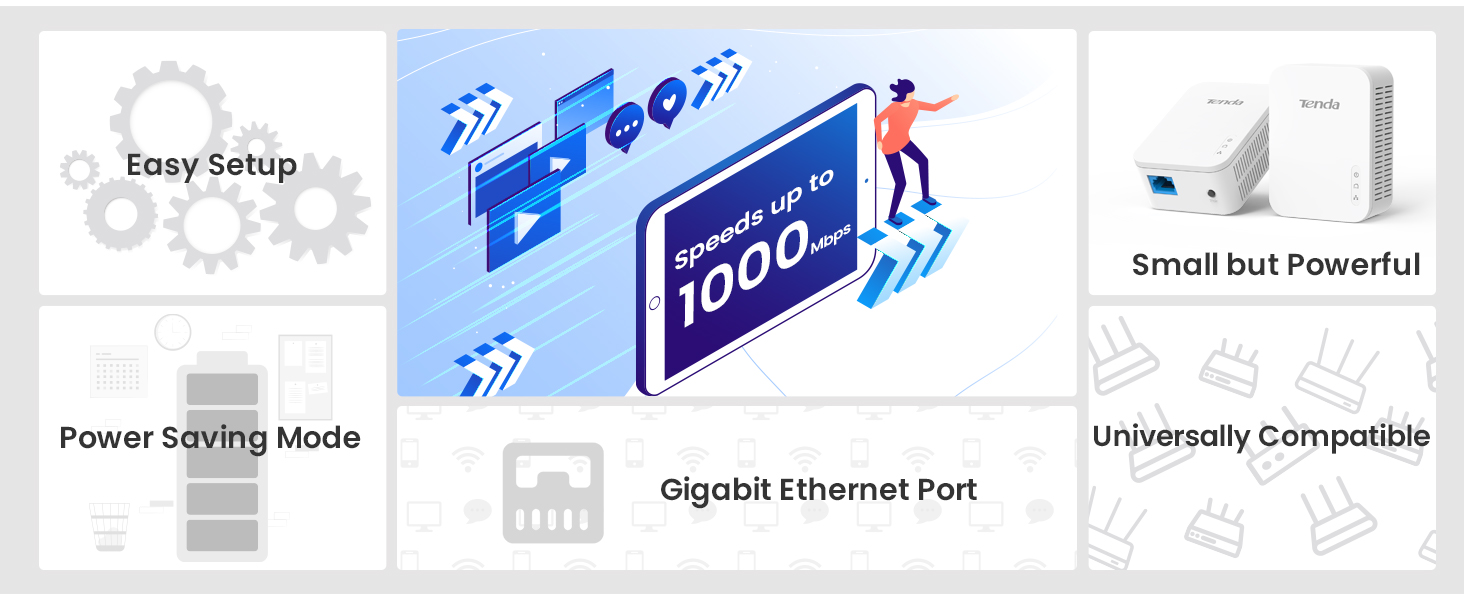
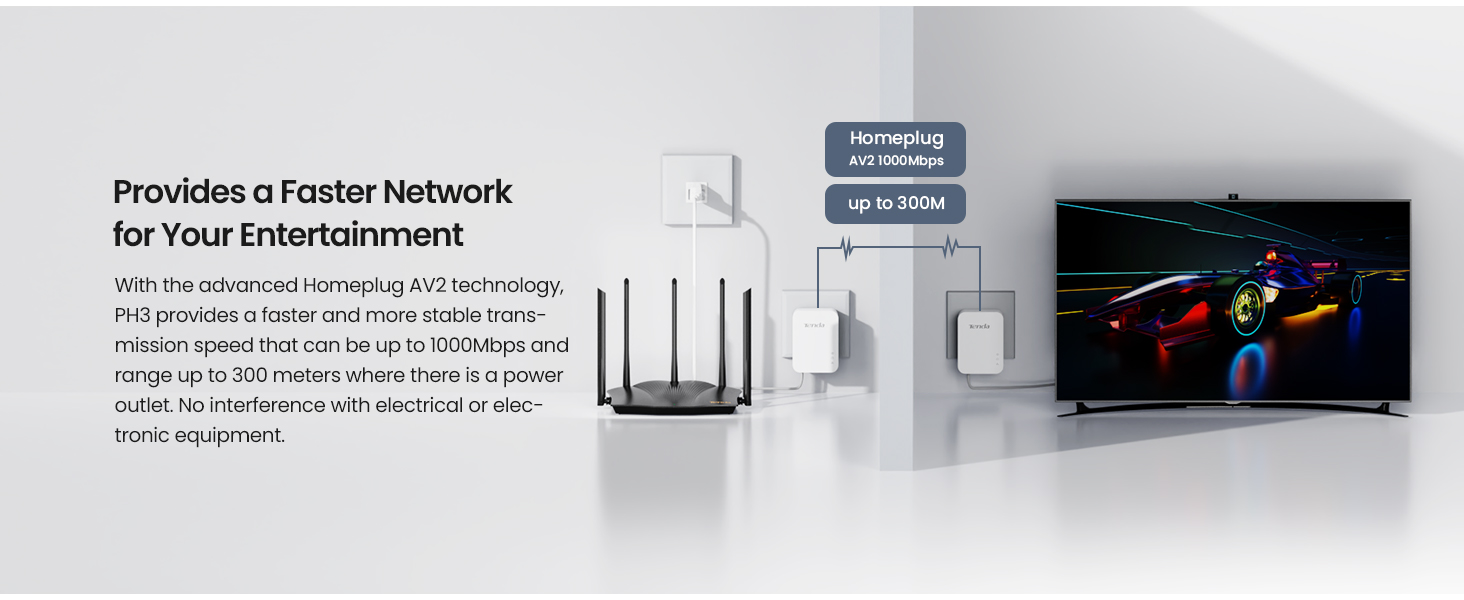
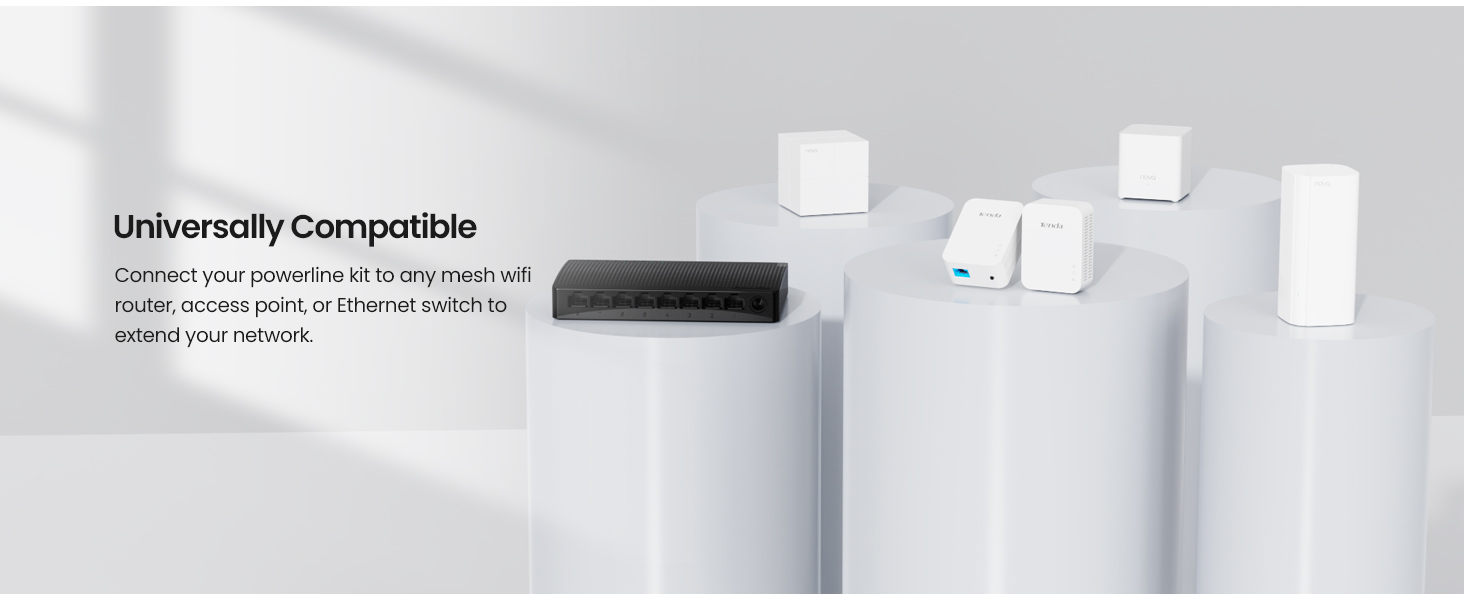
The Tenda AV1000 Powerline Adapter Kit delivers up to 1000 Mbps over your home’s electrical wiring, featuring gigabit Ethernet ports for stable wired connections ideal for HD, 3D, and 4K streaming or gaming. Its plug-and-play design ensures quick setup, while an intelligent power-saving mode reduces energy consumption by up to 85%. Best performance is achieved when adapters share the same electrical circuit, making it a smart, budget-friendly upgrade for professionals craving reliable, high-speed internet beyond WiFi dead zones.





| ASIN | B01N1JN6CV |
| Best Sellers Rank | #69 in Powerline Network Adapters |
| Customer Reviews | 4.1 4.1 out of 5 stars (2,567) |
| Date First Available | November 23, 2016 |
| Is Discontinued By Manufacturer | No |
| Item Weight | 3.53 ounces |
| Item model number | AV1000 |
| Manufacturer | Tenda |
| Product Dimensions | 2.5 x 1.5 x 3.25 inches |
N**F
Worked surprisingly well!
We just moved into a new home, and we were considering routing ethernet through the walls because the office is far from the wireless router and dropping zoom calls. I was pretty skeptical, but this $40 product allowed us to avoid all that! I did some testing with the powerline adapter to see how well it worked. Some takeaways: * The powerline adapter more than doubled the download speeds! I didn't think the result would be this pronounced, but there was a clear improvement * Surge suppressors have a strong impact on the clarity of the signal if you put the powerline adapter on it. I was skeptical of this as well (it's all copper right?) but it turns out the surge suppressors made it worse than the wifi. * Upload speeds weren't affected in my case. This indicates my upload speeds are more likely throttled by the ISP but thought it was interesting. I would highly recommend this adapter - it's a cheap, easy-to-install solution that could greatly improve your internet speeds. For those who are interested I included my test results below. Download speed results: Original Wireless: 49.5 Mbps With Powerline Adapter: ***122.7 and 129.7 Mbps*** (measured on two different days) Powerline Adapters on a surge suppressor: 12.8 Mbps Upload speed results: Original Wireless: 22.8 Mbps With Powerline Adapter: 23.6 and 23.6 Mbps Powerline Adapters on a surge suppressor: 17.1 Mbps Other notes for those who have made it this far in the review: We live in a 3 br 2-story house Spectrum is our internet provider on a 400 Mbps plan (I know it's more than we need but the next lower plan would barely support one video user) Good luck!
T**Y
Not what I was expecting
I already have a pair of these at another location and they work very well at that location. I bought these to replace a pair of D-Link powerline adapters (10/100) that I had for a few years that were starting to cut my internet connection constantly so they needed to be replaced and fast due to my remote work/office commitments. I plugged them in and my internet worked right away which was great BUT after performing a speedtest, I got speeds of 2.41 Mbps download and 23.44 Mbps upload. They are rated at 1 Gig speeds but as many reviewers are not aware, the speed depends on the electrical circuit wiring in your home. I can guarantee you that these powerline adapters are not sharing the same breaker nor electrical wiring thus the poor performance numbers. When connecting a CATe cable directly to my router, I get speeds of 91.61 Mbps download and 24.05 Mbps upload. So far, internet is good even at the low speed but if performance does not ramp up in the coming weeks, these adapters are going back as my D-Link adapters were producing much better numbers (20 Mbps) than these Tenda's. I rated them a 4 star due to past performance experience. Update: I changed electrical outlet and got speeds of 36.09 Mbps download and 23.94 Mbps upload. Case closed
D**A
Network cable connection anywhere
Very good Powerline network adapters that perform very well, especially if your home is not wired for networking. I was not able to get as high an internet speed as I would if the cable was connected directly to my router, but overall a decent speed. The speed varies depending on how many network adapters you have in your setup. I was able to use these adapters for streaming services as well as security cameras monitoring with no issues. Also, be sure that you connect the adapter directly to an electrical outlet and not through a surge power strip because the electronics inside the strip will have an affect on internet speeds and can also cause signal drop-out. Setup is simple and easy. Powerline network adapters will work on any outlet in the house on the same circuit, generally any outlet in the house that is on the same electrical panel.
J**K
For best results, may need a basic knowledge of residential wiring.
This works great for what they are designed to do. But you do need some understand basic home wiring to yield the best performance. These adapters will provide the maximum speed if these are plugged into outlets on the same circuit, which means both outlets are fed power by the same single breaker in your service panel. If that's not possible, then they will provide the second-best speed making sure the outlets are at least on the same phase in your panel. Generally this means both outlet circuits will have a breaker on either the left-side bus or the right-side bus in the panel. Last option, which will be the slowest, will be plugging these into outlets that are different phases. So generally speaking, one breaker is on the left and one breaker is on the right inside the service panel. Based on where I needed these, I had to make use of the last option putting these on different phases. That has still provided a consistent connection at 40mbs up/down speeds which was much, much better than the equivalent WiFi signal. One final note, with increased interference you will see more issues. So if you are in a mulit-family dwelling or apartment complex, you may see slower speeds than a single family residence.
F**R
Probably fried my Modem
Used this for about two weeks, had no issues. Then all of a sudden my internet speeds on both wifi and ethernet went from 1gb/s to ~70mb/s in a day, and continued to decline to around 20mb/s over the course of the next week. Replaced the modem, problem went away for a few weeks, then once again my internet speed went haywire. Called AT&T to have a tech come out this time, and he said the most likely cause was this thing. Ended up running a wire through the floor (shoutout to the tech for running the cable and crimping the ends) rather than using this thing and I haven't had any problems since, and this all went down maybe two years ago or so. 0/10. Don't buy it. Either get a PCI-E wifi card for your desktop, replace the wifi on your laptop, or LARP as a caveman with no wifi before using this.
S**.
Muy buen producto, facil de instalar, solo conectas a la corriente y al modem y el otro en la misma red electrica y obtienes casi el 100% de la velocidad, tengo contratado 80MB/s y recibi 79-75MB/s desde planta baja a planta alta cuando se conecta directamente al contacto, probe conectandolo en un regulador de voltaje donde tengo conectada la PC y pierde mucha señal, por lo que recomiendo sea directo en los contactos.
P**G
I really surprised the speed of my internet improving so much , better than my old ones after installing these new ones ...I really am and eagerly present this products to everyone...try it and you will see the results ...and good price too...thank you so much helping me do better job with internet .
G**C
Worked perfectly immediately, still working perfectly a month later. Big improvement over my older D-Link power line units, which required resetting regularly and always ran hot. The Tenda's run much cooler. I did a speed test. Not terribly fast, but fast enough. My concern is reliable network connection at reasonable speed. I'm happy.
M**N
高速で安定してます。WiFi不安定で変えてよかったです
J**M
Ideal solution for getting access in low signal areas of a house. Powerline communication is ideal.
Trustpilot
3 days ago
1 month ago