We remain fully operational. Our teams are working around the clock to ensure your deliveries continue safely.

DOWNLOAD THE APP


Customer Services
Copyright © 2025 Desertcart Holdings Limited
DOWNLOAD THE APP
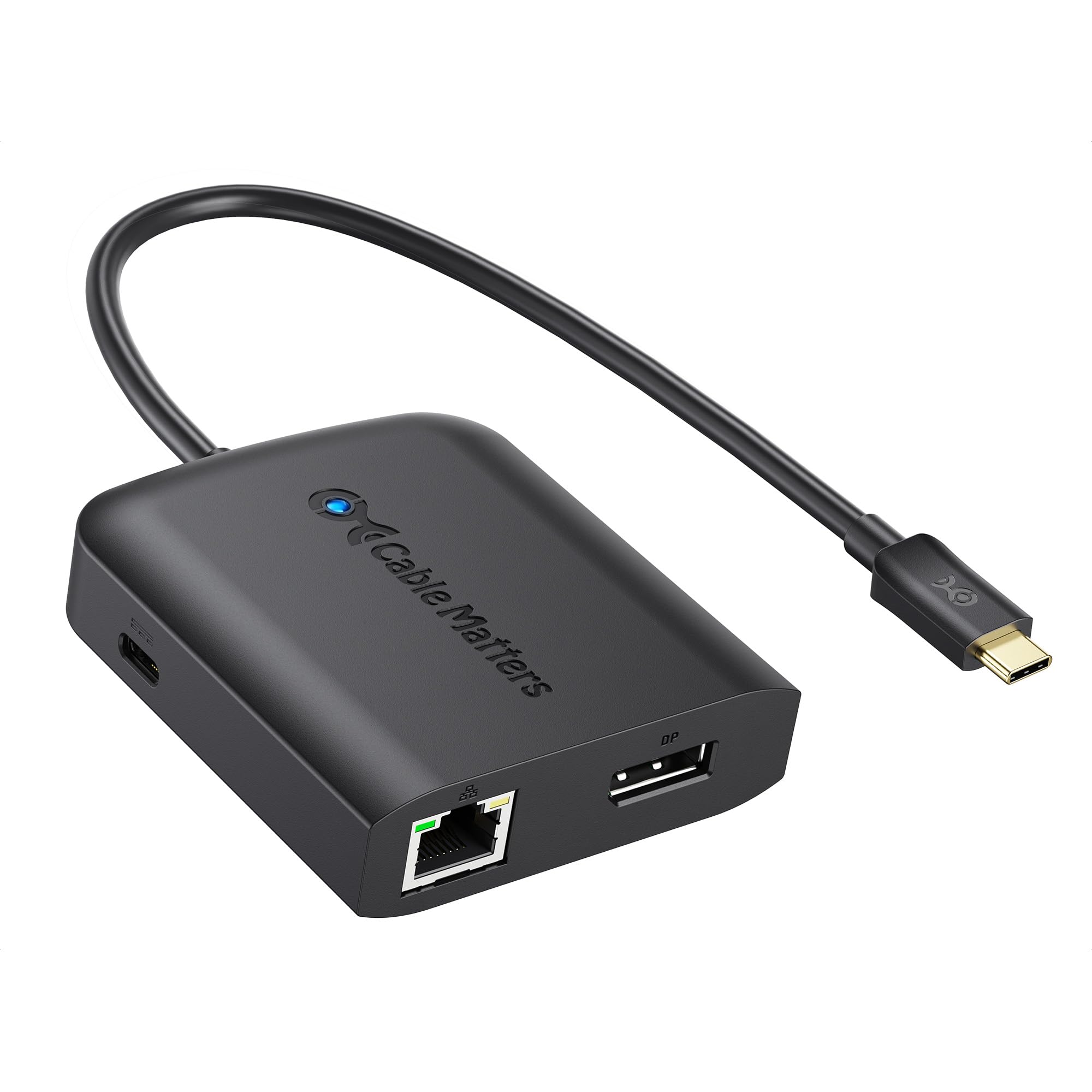
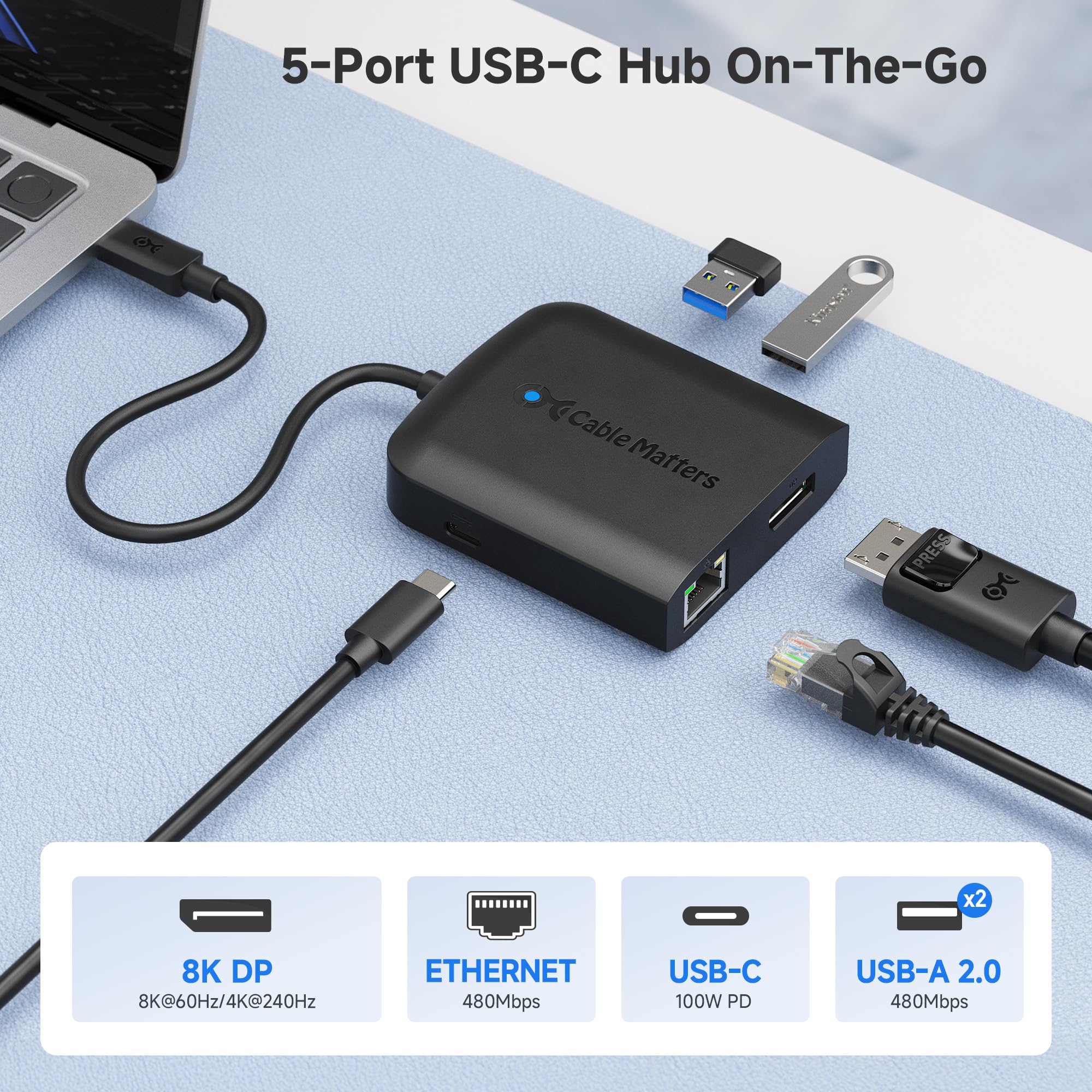
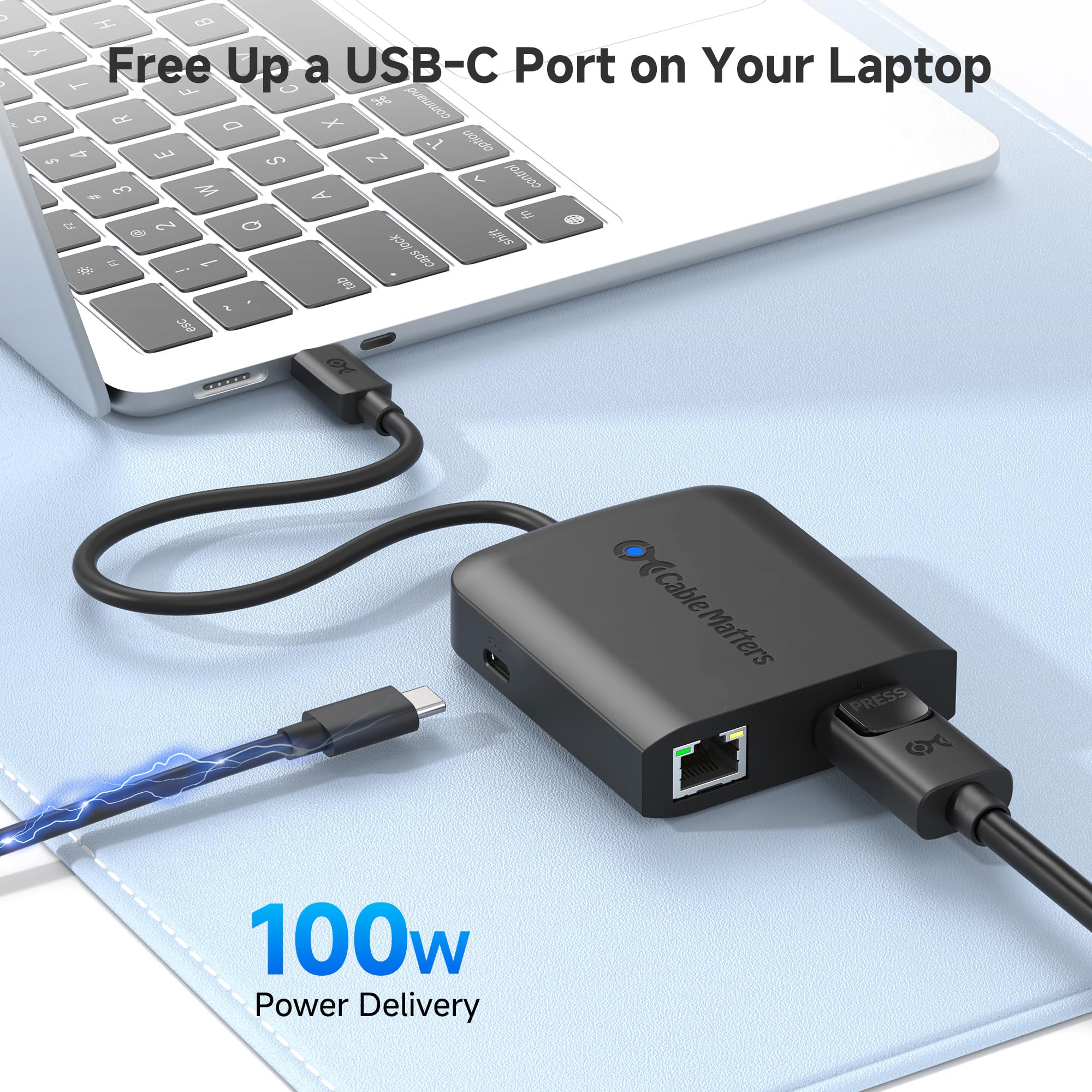
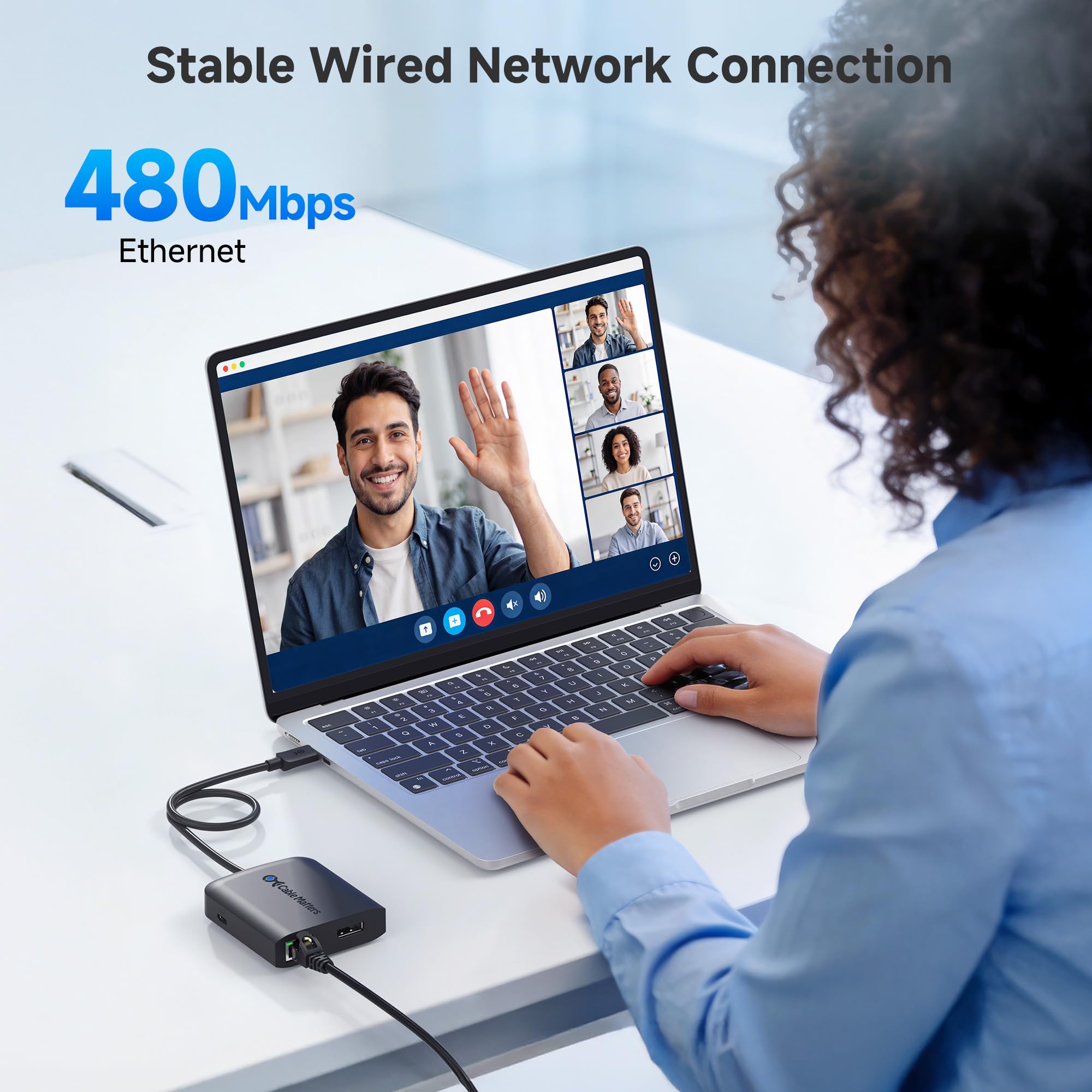
⚡ Power, Portability & Performance — All in One Hub!
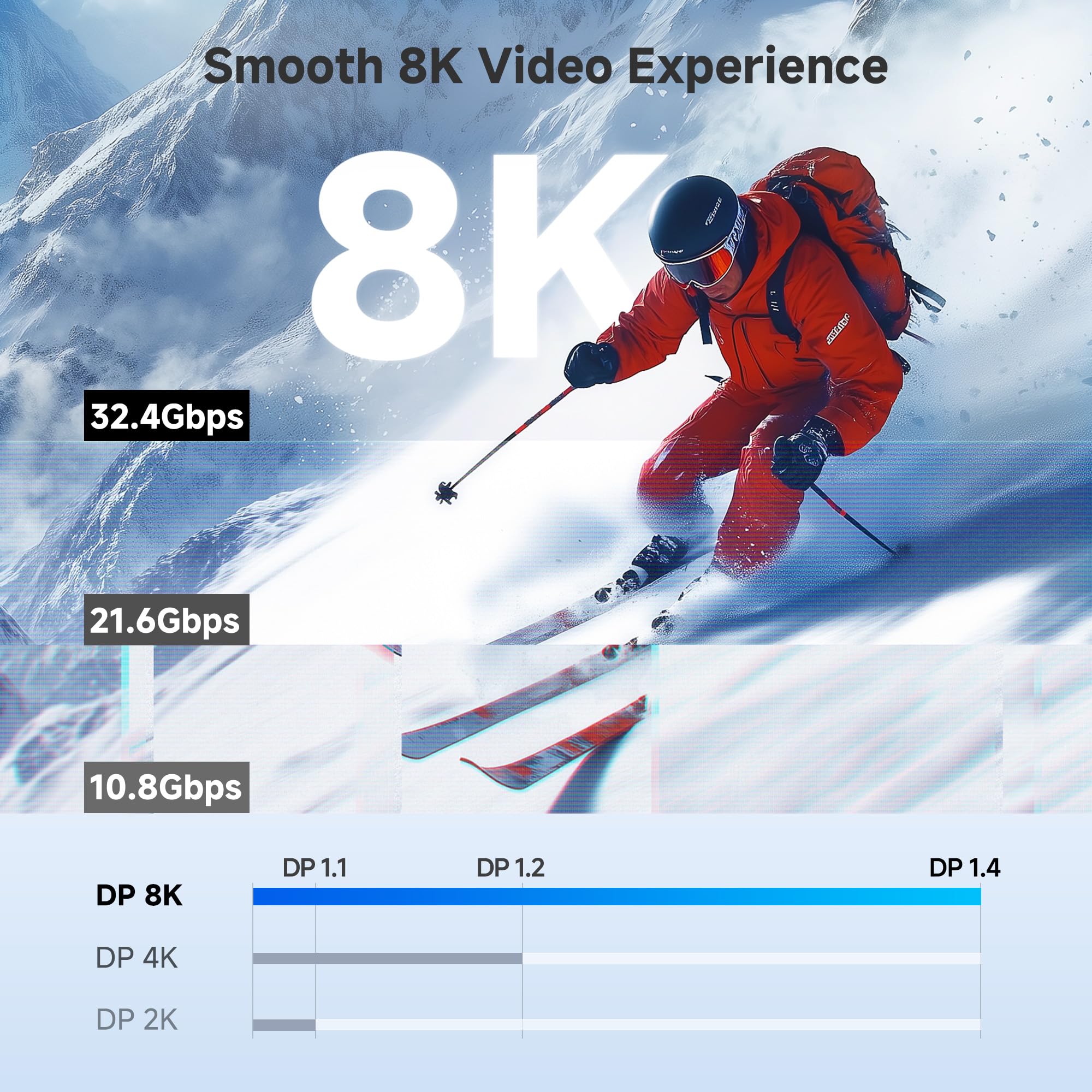
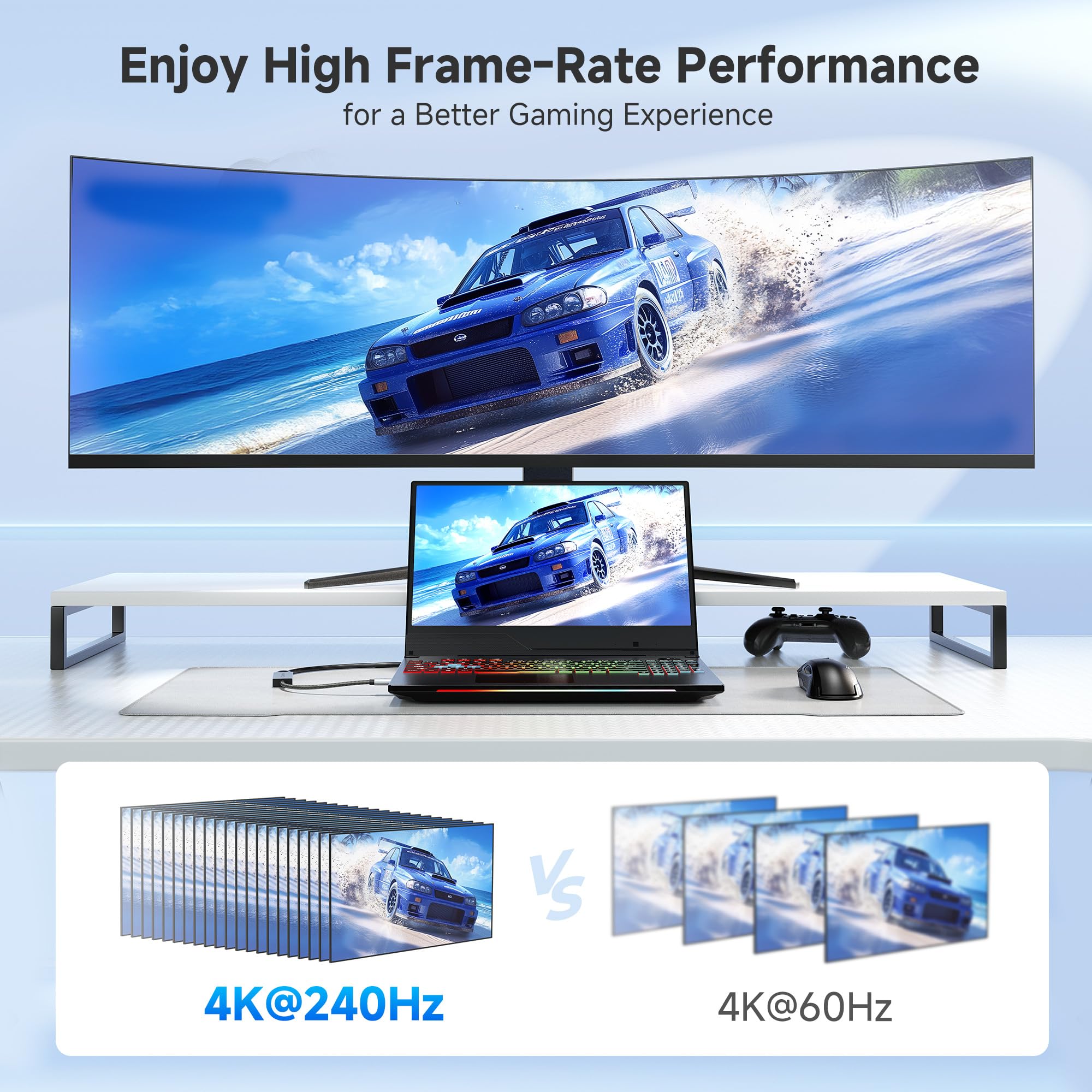
The Cable Matters USB C Multiport Adapter is a sleek, bus-powered hub that delivers 100W charging, 8K DisplayPort 1.4 video output, dual USB 2.0 ports, and 480Mbps Ethernet connectivity through a single USB-C connection. Compatible with Thunderbolt 3/4 and USB4 devices, it’s designed for professionals who demand high-resolution displays, reliable wired networking, and versatile device expansion in a compact, travel-friendly form factor.


| ASIN | B06Y5N3YCD |
| Best Sellers Rank | 229,567 in Computers & Accessories ( See Top 100 in Computers & Accessories ) 875 in DVI to HDMI Adapters |
| Guaranteed software updates until | unknown |
| Item model number | 201046-BLK |
| Manufacturer | Cable Matters |
| Product Dimensions | 8.89 x 5.84 x 1.52 cm; 79.38 g |
T**Y
Most USB-C dongles use the DisplayPort alt-mode of the USB-C specification to handle the display outputs, but usually use internal converters to HDMI. Unfortunately, they only wire the pins for HDMI 1.4, which can only run 4k displays at 30 Hz. This is due to the limited pins in a USB-C cable. If you want to run DisplayPort or HDMI 2.0, then you can't have USB 3.0 (unless you use thunderbolt). I needed to run this on a Lenovo Thinkpad with only 1 USB-C port, so having USB-PD passthrough was a much so that I could charge while having a monitor plugged in. This is the only dongle I found, with DP, and USB-PD passthrough. The 2 USB 2.0 ports are an added bonus, and work for a mice and keyboard. The Ethernet also runs from the USB bus, and is a 100Mbit one. It is picked up by the RTL Linux Kernel driver (though sometimes it disconnects after you suspend/resume the laptop). Overall, it works for my use!
C**3
This USB-C hub is fantastic! I did a lot of research before purchasing and this seemed like it was easily the best value on the market. Most hubs required Thunderbolt for DisplayPort 1.2/MST support, but this one can do it over USB-C. That means I can drive two 24” (1920x1200) displays from the hub simply by daisy-chaining the displays via DisplayPort cable. The USB PD supplies 60W which is enough to power my Dell laptop (charges a bit slower than the OEM 65W power supply). Also provides 2x USB 2.0 ports and a 100Mbps Ethernet port. I probably won’t ever use the Ethernet port, but the USB 2.0 ports work well. It would be nice to have 3.0 or 3.1 ports, but for the price you can’t complain. The next cheapest product I found which provides USB 3.0/3.1 is the full size Monoprice USB-C dock @ $99. For now, I will just use the ports directly on the laptop for my devices that support it. I can’t praise this hub enough. It provides the convenience and features you actually need at a price point far below the docks that run from $100-300.
W**I
Due to the fact that this dock only has USB 2.0 ports, it means more bandwidth can be allocated to the video, so this is the first dock that I have been able to find which will support the full capabilities of my monitor (Asus Rog XG349C). It has been working flawlessly with both my Macbook Air M1 as well as my Razer Blade 14 (3070 model). The only downside is the form factor is a bit ugly on the desk. I have tried extending it with USB C cables so I can mount it under my desk and only have the one cable above my desk, but often see intermittent blanking of the display with any 10GBps cables I have used. More recently have tried a more extensive USB 4 cable and while it's still infrequent, the problem has been coming back every now and then. Without the extension cable in the equation, it never happens with the dock plugged in directly however.
M**C
I spent a lot of time trying to find the most cost effective and easy way to plug in my old Apple Monitor to my new Macbook and Chromebook. They both have USB-C, but the Pixelbook does not have ThunderBolt 3.0. I'm able to get full 2650x1600 resolution with no artifacts. Pros: Only USB-C to DP adapter that works with the 30" Apple Cinema display and a Pixelbook Has Power Delivery so I can charge and display with one cable. Has an ethernet port Inexpensive compared to a Thunderbolt 3 dock Cons: Cables come out from the adapter in all directions Short USB-C cable which causes a nest of wires hanging off your laptop (can be solved by purchasing a USB-C extension cable) USB ports are only 2.0, but my setup only needs 5v power out of those ports My setup is: Cable Matters USB C Multiport Adapter → Cable Matters DP (male) to Mini DP (female) cable → Official Apple Mini Display Port to DVI-Dual Link Adapter → Apple 30" Cinema Display.
L**.
I just wanted to thank Cable Matters customer service for directing me to this product. I've tried All Dell, Lenovo, Pluggable, etc. TB4 and USB4 docks to get my AMD 6800U Laptop to work with the docking station, but none of them worked. The laptop has USB4 and USB3.2 with USB-C. I'm happy to report that this dock or adapter works with Neo G9 monitor at full 240hz without any problems. This means this dock supports 4lane DP with DSC. Also, the Realtek LAN adapter is showing its GBE, not 100mbit. Device Manager shows Realtek 8152 which is GBE. It might be bottlenecked by the USB 2.0 throughput but it has the hardware to saturate the USB 2.0. Lastly, Power Deliver works with 65w charger that Laptop came with. My next purchase was going to be Caldigit to try but this does everything I need. Highly recommend!
Trustpilot
2 weeks ago
1 week ago