
DOWNLOAD THE APP


Customer Services
Copyright © 2025 Desertcart Holdings Limited
DOWNLOAD THE APP
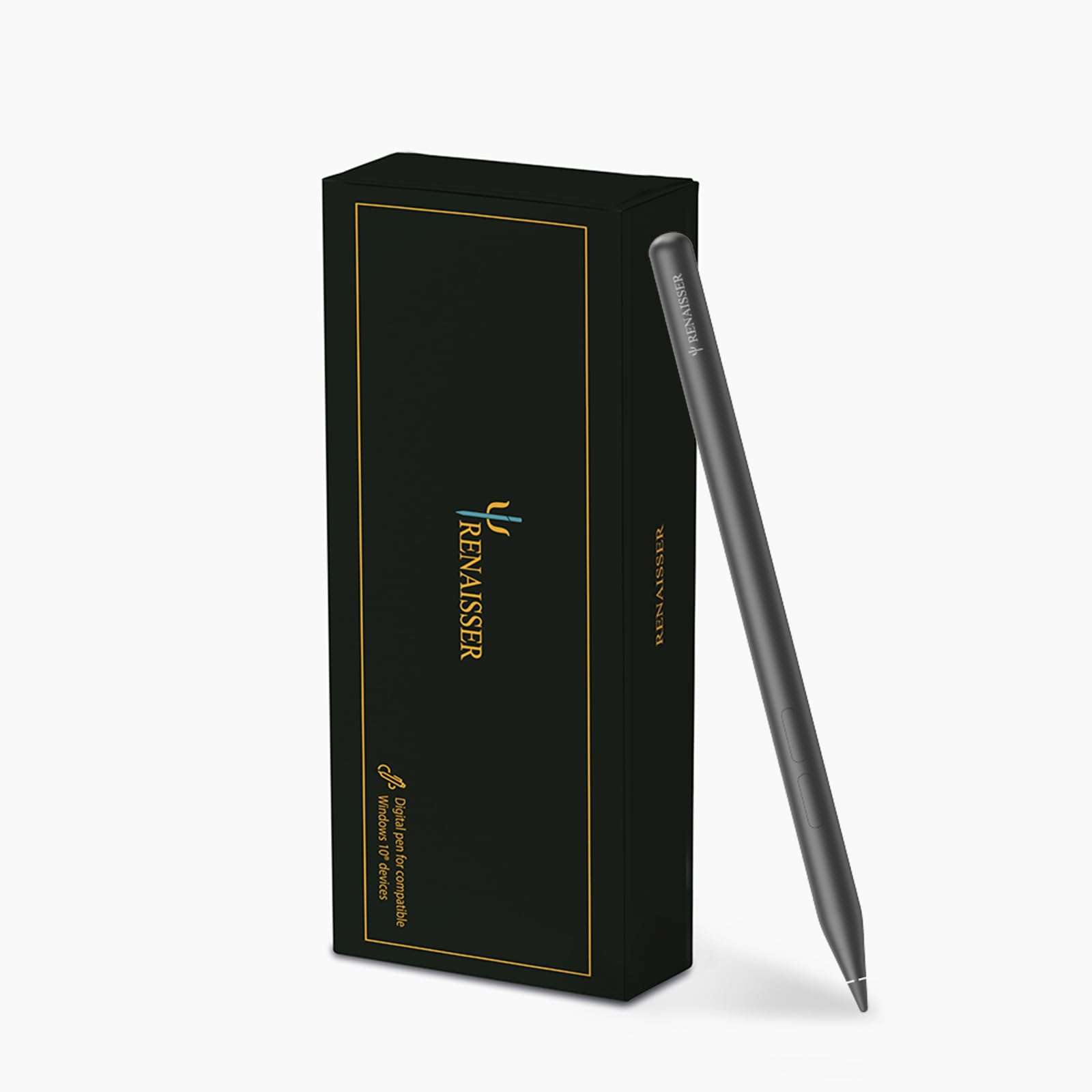
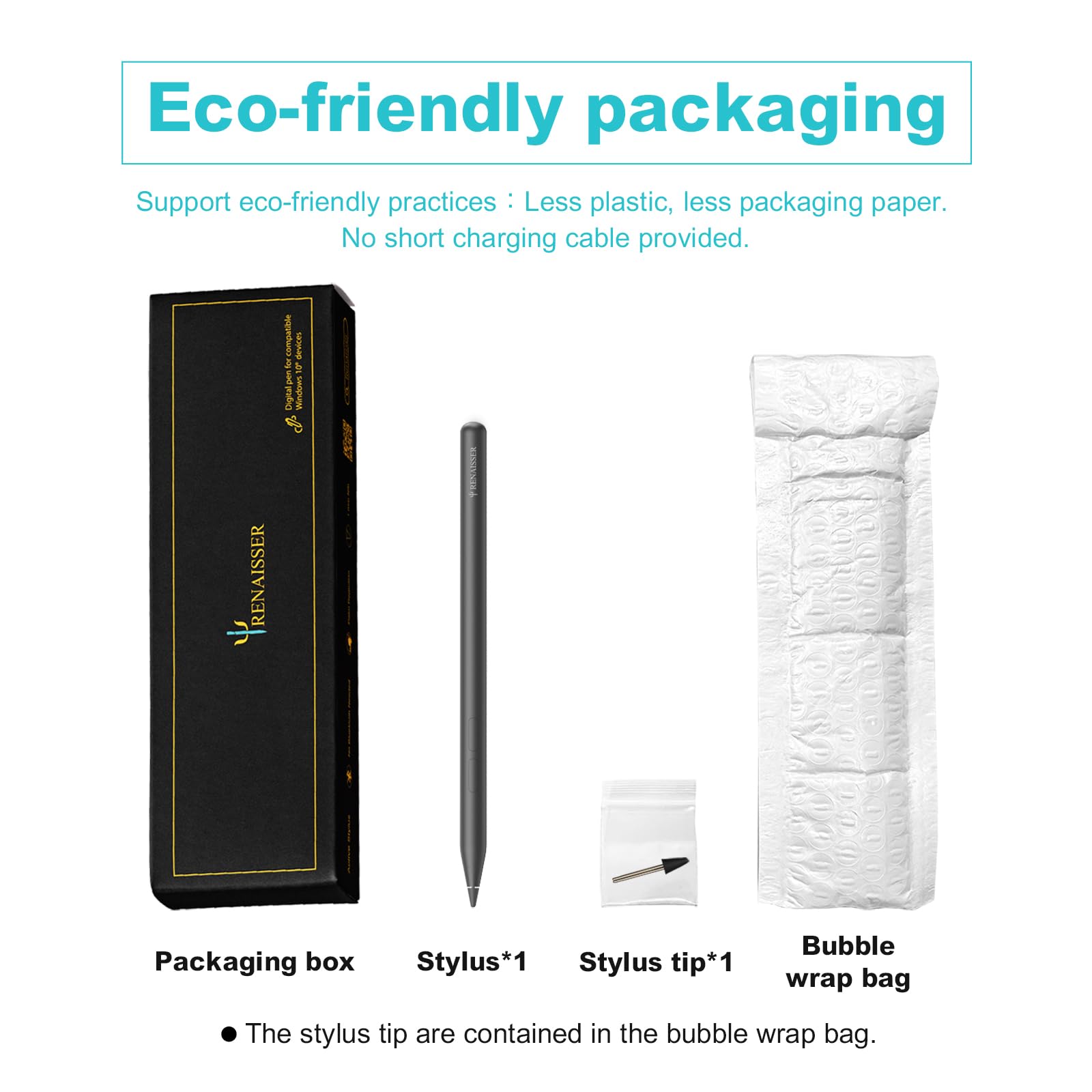
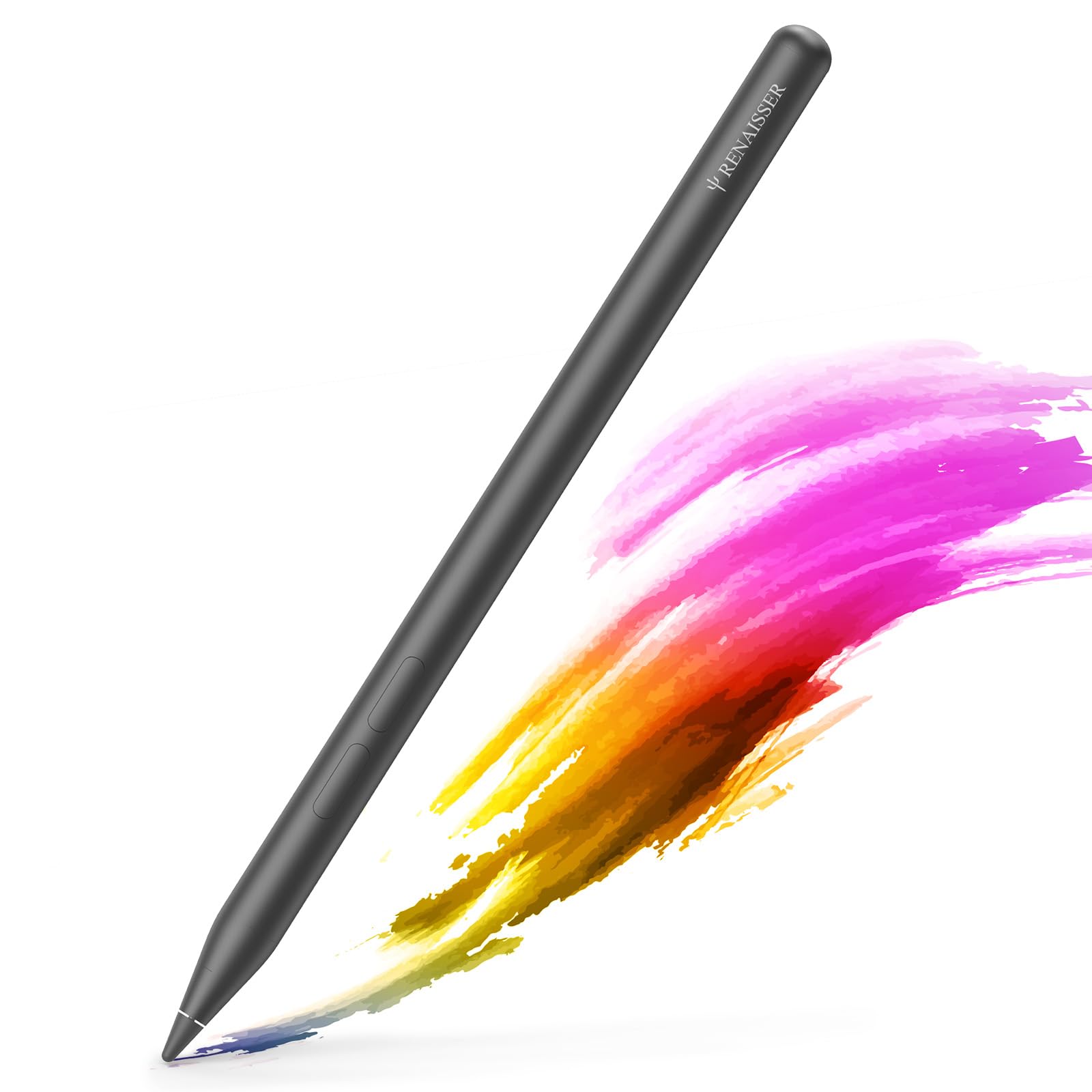
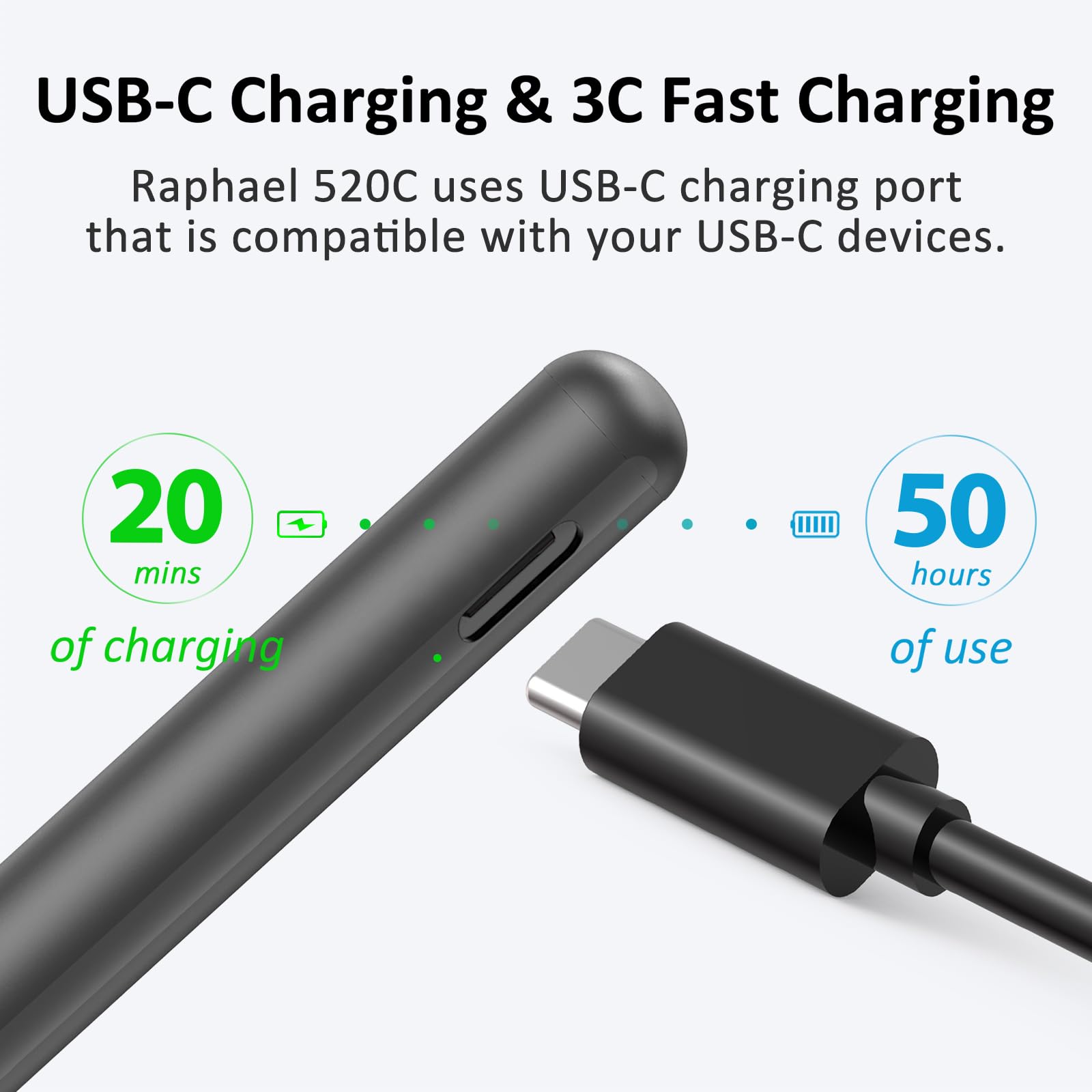
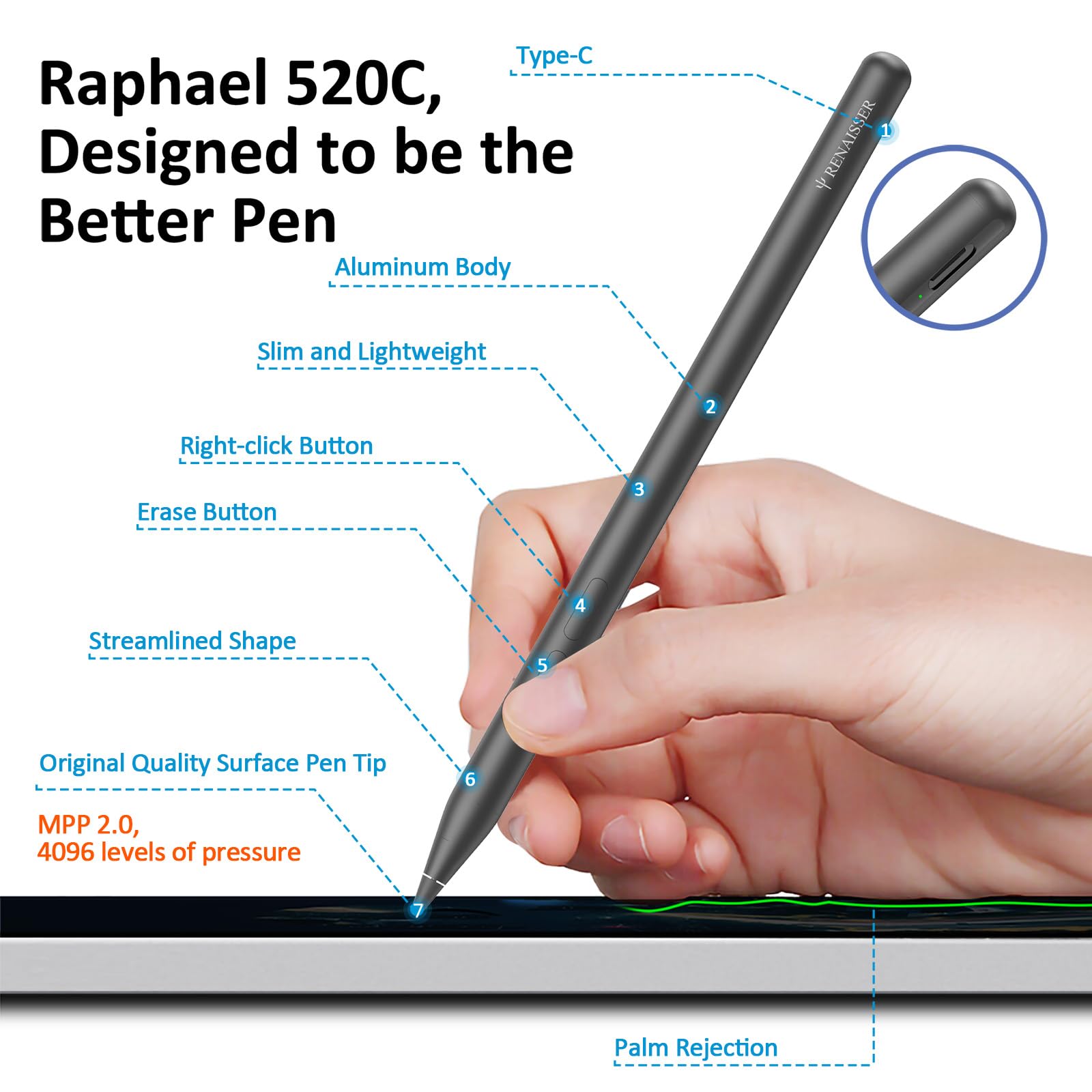
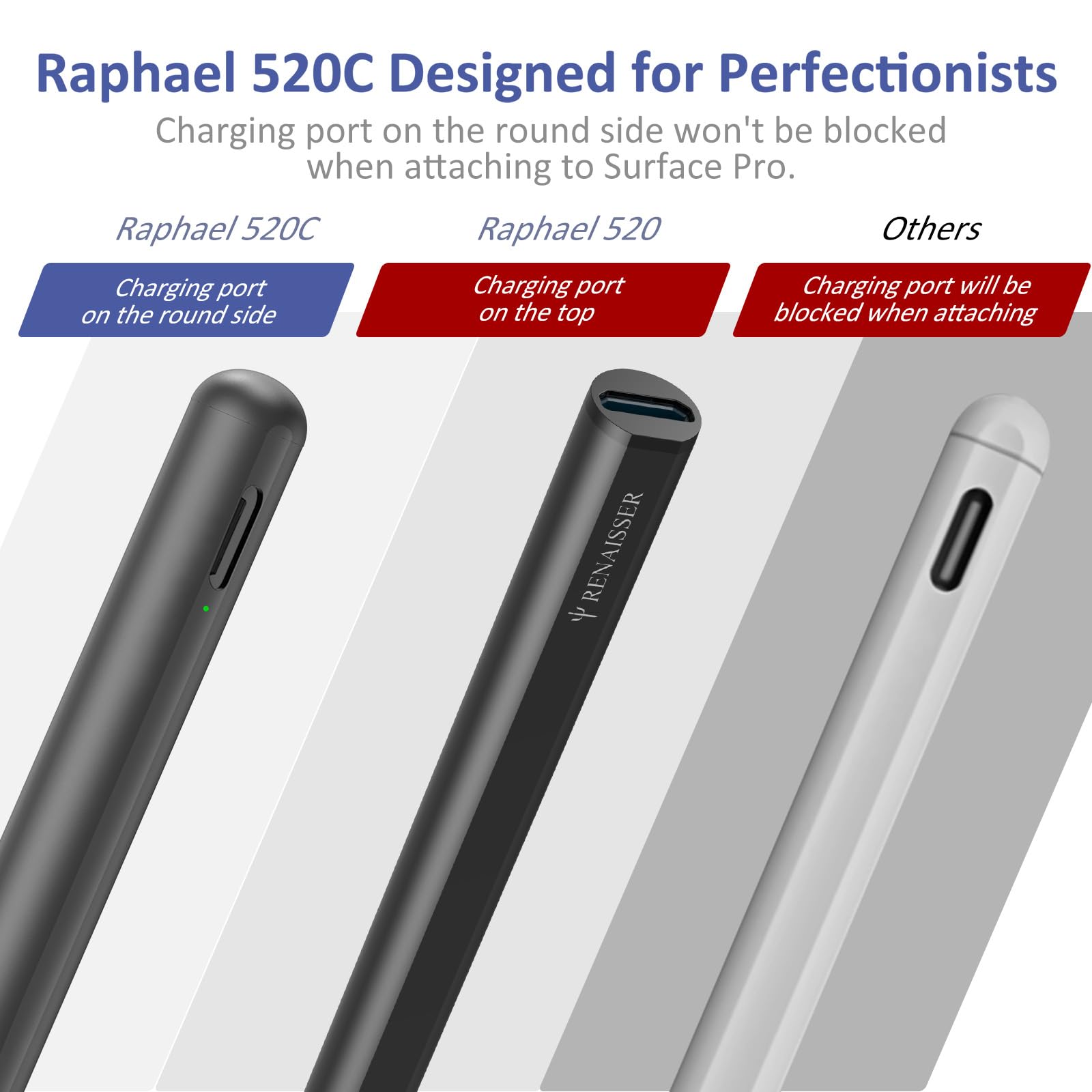
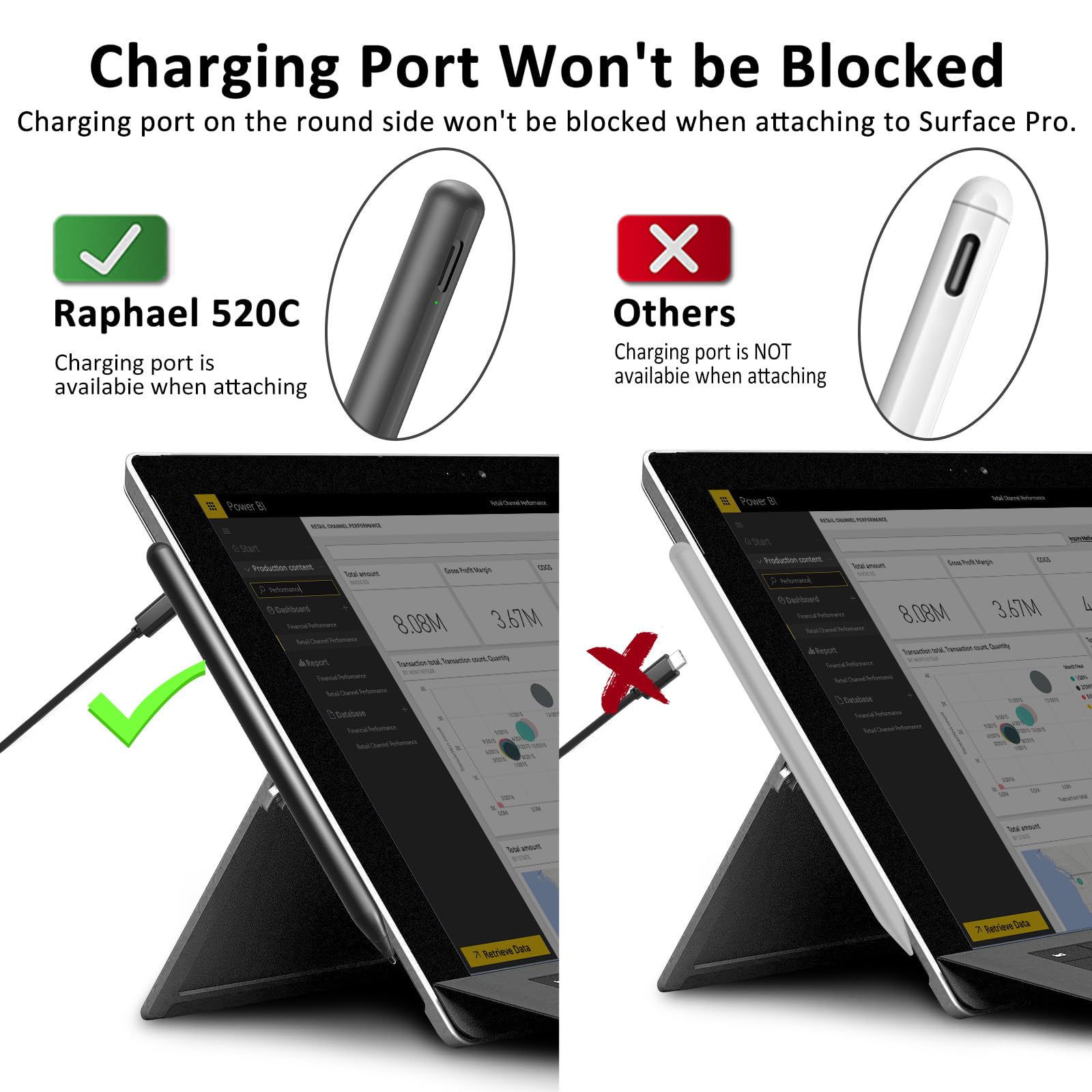
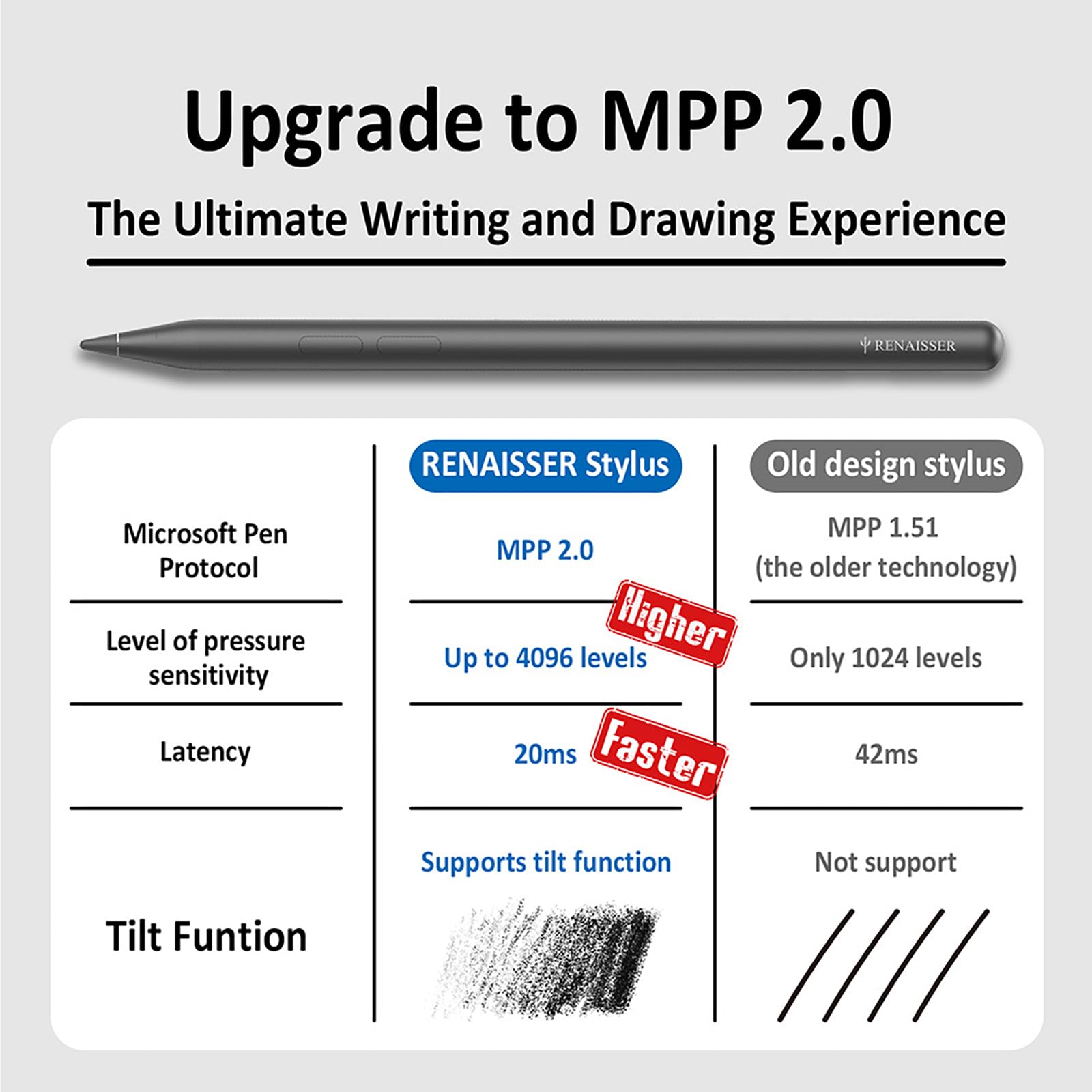
🎯 Elevate your Surface experience with precision, power, and style!
The RENAISSER Raphael N520C Stylus Pen is a premium, USB-C rechargeable digital pen designed for Surface devices and MPP-compatible tablets. Featuring 4096 levels of pressure sensitivity and tilt support, it delivers precise, natural drawing and writing. Its ergonomic aluminum design weighs just 10.5g for comfortable extended use, while palm rejection and smart power management ensure seamless productivity. Compatible with a wide range of Surface models (except latest Laptop Go series), it offers a cost-effective, high-performance alternative to official pens.


| ASIN | B09LQF1VLS |
| Best Sellers Rank | 1,861 in Stylus Pens |
| Guaranteed software updates until | unknown |
| Item model number | Rephael N520C |
| Manufacturer | RENAISSER |
| Product Dimensions | 14.9 x 0.9 x 0.9 cm; 14 g |
M**R
Surface Pro 8 pen jitters gone!
My Slim Pen 2 hasn't arrived due to supply issues, so I have been using my red flat sided Surface Pen on the Surface Pro 8. It is utterly appalling. So bad I was going to send the Surface back. Every diagonal line jitters as if you're shaking with cold. I saw a YouTube review of the R530 which said it fixed the line jitters so I decided to give it a shot and it has done it brilliantly! I made a video using both pens in Word so you can see the difference. The pen is metal, good to hold, fast to charge. It has a soft eraser on the end and a button eraser. Both work excellently. I couldn't get it to stick to the side of the machine as other reviewers have said due to the curve but I don't care that much. I put it in the case with the machine. It is a very well made pen, makes the writing and drawing experience on the Surface 100x better and it is 3x less than the Slim Pen. I wouldn't hesitate to recommend. It worked straight out of the box and feels just right against the screen. A winner!
A**X
More responsive and pressure sensitive than the official Surface pen.
Great pen for my Surface Pro. It is actually a lot more responsive and pressure sensitive than the official one. - The side magnet is reasonably strong, but it is definitely weaker than the magnet in the official pen. - The eraser has some issues with some specific apps, like Sticky Notes, but other than that it behaves the same way like the Surface Pen. It is ok and I use it all the time in my main apps, but it is a bit hard and I don't like the rounded shape. - Apart from the soft tip, there is another 3 hard ones included in the pack and they are great if you are looking for a "faster" glide on the screen while writing/drawing. - The double button on the side is very useful, but unfortunately you can't remap it to custom actions, since there is no Bluetooth chip on the specific pen model. - The one thing I would change if I could, would be the colour of the pen. Black is quite easy to lose in the dark. - I really like the auto turn off feature for battery saving on this pen. I also like how the charging port is on the side. Easy to reach and no weird acrobatics when charging, like the apple pen. - Battery lasts for ages. - Still won't make Surface devices feel as good for drawing as a dedicated pad from Wacom/Huion or even Apple and their pencil. At least, it makes them much more useable for art.
A**R
Good replacement pen that does most things well
This comes in basic card packaging and a plastic tray insert, It does the minimum to protect the product, as is usual these days. Here are my top Pros and Cons for this stylus: Pro: Low lag Palm rejection (requires application support) Over 4096 levels of pressure sensitivity Relatively cheap Con: Magnet is not very strong, pen has fallen off a few times Not universally compatible Not quite as responsive as the MS Pen --------------------------- This pen is a cheap option instead of paying three times more for the official Microsoft product. When paired with my Surface Pro 6 and 7 (a painless process) it performs almost as well as the originals. It does not feel quite as ergonomic and is not as comfortable for long periods of use, however few people will be using it for hours on end. The buttons are fine, although I much prefer the feel of the MS pen. The functions are the same as the original, and using the MPP 2.0 technology it has angled/tilt sensitivity for making lines thicker. It generally works in all apps that the official pen does, as it uses the WIndows INK system. The lag is a tiny fraction worse than the original, but it’s very close. The battery is an A cell that lasts a very long time on standby. In normal use taking notes and drawing I get a week at least before needing to recharge. In summary, I would say this is definitely worth considering as a purchase before shelling out on a full-price MS Pen. If you get a lot of use out of it, then upgrade to the real thing.
M**A
Perfect for artists
I'm using this with an Asus rog flow z13 as a mobile art studio. The pen has 4096 levels of pressure which is not the best compared to the 8192 market standard but it's absolutely fantastic anyway for the price and the fact that it works with my machine. I can run blender, zbrush, Photoshop, clip studio and substance painter on the rog laptop and the pen works perfectly when I can't work at my desktop. Highly recommended to artists that are considering to get a mobile studio but don't want to spend wacom money. Get this pen and Asus rog flow z13 and with it's detachable keyboard you have basically a portable graphic tablet. Not as good as a wacom studio but more than capable for most artists needs and for a fraction of the price. It boggles my mind why this isn't widespread on the art community, it's a fantastic combo
A**A
Stylish pen that works perfectly
I was very wary when I ordered this but there was no need to be worried. It worked perfectly well on my Surface Laptop 3 and Surface Pro 4. Recharging was quick and the indicator light turns white when it is charged. It is holding charge pretty well. The form factor of the pen is sleek and easy to hold during use. The magnet inside works well to hold the pen to the laptop or tablet. Use of the pen itself didn't require any kind of know-how or experience. Just press the button to turn on and use. It is that simple. It is a lovely pen and I recommend it. I will definitely buy again if there is an opportunity to do so.
M**F
Goood quality pen, doesn't attach to Surface Pro 8
The pen is well made, light but sturdy and feels nice in the hand. It works well on a MS Surface Pro 8 but, contrary from what you are lead to believe from the info in the description, it doesn't attach on a side of a MS Surface 8 because this is rounder than past model and so the magnets are no touching enough of the tablet side to attach strongly to it. It would have been useful to know about this limitation because, as it stand, you cannot really think of transporting the pen attached to the tablet. it will just feel off at the minimum of contact with anything, or with a sharp movement due to gravity.
J**.
Funciona de manera perfecta en Surface duo, no hace falta conectarse por medio del Bluetooth
B**S
had to return it
F**T
Fijne en vooral oplaadbare pen,dat scheelt veel gedoe met AAA of AAAA batterijen. Ligt lekker in de hand (vingers).
S**B
Chyba najlepszy możliwy rysik dla tabletów obsługujących Windows Pen Protocol. Bardzo wygodny i super lekki. Wbudowany akumulator trzyma bardzo długo. Rzadko kiedy muszę go ładować. A gdy trzeba, robimy to w cywilizowany sposób, za pomocą portu USB-C. No i do tego wirtualna gumka do ścierania na drugim końcu piórka. Jedyna rzecz do której mógłbym się przyczepić, to to że przycisk na boku rysika nie jest konfigurowalny. Ma na twardo zakodowaną funkcję przełączania rysika w tryb gumki do ścierania. W Windows Store istnieje aplikacja, która jest teoretycznie kompatybilna z tym piórkiem i oferuje możliwość przebindowania tego przycisku na jakąś inną funkcję, ale nie działa. I jak wynika z tego co powiedział mi autor tej aplikacji, działać raczej nie będzie.
C**O
Esta pen é simplesmente excepcional, é muito precisa, prática e ergonómica, a um terço da pen original é seguramente a melhor compra, carregamento por usb-c é muito prático, o único reparo será a falta de uma tampa para proteger a ponta, já que parece-me que se pode danificar a andar dentro de uma mala ou assim. No global vale bem mais que as outras opções mais baratas.
Trustpilot
4 days ago
2 months ago