We remain fully operational. Our teams are working around the clock to ensure your deliveries continue safely.

DOWNLOAD THE APP


Customer Services
Copyright © 2025 Desertcart Holdings Limited
DOWNLOAD THE APP
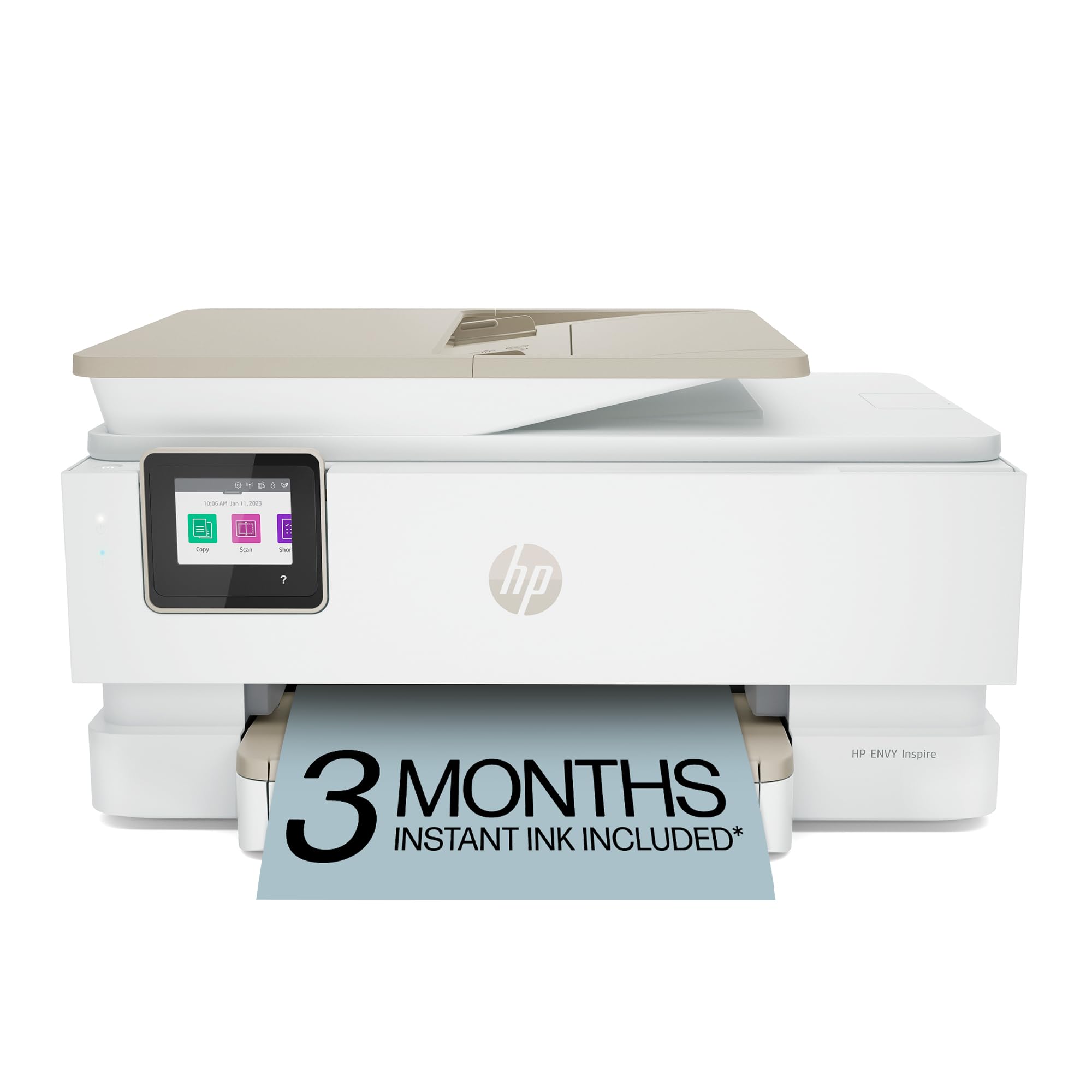
🖨️ Elevate your home office with speed, style, and sustainability!
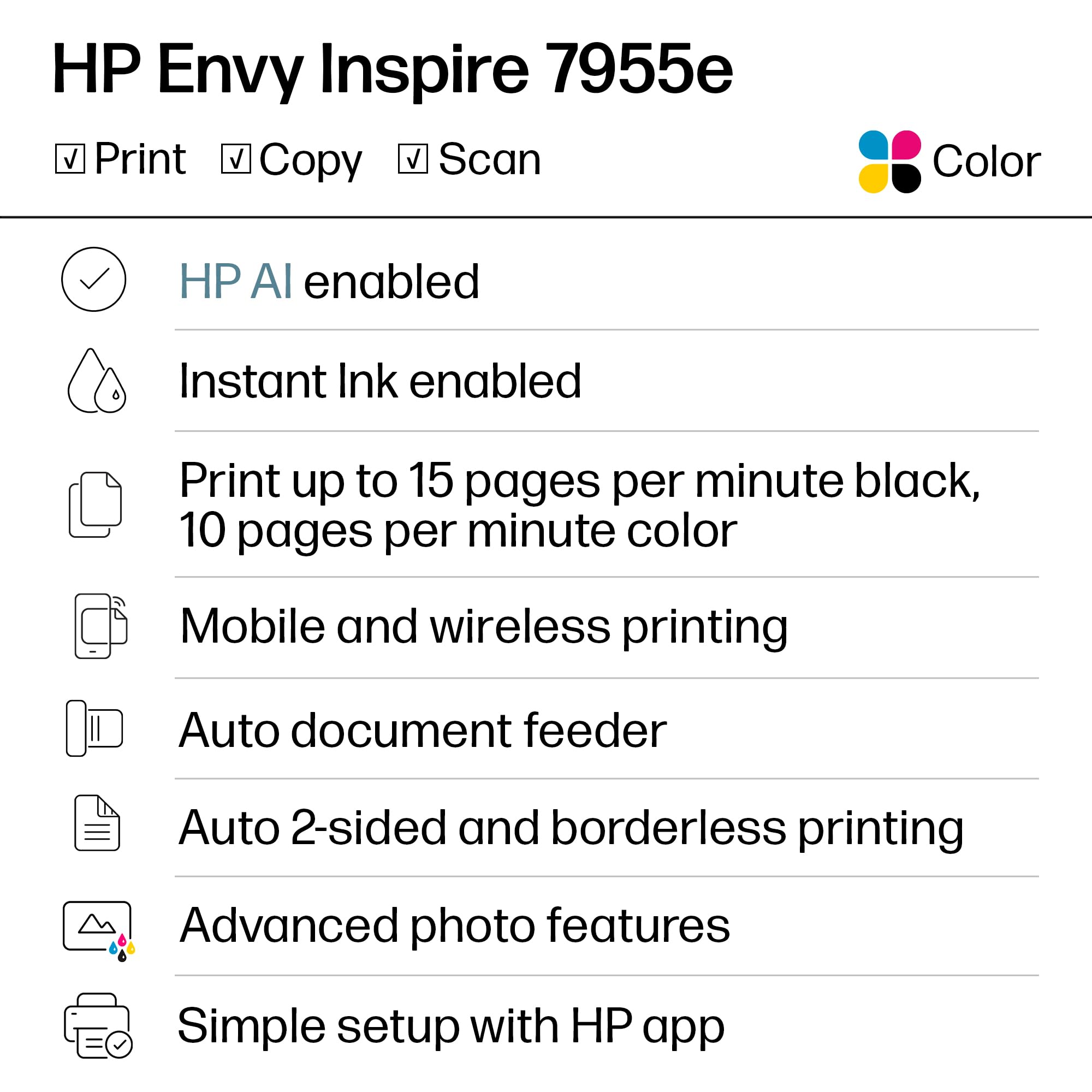
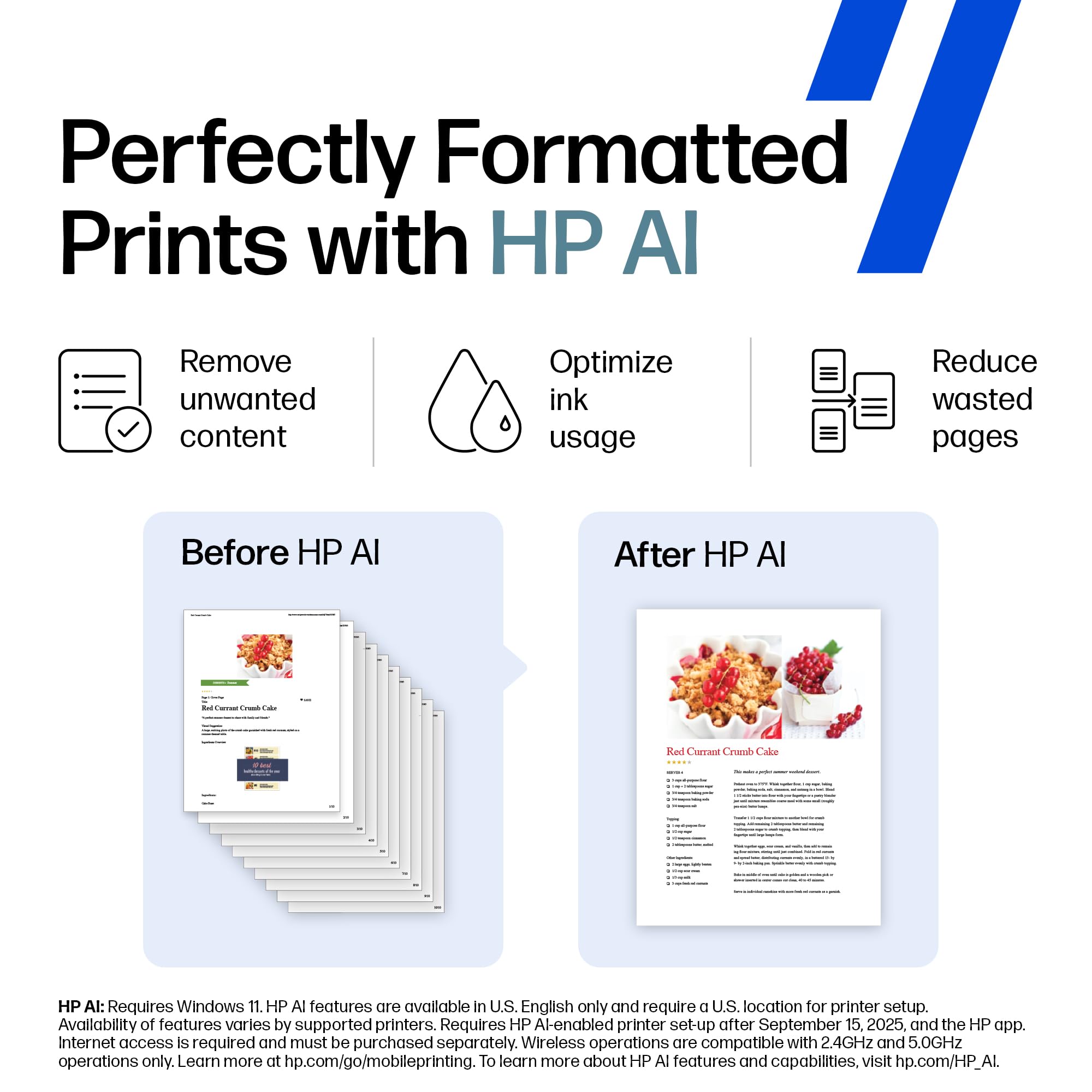
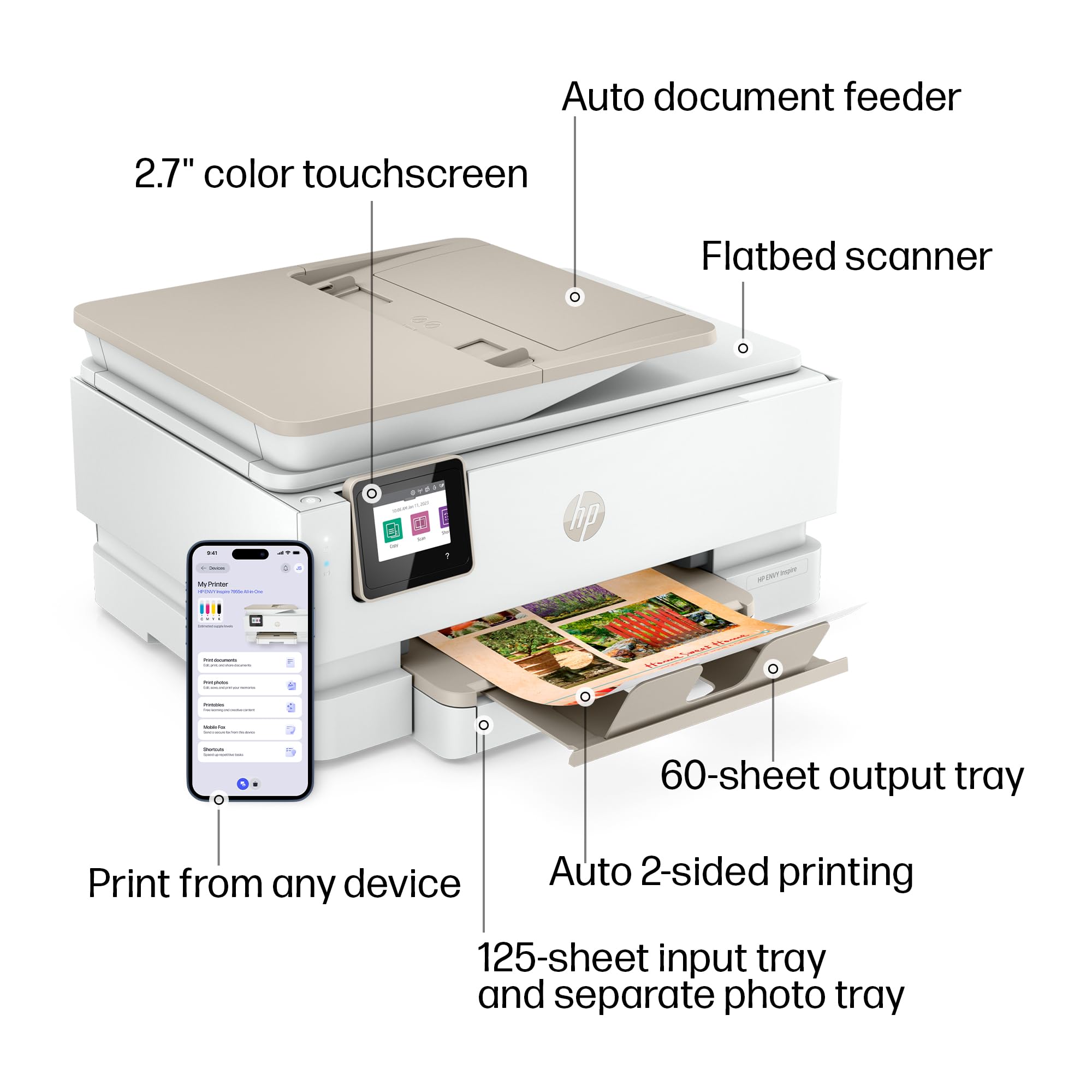
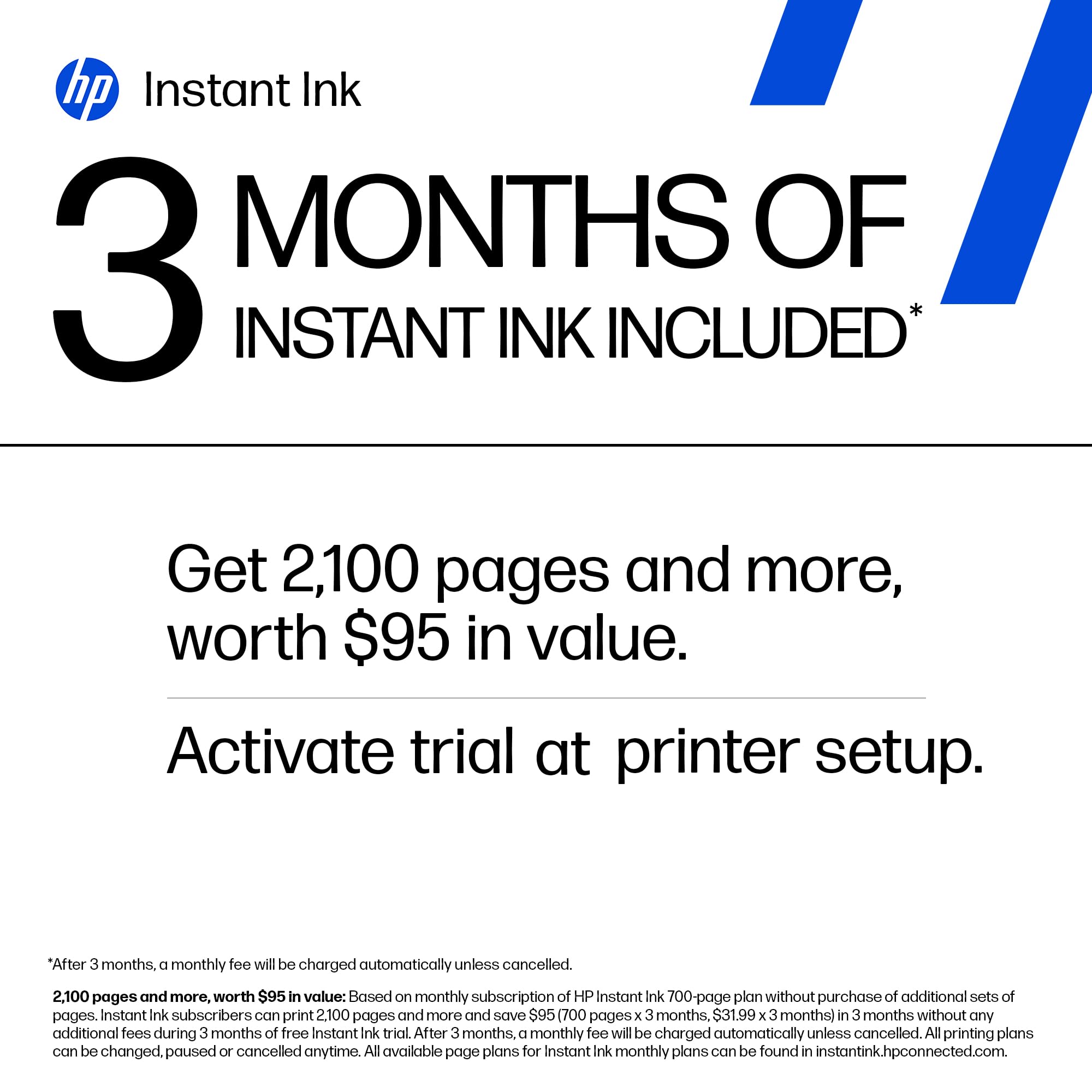
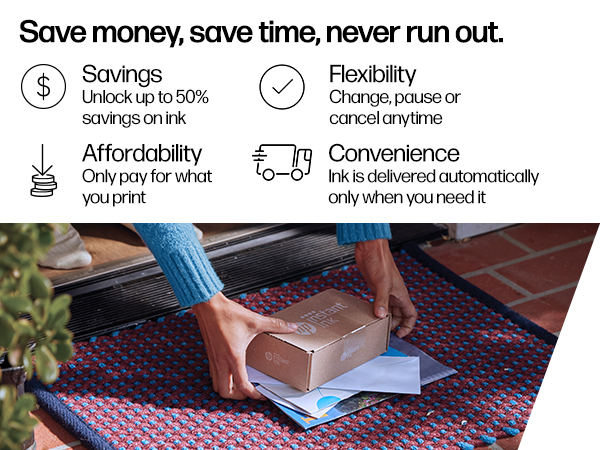
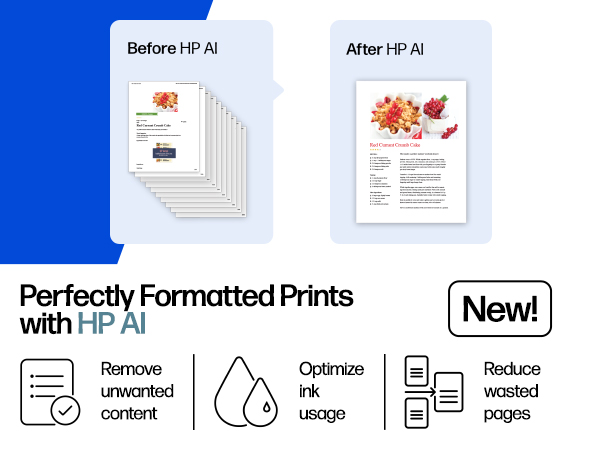
The HP Envy Inspire 7955e is a versatile wireless inkjet printer designed for home use, delivering fast print speeds (15 ppm B&W, 10 ppm color), high-resolution vibrant photos, and seamless mobile printing. Featuring a 2.7" touchscreen, automatic duplexing, an automatic document feeder, and a dedicated photo tray, it combines convenience with eco-friendly design using 45% recycled plastics. HP+ activation unlocks AI-driven smart features, security, and a 3-month Instant Ink trial, making it a top choice for busy professionals and families alike.




| ASIN | B09BBLN72F |
| Additional Printer Functions | Copy, Scan |
| B&W Pages per Minute | 15.0 |
| Best Sellers Rank | #1,580 in Office Products ( See Top 100 in Office Products ) #17 in Inkjet Computer Printers |
| Brand | HP |
| Built-In Media | HP ENVY Inspire 7955e All-in-one Printer; HP Setup Black Ink Cartridge; HP Setup Tri-Color Ink Cartridge; Power cord; Ink Caution Flyer; User guide; Setup poster; Legal Flyer |
| Color | White |
| Color Depth | 24 Bits |
| Color Pages per Minute | 10.0 |
| Compatible Devices | Laptops, PC, Smartphones, Tablets |
| Connectivity Technology | wired, wireless |
| Control Method | App, Touch |
| Controller Type | Amazon Alexa, Android |
| Customer Reviews | 4.0 out of 5 stars 3,997 Reviews |
| Display Type | Capacitive Touchscreen |
| Dual-sided printing | Yes |
| Duplex | Automatic |
| Hardware Interface | USB |
| Initial Page Print Time | 16 Seconds |
| Ink Color | Black, Cyan, Magenta, Yellow |
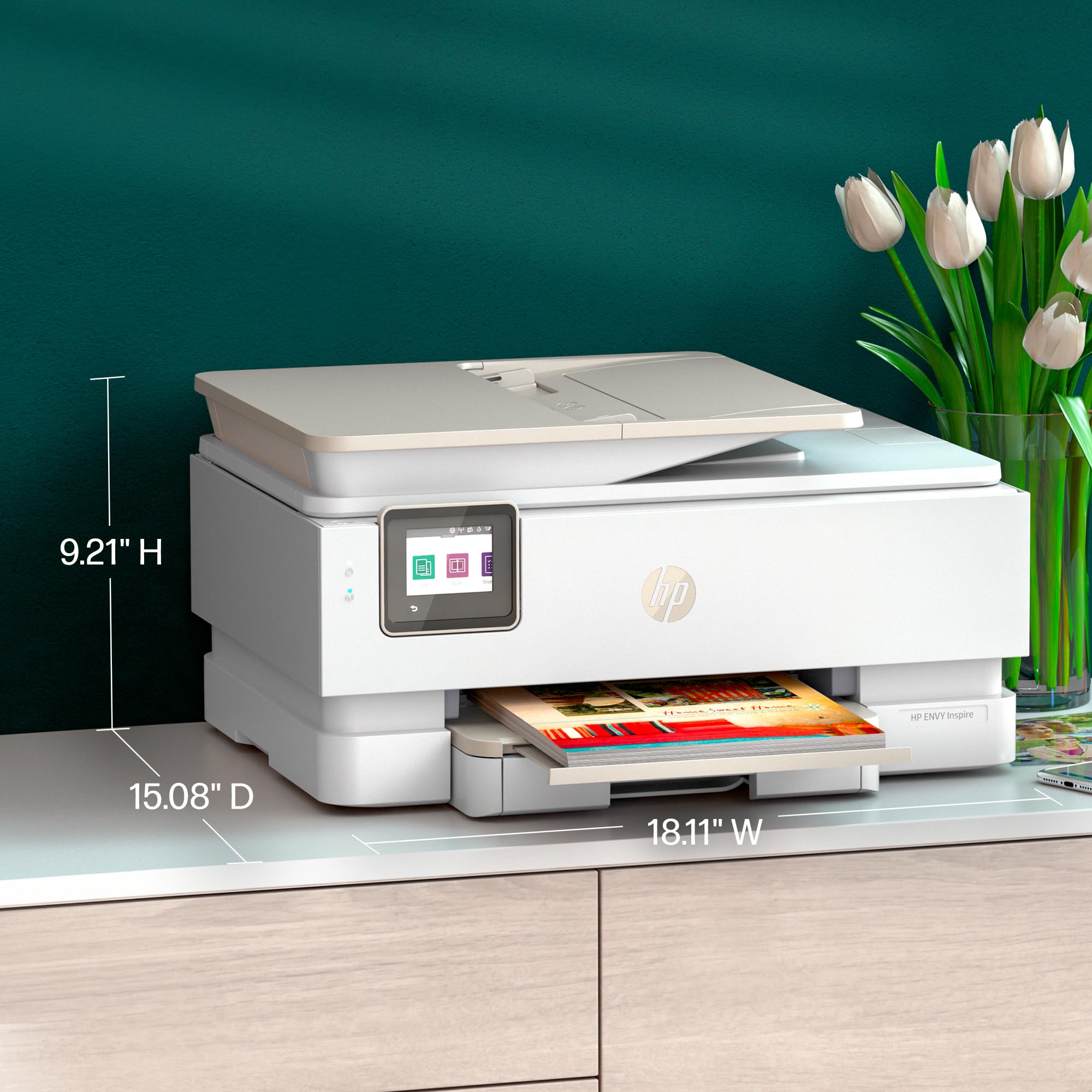
| Item Dimensions D x W x H | 15.08"D x 18.11"W x 9.21"H |
| Item Type Name | Inkjet Printer |
| Item Weight | 17.9 Pounds |
| Manufacturer | HP |
| Maximum Copies Per Run | 50 |
| Maximum Copy Resolution Black and White | 600 dpi |
| Maximum Copy Resolution Color | 600 dpi |
| Maximum Copy Speed Black and White | 13 ppm |
| Maximum Media Size | 8.5 x 14 inch |
| Maximum Print Resolution Black and White | 1200 x 1200 Dots Per Inch |
| Maximum Sheet Capacity | 60 |
| Maximum print Resolution Color | 4800 x 1200 Dots Per Inch |
| Model Name | ENVY INSPIRE 7955e |
| Model Number | HP ENVY Inspire 7955e |
| Model Series | 7950 |
| Number of Trays | 2 |
| Other Special Features of the Product | 2.7" Touch Screen, Auto-Duplex, Automatic document feeder, Dedicated photo tray for seamless printing, True-to-phone color quality prints |
| Output sheet capacity | 60 |
| Paper Size | 3.85 x 8.5 to 8.5 x 14 Inches |
| Print media | Card stock, Envelopes, Glossy photo paper, Labels, Paper (plain) |
| Printer Connectivity Type | wired, wireless |
| Printer Output Type | Color |
| Printer Type | Inkjet |
| Printing Technology | Inkjet |
| Resolution | 4800 x 1200 |
| Scanner Type | Flatbed with ADF |
| Special Feature | 2.7" Touch Screen, Auto-Duplex, Automatic document feeder, Dedicated photo tray for seamless printing, True-to-phone color quality prints Special Feature 2.7" Touch Screen, Auto-Duplex, Automatic document feeder, Dedicated photo tray for seamless printing, True-to-phone color quality prints See more |
| Specific Uses For Product | Home use |
| Total Usb Ports | 1 |
| UPC | 195697738739 |
| Unit Count | 1.0 Count |
| Warranty Description | One-year limited hardware warranty with option to extend to 2 years with HP+ Offer. |
| Warranty Type | Extended Warranty |
| Wattage | 1.02 watts |
A**R
The document feeder does not work automatically
I have many many HP printers in fact I could have a museum in my home. But today I needed to get the document feeder working on my latest HP Envy inspire 7955 e. For the life of me I couldn't figure this out and I've worked with printers for decades. So I had to call HP and it took the technician an hour and 32 minutes to figure out that the document feeder somehow or another Maybe affected by the ews embedded web server whatever. I'm simply might have missed it on the drop-down menu on the scanners preferences screen. Well he got it to work and it works very well. In the photographs there's a photograph of the printer and then I opened up the document feeder and show the switch which allows the document feeder to know that there is paper in the document chute.
V**U
Super happy with my purchase
Great quality. Easy setup. Replaced my older printer and super happy with this one. We all use it at home including my granddaughter for school and son for college assignments. I use it mostly to print photos. Highly recommend
J**S
IF YOU DONT LIKE MONEY - BUY THIS
Bought this so I could make a photo album for my wife for Christmas. Downloaded over 20k worth of pictures and videos. Stored them all on my hard drive. Sorted all the pictures into categories. Took a few weeks to do. Went back and started picking the ones I wanted to print for her. About 400 pictures in- and (6) 64XL Color Cartridges and 1(HP Color Instant Ink) cartridge (only used 1 HP Instant Ink Black cartridge) My printer received an error code. I contact HP tech support via chat. Took over 20 minutes in a chat to actually get to the problem. I even logged into my HP account from the start so they would have all my information. Still needed to provide it in the chat. After 1 hour the tech support person had me running the same steps over and over to no avail. Then wanted to remote log into my computer- Uhhh no thanks. I said a few things in the chat I am not proud of. BUT I vowed to never again buy HP printers or products. I seem to have problems with HP printers around the 400-500 page mark. This was my 4th HP printer in 8 years. I have just been too stubborn to switch. BUT hey- if you like wasting money, and going through ink like water, then this is the printer for you. I was so desperate to get ink, that I was running into Office Depot(shiver) to buy ink. Thanks goodness they price matched Amazon, and saved me a few bucks. Ink is not cheap. I think the ink used for this printer is hand crafted by Elves in the Brazilian rain forest only on full moons. It has to be based on the prices they charge for it. So 6 regular XL ink cartridges, and 1 instant ink cartridge for 400 pages. That equals about 57 pages per cartridge and the cartridges are about $55 a piece, so a little more than $1.00 per page to print a photo. I could go to a printing company and not actually have to do all the work. Just pop my stuff on a flash drive, take it in and say, print this. It would be the same cost. That's not even taking into account the cost of the paper. That is about $0.50 a sheet. So $1.50 per photo. Print quality was ok on it. I did use HP Premium photo paper Glossy 60lb weight. I printed 8x10s, 5x7's and 4x6's. At first the 4x6's in the main paper tray were printing out crooked and the photos were not lined up right. I switched to photo tray and same problem. I wasted about 10 4x6 pictures trying to get it right. Eventually I had to use the main photo tray to get the 4x6 to work. The 8x10 and 5x7 were no problem. Just sucked through ink. So HP I say farewell, its not me, it's you. Its been 20 years of disappointment and frustration, but this time I mean it, we are done. Don't try to come back to me later saying you're good, and you worked on yourself and we can make it work again. Fool me once, shame on you, fool me 20x+ for 20+ years, shame on me.
K**Y
Worth buying. The easiest printer I have ever had to set up (out of the box).
I have had 3 HP printers over the past 10 years. The first HP Envy I purchased was fantastic! After I printed over 11,000 pages, I gave it to my mom, who then printed several thousand more copies before it finally gave up. I was super satisfied with it, and I purchased another HP Envy (a different model, as the first style was no longer sold). The second HP Envy printer was as bad as the first was good. Suddenly, it stopped working, and it was only 2 years old. This HP Envy Inspire 7900 printer is so far excellent compared to the last one. My only complaint is that the little shelf that catches the paper after it is printed was automatic with previous printer models, but it is no longer; otherwise, I would have given this printer 5 stars.
K**N
A good hp upgrade
I upgraded from my previous HP model and no complaints so far. It seems to use ink more economically and the WiFi has better connectivity. However, I am holding on to my old pervious model because it has fax capabilities and this model doesn’t. Other than that hp wants to be in your business but there is a work around to limit them.
J**S
Easily worth the price.
best printer I've ever owned. Fast and high quality printing start to finish. No hang ups or fading out. Just a really great product.
J**N
Very pleased
This is a quality printer and I am so happy to have it and it’s a breeze to use once it is set up. My neighbor came over and set it up for me so how lucky was I don’t hesitate to buy this. Downside because you have to sign up and pick a plan you wanna pay monthly for so I chose the $10 plan because this is not something I will be using very often. I’m a retired person who basically just has to print out stuff for my doctors it will print in color which I don’t need that either but there you go don’t hesitate to buy this.
G**K
Nice home or small office printer
I chose this printer to replace an older HP model. Nice footprint, easy set up, quiet yet quick printing. So far very pleased with this purchase.
Trustpilot
3 days ago
1 month ago