
DOWNLOAD THE APP


Customer Services
Copyright © 2025 Desertcart Holdings Limited
DOWNLOAD THE APP

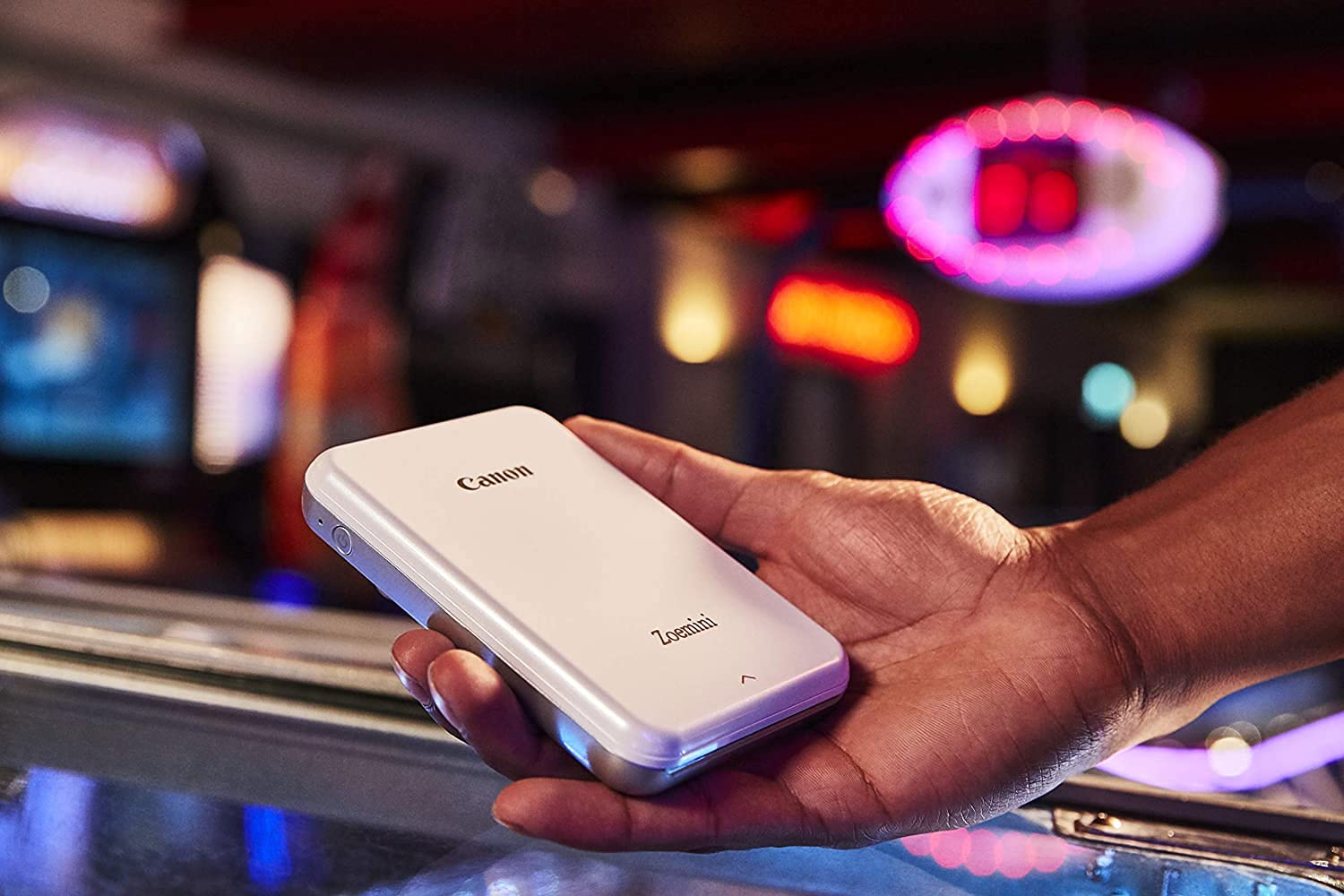
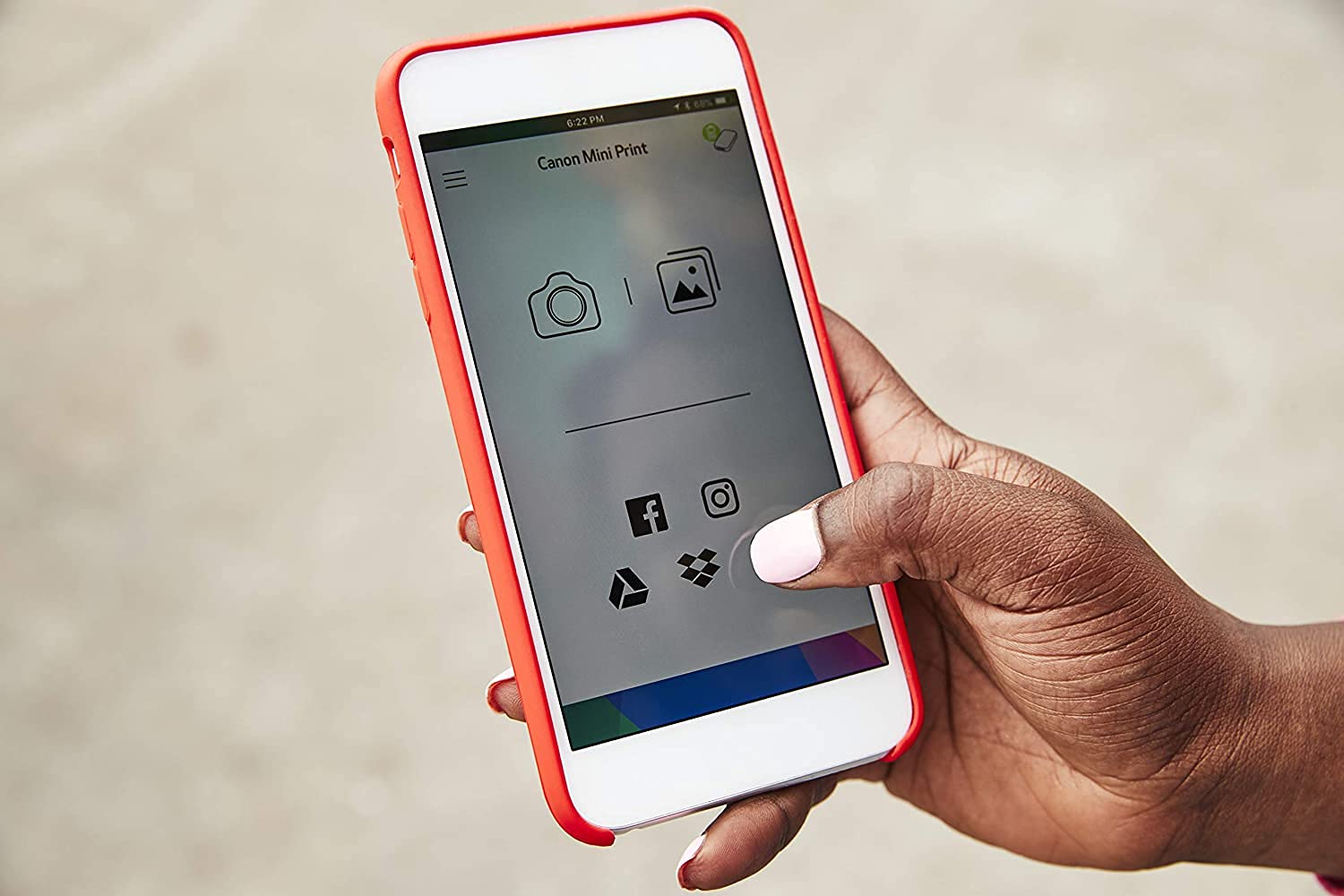
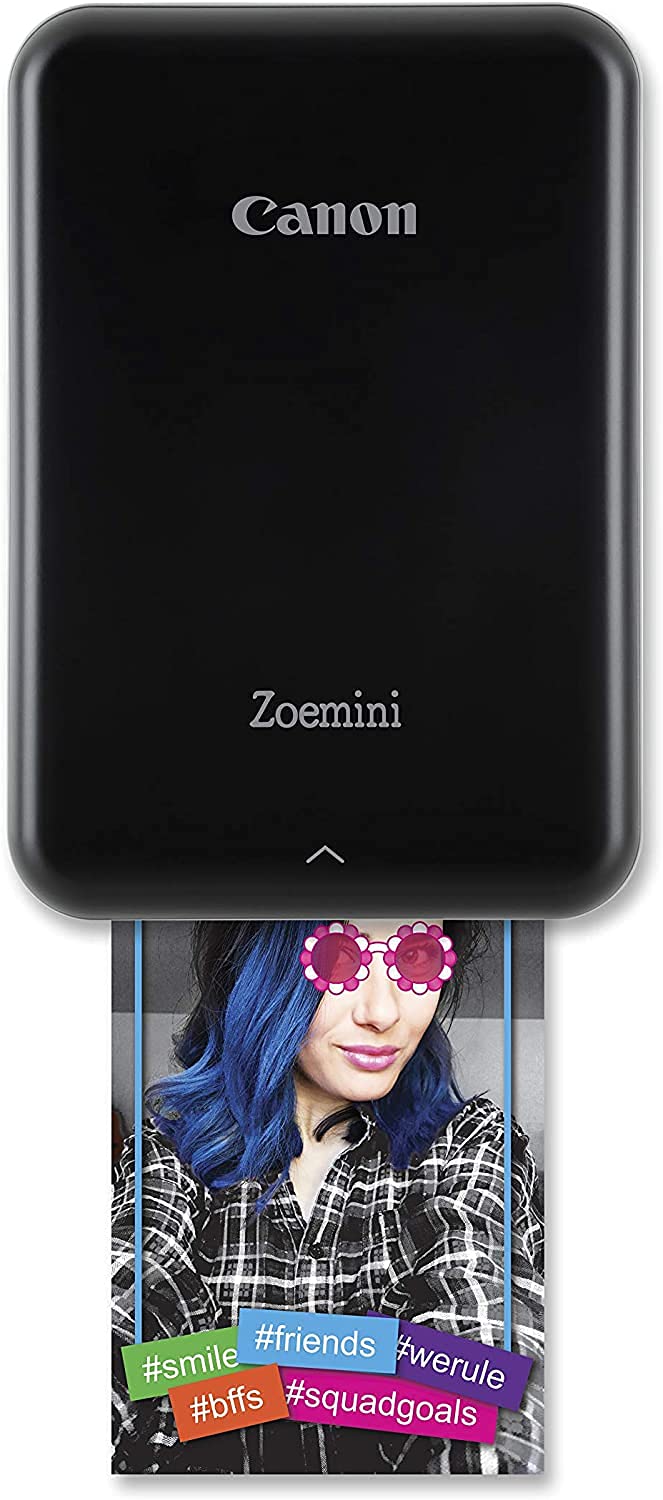




📸 Capture. Print. Stick. Instant memories in your pocket!
The Canon Zoemini Instant Mini Photo Printer is a sleek, portable device that prints vibrant 2x3” sticky-backed photos directly from your smartphone via Bluetooth. Utilizing innovative ink-free Zink technology, it produces smudge-proof, tear-proof, and water-resistant prints on the go. The included Canon Mini Print app offers creative tools like filters, AR, and collage options, making it perfect for millennials who want instant, shareable memories with a stylish twist.


| ASIN | B08YZ6FZ34 |
| Additional Printer Functions | Print Only |
| B&W Pages per Minute | 1.2 |
| Best Sellers Rank | 25,751 in Computers & Accessories ( See Top 100 in Computers & Accessories ) 40 in Portable Photo Printers |
| Box Contents | Canon Zoemini Photo Printer • Quick Start Guide • USB Cable • Safety sheet • EWS Sheet • CANON ZINK™ Photo Paper (20 sheets) • CANON ZINK™ Pre-cut Circle Photo Paper (20 sheets) • SMART SHEET |
| Brand | Canon |
| Brand Name | Canon |
| Color Pages per Minute | 1.2 ppm |
| Colour | Black |
| Compatible Cartridge | Zinc |
| Compatible Devices | Smartphones |
| Connectivity technology | Bluetooth |
| Control Method | App |
| Controller Type | iOS |
| Country of Origin | Vietnam |
| Customer Reviews | 4.4 out of 5 stars 3,350 Reviews |
| Dual-sided printing | No |
| Duplex | Automatic |
| Global Trade Identification Number | 04549292185935 |
| Hardware Interface | Bluetooth |
| Initial Page Print Time | 50 seconds |
| Ink Colour | Black |
| Item Type Name | Inkjet Printer |
| Item Weight | 160 Grams |
| Manufacturer | Canon |
| Maximum Copies Per Run | 72 |
| Maximum Copy Resolution Black and White | 300 dpi |
| Maximum Copy Resolution Color | 300 dpi |
| Maximum Copy Speed Black and White | 1.2 ppm |
| Maximum Print Resolution Black and White | 314 dpi |
| Maximum Sheet Capacity | 10 |
| Maximum Supported Paper Size | 2.0” x 3.0” |
| Maximum print Resolution Color | [High] |
| Model Name | Canon Zoemini Photo Printer (Black) + Zink Photo Paper 20 sheets + Zink Photo Paper 10 sheets circle paper |
| Model Number | Canon Zoemini Mini Photo Printer Black |
| Model Series | Zoemini |
| Model name | Canon Zoemini Photo Printer (Black) + Zink Photo Paper 20 sheets + Zink Photo Paper 10 sheets circle paper Model name Canon Zoemini Photo Printer (Black) + Zink Photo Paper 20 sheets + Zink Photo Paper 10 sheets circle paper See more |
| Network Connectivity Technology | Bluetooth |
| Other Special Features of the Product | Portable |
| Output sheet capacity | 10 |
| Paper Size | 2.0 x 3.0 inches |
| Print media | Glossy photo paper |
| Printer Output Type | Colour |
| Printer Type | Zink Technology |
| Printing technology | Zink Technology |
| Product Warranty | 1 year |
| Resolution | 314 x 400 dpi |
| Scanner Type | Photo |
| Series Number | 10 |
| Special feature | Portable |
| Specific Uses For Product | Photo printing |
| Warranty Type | limited warranty |
K**Z
Really good!
I read reviews on the Canon Zoemini and some reviews where pretty rubbish but I got mine because someone I knew had one and saw the photos she had printed with the Zoemini so I kind of had an advantage. Anyway, I'm more than happy with how easy it is to use and I'm rubbish at tech! I watched a video on YouTube though just to make sure! Once set up I printed a few photos and the quality is really good. It gives you an opportunity to enhance and adjust the photo you have chosen before printing so thats a good bonus. I have no complaints. Yes, the photo paper isn't cheap (may try and find a cheaper alternative?) so be mindful when printing photos as it's easy to get carried away, but it's a fun thing and for the price you really can't go wrong. You can get free photos printed from various sources now, so not a bad thing to still do this, but the zoe printer is an instant and fun way of printing little photos right there and then. I would definitely recommend and would be a great little gift. Just get more paper at the sane time, as the 10 that come with it doesn't last long.
C**V
Good printer...
My Canon Zoemini Photo Printer is a fun little gadget, very easy to set up. It's lovely being able to print photos straight from my phone and to have the ability to manipulate the photos to make them more fun is a great idea. Once printed you can keep the photo as a nice little pocket photo or peel off the back and use it as a sticker. The negative is the paper is really expensive.
P**.
Best choice I made
I really struggled to look for a small printer, there's so many to choose from, but for me quality is better than speed. From reading hundreds of reviews most people seem annoyed to wait around 5 seconds longer for it to print but that dosent bother me at all. I'd rather have a picture that is good quality and easy to see than something blurred. I do recommend to avoid dark photos, editting the brightness does help on the app (which is really simple to use) but to avoid that I say use photos in well lit areas. The colours are very vibrant and crisp, sometimes it can be slightly off but it's a tiny photo, it's ment for scrapbooking or tiny journaling not to be criticised hugely. Do expect them to be small. I highly recommend this product, I would definitely buy one again.
N**A
alright
the printer is really compact, prints fast and the app is quite user friendly (4/5) the picture quality is good but it does distort colour so the first few pictures I printed came out quite cold/blue - now I make sure I up the warmness of the pictures on the app (a higher amount than I would normally) so when they print they look normal battery drains quite fast but it also charges super fast so can't complain overall super happy - I bought it for printing pictures for my scrapbook and it does the job perfectly! Especially for the price
T**I
Excellent printer
Me and my husband bought a book called Adventure for couples since we are both workaholics and hardly get to anything fun, and when we get a chance we can never think on what to do. This required Polaroid pictures to remember your fun day. We ordered this not expecting much, but it's fabulous, the app you can easily find in play store and it even let's you add frames or writing. The paper you can order on amazon I believe it comes with a pack of 10 just remember to put the green printer paper in each time you load it (every pack of paper has a different green card) This printer is small enough to carry around with you and since it connects via Bluetooth you can print anywhere would highly recommend
M**A
Great printer for scrapbooking or collages
So easy to use. Within 5 minutes of unboxing I was printing a photo! As other users mentioned, brighten the photo slightly more than normal before printing as sometimes it can be a little dark. For an inkless printer, I think the quality of the photo is suffice. And sticker photo paper is a bonus if you wish to scrapbook.
N**R
Wow. So much better than I expected.
Wow. I didn't have high hopes. I mean kinda barely a moving part. Ink built in the paper. It sounded like it should be a little like a disaster in the making. But i need to up my bullet journal game and i store in mine details of weaving and knitting and crochet. So rather than just words i wanted a reminder of what it looked like. So i dont need poster quality but you know considering its a phone picture on a tiny shrunk down piece of paper. It looks pretty darn good. Because my test print was my puppy (well hes cute. His sister didnt want in) and hes black i did lighten it a little. So i attach the original and the app lightened and printed photo. Is it perfect? Goodness no. Is the colour perfect? But you are printing a 2x3 inch photo of something designed to be so much bigger. Theres got to be detail and quality loss and given its under 100 pounds. You need to be realistic. Is it great for little reminders of things? Personalising stuff? Making fridge magnets and that sort. Totally. If the colours are askew some things will work better than others. I picked the kodak camera as it got a good review as did its paper. Im really happy with how it turned out I charged it. Put the paper and config card in. Loaded the app. Picked my picture connected to the printer. Hit print and out this came. Could not have been easier.
K**Y
Terrible quality photos
I don’t no where to start with this printer as everything about it is awful . I’ve never wrote a review on here but felt compelled too after buying this so nobody else does. I did a bit of research on these type of printers and this one seemed to have the best reviews but I’ve no idea why. The quality of the prints is shocking , very dull , not exactly colours , lines down all of them . The printer runs out of battery after doing 10 prints . The app is very Buggy and temperamental stops working all the time. It’s taking me about half an hour/45 min to print 10 little prints . Everything about it is awful and I can’t wait to send it back! Do not buy 😂
Trustpilot
1 month ago
1 month ago