
👁️🗨️ See it all, miss nothing—your 360° security game-changer!
The Amcrest Fisheye POE Camera delivers a professional-grade 5MP 360° panoramic view with 33ft night vision, powered via Ethernet for streamlined setup. Designed for indoor use, it integrates seamlessly with ONVIF-compatible DVRs to provide advanced image dewarping and multi-camera timeline syncing. Its compact dome form factor and digital IO pins make it ideal for modern office, retail, or industrial environments seeking comprehensive, high-quality surveillance with minimal hardware.



| ASIN | B07YNVJDJH |
| Best Sellers Rank | #114,086 in Electronics ( See Top 100 in Electronics ) #1,217 in Dome Surveillance Cameras |
| Colour | White |
| Compatible devices | Smartphone, Tablet |
| Connectivity protocol | Wi-Fi |
| Controller type | Android, Iphone |
| Effective video resolution | 5 MP |
| Form factor | Dome |
| Included components | CC Camera |
| Indoor/outdoor use | Indoor |
| Installation type | Screw In, wall mounted surface mounted |
| Item dimensions L x W x H | 12.4 x 12.4 x 4.6 centimeters |
| Item model number | IP5M-F1180EW-V2 |
| Manufacturer | Amcrest |
| Material | Metal |
| Mounting type | Ceiling Mount |
| Night vision range | 33 Feet |
| Number of Items | 1 |
| Number of channels | 1 |
| Power source | Corded Electric |
| Product Dimensions | 12.45 x 12.45 x 4.57 cm; 408.23 g |
| Video capture resolution | 5 MP |
| Viewing angle | 180 Degrees |
| Water resistance level | Not Water Resistant |
| Wattage | 7.5 watts |
| Wireless communication technologies | Ethernet, Wired |
E**S
For those that don't know, this is a fisheye camera. That is a very specialized-use camera, typically for mounting on a high ceiling to be able to get an overview of a whole area. I love putting one of these in a factory environment, and then using more traditional bullet or pan-tilt-zoom cameras for details of doors. But a single shot overview is SO helpful when you use a DVR that can sync the timelines of multiple cameras. That let's you see the overview along with the details at the same time. With that said, this is not the camera for you if you do not have a DVR that can do de-warping, or if you are looking for a stand-alone camera. Fisheye cameras are highly distorted in their native image, and it requires processing power to turn that fisheye image into something more friendly for people to look at; sometimes it is a pair of very long images, sometimes the software will break it into several virtual cameras. To be clear - this camera cannot output the dewarped image in its RTSP feed, so your DVR (such as Blue Iris), must be able to. Another thing I am especially impressed with is the size of this camera! It is SO much smaller than any other fisheye camera I've ever seen! It is the size of my palm, and just barely thicker than my hand! It does require power over Ethernet, but if you are getting this camera you likely already have a DVR, and POE switches in place. Lastly, this camera has digital IO pins! This is such a useful feature that I wish all commercial-grade cameras had. This let's your DVR send a command to the camera to activate the digital IO pins to activate a relay. It's a fairly niche feature, but having digital IO access at the top of a factory ceiling is so useful!
S**R
This is a review of the Amcrest Fisheye POE Camera and it was reviewed against Wyze Cams, Ubiquiti Unifi Security Cameras, and 4k Amcrest outdoor camera. Things to note: This is an *indoor only* camera. It is ONVIF compatible which means it is compatible with your software DVR (including Synology, BlueIris, and more). It is a 5mp lens with a 1/2.7in sensor. It supports up to 25 frames per second and H.265 video compression (smaller file sizes). It has a MicroSD card for local back up in case something happens to your DVR storage. The Lens is 1.4mm Compared to other cameras, this is wonderful to have as it solves the need for 4 cameras to watch a room. I saw some other comments at problems de-warping the image but I used my own software DVR on Windows 10 and haven't run into issues. The videos are high quality, and the image color is good. If you need extremely high resolution videos looking at a specific area (say the cashier register) you may need a 4k camera with a narrower field of view. That will provide you with a more detailed image. However, this camera provides a great overview of what is going on in general. This camera is also significantly cheaper than other 360 degree view camera options. I would recommend this for the general area of a restaurant, a coffee shop, or how I use it: In the garage and the hallway. I don't see any specific shortcomings with this camera!
A**I
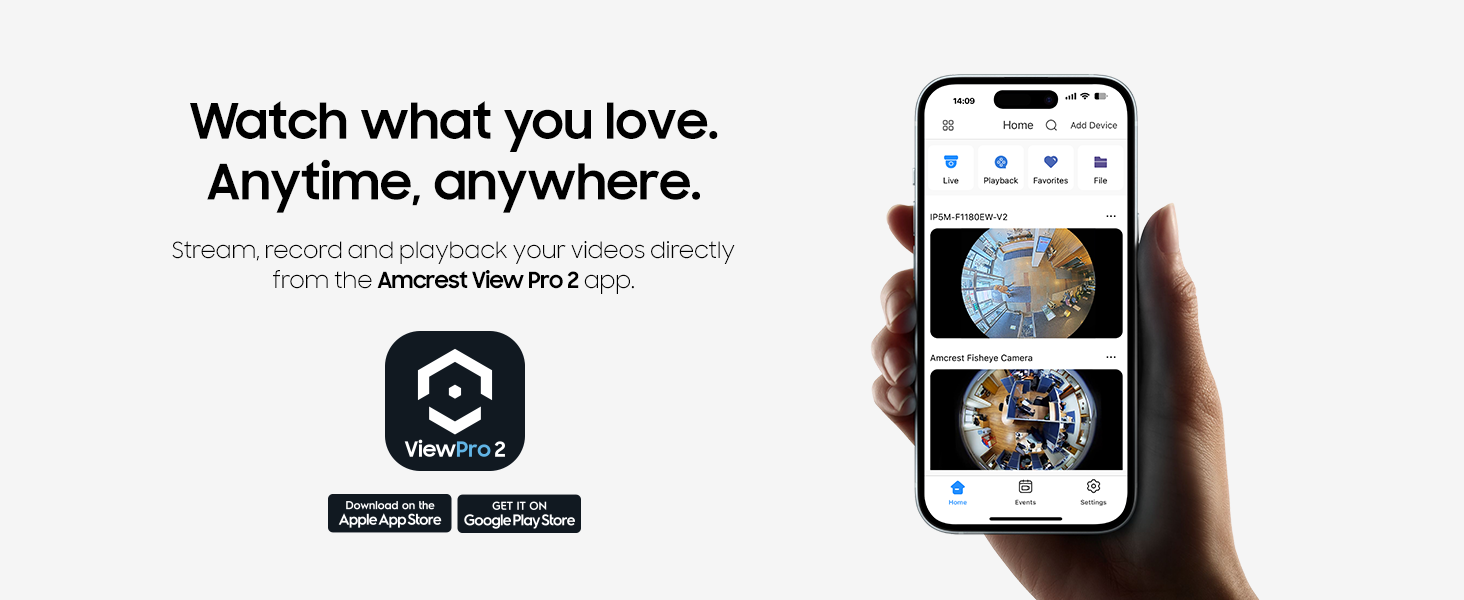
Packaging: Packaging was sufficient. The camera was well protected. The package looked small for a $200 camera but there was no excess packaging. I appreciate the smaller packaging as it leaves a smaller environmental footprint. Instructions: The instruction manual lists 5 different ways with several different apps to connect to this camera. It also provides a comparison of the different apps on the first page to help users select which method works best. Personally I did my own research online as well, as I wanted a free option (Amcrest View Pro) vs the paid option (Amcrest Cloud). The View Pro is free despite the "Pro" in the name. On the Amcrest View Pro app, the instruction manual asked me to set up a P2P connection. However, I deviated from these instructions and chose the IP connection which I configured on my home router. This is naturally a little more involved but still relatively straightforward for anyone that is remotely familiar with IP addressing and how Wi-Fi works. Bottom line, the instructions are a guide intended for someone who is relatively tech-savvy. If you are not familiar at all with how IP cameras work or the term "Internet Protocol" frightens you, then hire a professional to set this up or be prepared to spend a few hours on your own to figure it out. Functionality: The camera must be connected to an Ethernet cable (and power, if you do not have Power Over Ethernet (PoE) through your cable). That is the biggest hindrance - and this is not unexpected. If you want a camera that does not need a wired connection, Amcrest offers other options including a PTZ camera for example that is completely wireless and only requires power. This camera covers a larger area and is intended for permanent, hardwired installation. As far as storage goes, the free option stores footage in an onboard microSD card slot, which is accessible through the Amcrest View Pro app. You can view historical footage saved on the card through the app. Note that this is less secure if anything were to happen to the physical camera (theft/ fire/ damage). Also, if you want to remove the microSD card the camera will need to be physically accessible (which also makes it accessible to thieves). If you do not have a card in the camera, the app only displays the Live View. The solution to this is to subscribe to the Amcrest Cloud service. Amcrest Cloud requires a subscription but saves data to Amcrest's servers that can be viewed later. I stuck with the free option. There is also another option which I did not explore but is to save the footage to your own NVR server. Amcrest sells its own NVR solution, albeit poorly rated, but it should work with all the features of this camera. Of course Amcrest Cloud is the most secure, since your NVR server will need to be on-prem. The night vision on this camera is good, but a lot of times if the room was even remotely dim the night vision would stay on. Small point, the camera view in the View Pro app on the iPad was horizontally stretched when the iPad was in a vertical configuration. I had to turn the iPad horizontally for the camera view to show up properly in the round configuration. The app experience offers a lot of features. This was definitely designed by engineers for engineers, and in my opinion this is generally a hallmark of all of Amcrest's products. Lots of features but potentially not as user friendly. The desktop browser experience connecting to the camera directly through the IP was perfect. Full features, good view, password protected. Customer service: Amcrest customer experience is legendary. They immediately provided me with a power cable when my router did not offer PoE. They are extremely responsive to email. They are always asking for feedback. Now - whether that translates into new products or features is debatable, as many of their apps have poor reviews but have not been improved in a timely fashion by Amcrest developers. Overall experience: As a tech-savvy engineer with relatively limited expectations, I approve this product. It does what it says it does and offers many different options to connect and save footage. If you are considering this product vs a competitor, make sure the competition has similar megapixel resolution and can save the footage to the cloud or to an on prem server. Bonus points for the Amcrest app which is accessible on my iPad or iPhone any time of day. Potential improvements: As mentioned above the night vision can be improved to turn off if it becomes bright enough in the room. Right now the night vision stays on if the room is even remotely dim. It would also be great if the Amcrest View Pro app could display the video image properly when the device is in a vertical configuration. I empathize with the developers and Amcrest on the difficulties of marketing an IP camera. It is challenging to write instructions that will work for both the layman and the tech-savvy user. Perhaps an online manual would help with options of "I don't know what I am doing" and "I am a tech professional" with corresponding instructions for each.
P**1
This camera was an easy install and does provide a good picture. The problem is that outside the mobile app (they have dozens), there is little to no support for de-warping. This could be a great camera if they offered more support on that functionality.
D**E
When I received the package, it was not in discreet packaging. It was literally the product box with a shipping tag on it. There is no power supply, eithernet, aux in, or aux out cord. Buy it yourself. The app is slow and hard to use. There is no way to turn the audio off. There is no speaker or mic to speak to someone. Pretty camera, not worth the money. You have to buy cloud storage, the SD card means nothing. Maybe if you have nrv you will be okay, but people who want to use there phones will have to pay. Connecting was easy when I went buy all the cords.
Trustpilot
3 days ago
3 weeks ago



