
DOWNLOAD THE APP


Customer Services
Copyright © 2025 Desertcart Holdings Limited
DOWNLOAD THE APP
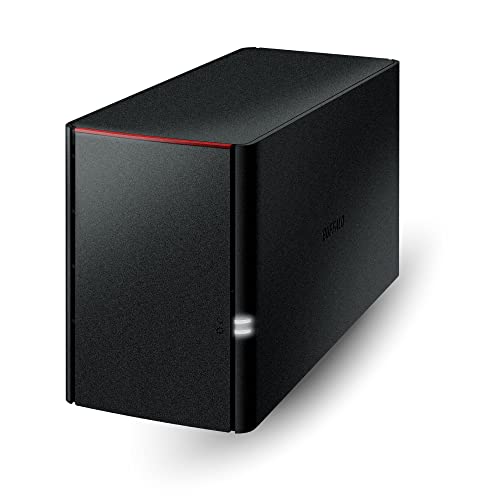




🚀 Elevate your home network storage game with effortless power and privacy!
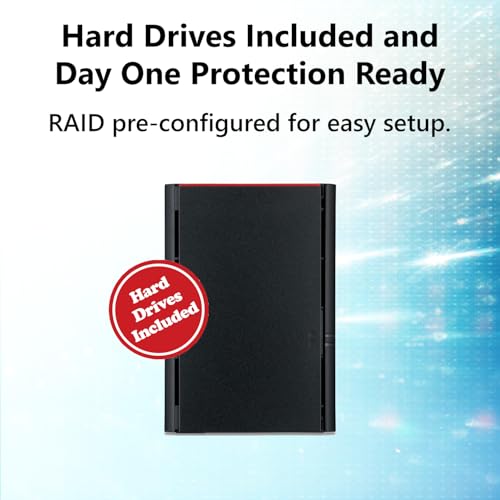
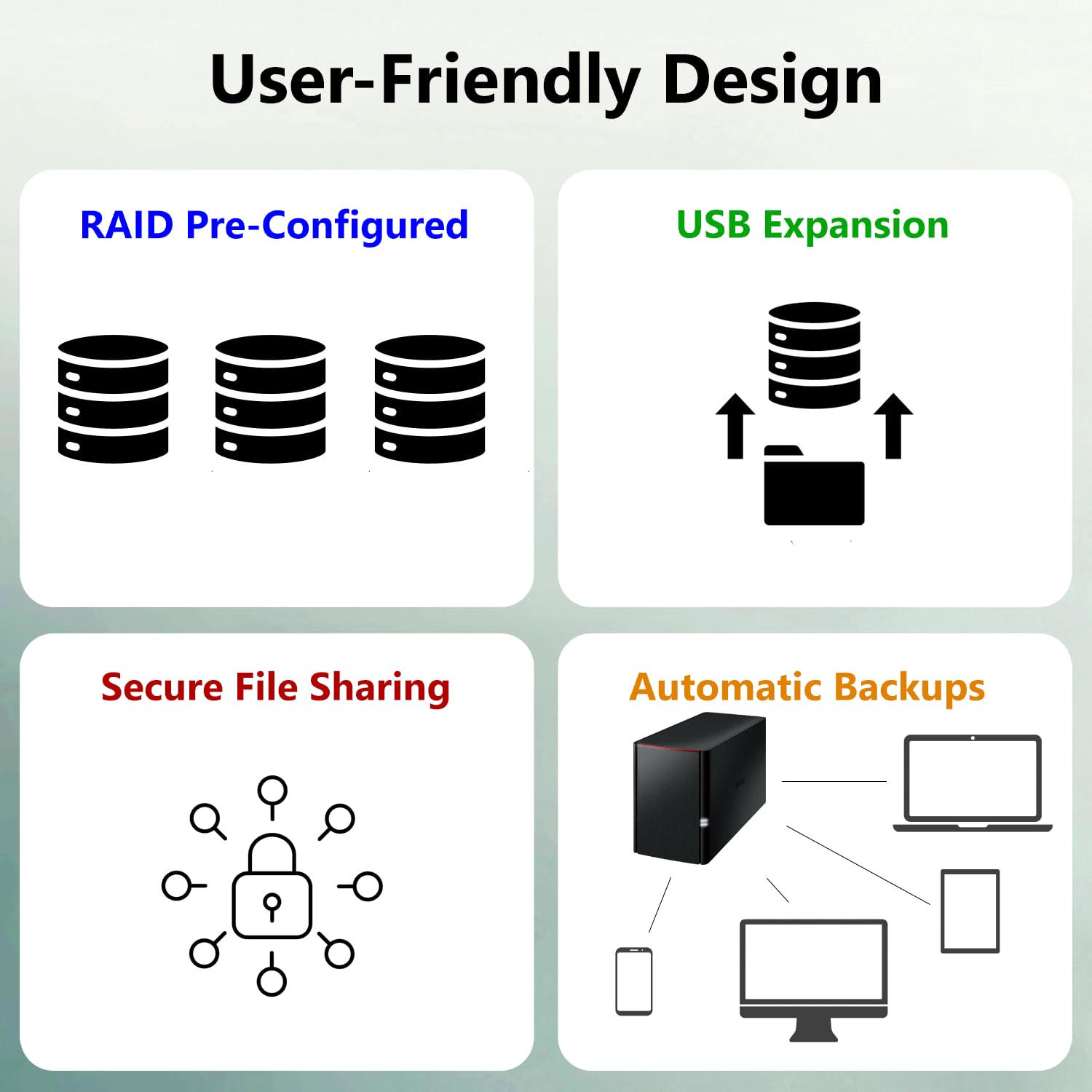
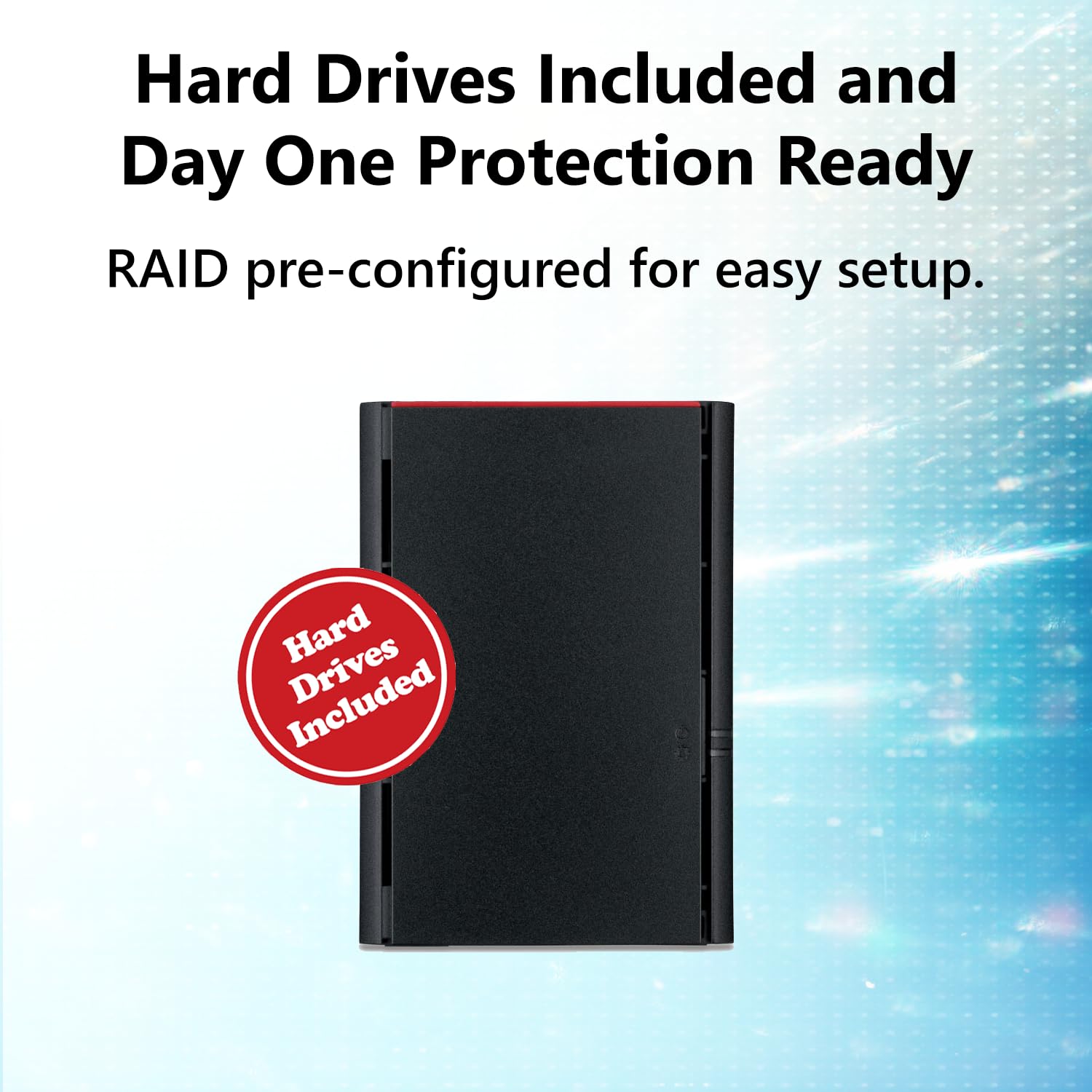
The Buffalo LinkStation 220 4TB NAS is a compact, dual-drive network storage solution designed for home users seeking easy setup and reliable multi-device access. Featuring two 2TB hard drives, a user-friendly web interface, and USB 2.0 support for external drives, it offers a privacy-conscious alternative with a straightforward EULA. Ideal for seamless backups, media streaming, and centralized file sharing across your home network.


| ASIN | B00JY4QD4A |
| Are Batteries Included | No |
| Best Sellers Rank | #307,798 in Computers & Accessories ( See Top 100 in Computers & Accessories ) #75 in Network Attached Storage (NAS) Devices |
| Brand | BUFFALO |
| Colour | Black |
| Customer Reviews | 4.2 4.2 out of 5 stars (397) |
| Date First Available | 1 May 2014 |
| Hard Drive Size | 4 TB |
| Item Dimensions LxWxH | 12.8 x 25.4 x 22.4 Centimeters |
| Item Height | 8.82 Inches |
| Item Weight | 454 g |
| Item Width | 10 Inches |
| Item model number | LS220D0402 |
| Manufacturer | Buffalo Americas |
| Number of USB 2.0 Ports | 1 |
| Product Dimensions | 12.8 x 25.4 x 22.4 cm; 454 g |
| Standing screen display size | 8.1 Inches |
| Wattage | 48 |
G**R
The NAS just arrived a little bit ago. I found the quick setup guide to be very easy to follow mostly because all the steps are so simple. If you need more detailed instructions, the full manual is available for download. I'd say it took me about 5 minutes to hook it up to the network, turn it on, download the software, install it on my PC, and have it up and running. It took me about 10 more minutes to read about setting up folders and set up what I wanted. It was so simple I probably could have skipped the instructions. Then it took me about 15 minutes to set up the DLNA server, which I am completely new to, and have it running on my Roku TV with the Roku Media Player. So far it seems to be working flawlessly, ofcourse we will have to see if that lasts. Pros: 1) Extremely cheap when you consider it comes with two 2TB hard drives installed. 2) Super easy setup 3) Super easy and very simple web interface 4) Have it working on multiple computers and my DLNA Roku very quickly 5) EULA was super short and simple unlike some other NAS companies that I saw have EULAs requiring that you allow them the right to audit your use of the device, access your site, see your books, etc. Are you kidding me? 6) Has a USB connection for an external drive which I think will come in handy Cons 1) Maybe lacking in utilities compared to some other companies. I just wanted very basic functionality so I'm actually happy without all the extras. 2) Speeds copying data over the network to the drive so far have been about 17 MB/s for one computer and combined 24 MB/s when copying from two computers at once. I don't know how much of that is the device and how much is the other drives I'm copying from. But, it does seem a little on the slow side to me.
C**N
Pongo 3 porque es bueno para respaldos en una red local, pero para lo principal que lo adquirí para respaldo del dispositivo móvil como cloud, la aplicación es muy inestable, a veces marca errores al subir , a veces bien.
J**R
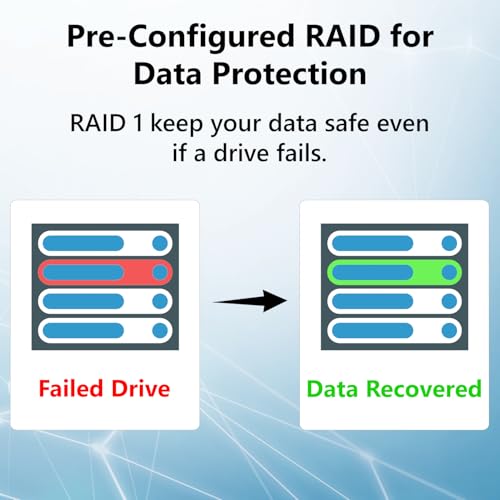
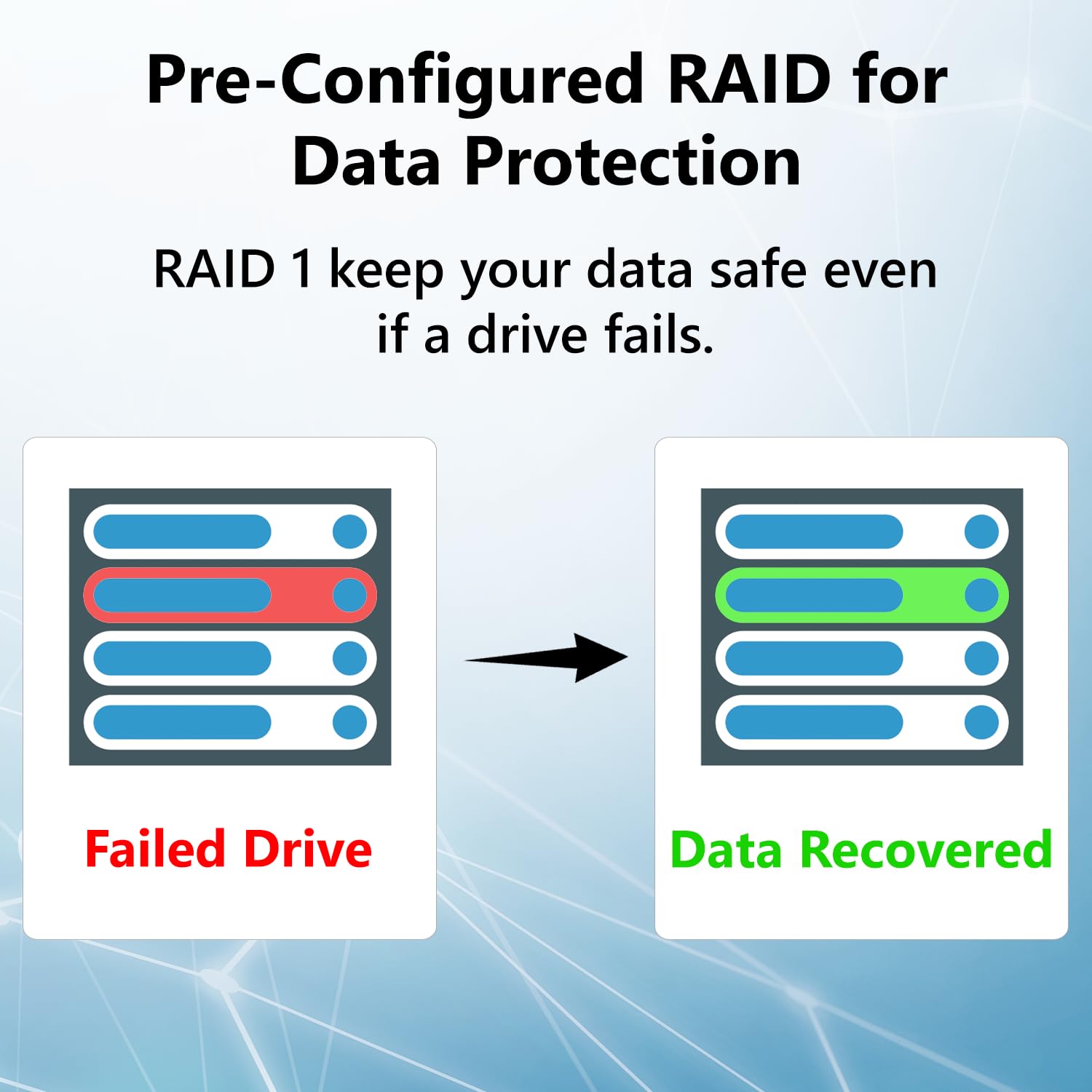
I was looking for a basic NAS for Time Machine backups, file storage and easy to access media storage. Time Machine works great with this NAS. DLNA makes it easy to access my media from all TVs at home. Storing files on the device works great. It comes with a raid 1 configuration as default. You can switch to raid 0 but you lose all redundancy. I'm keeping at as raid 1 since I'm using it to backup my M1 MacBook Air. This NAS doesn't have a lot of the extra features of a more expensive device. It's designed for the basics and does them very well. If you just need to back up a computer, store some files and access some media files from multiple TVs this NAS will do the job well.
Y**E
I have two Buffalo USB RAID devices which work well. THIS unit, however does not. It frequently becomes unaccessible. For some reason. It frequently does NOT show up when I display my network devices, however often I still can mount a share (using Windows 7) with a NET USE command, even when it is not visible. At other times I can NOT mount the same share. And at other times it does show up as a network device. Go figure. I have no idea how to troubleshoot this thing. Turning it off (and WHY is the power switch in the BACK of the unit where you can NOT see it???) and turning it back on "fixes" it. For a while. I only use it to share files between different computers. So if I turn it on only when I want to use it, I guess it will do what I need. If you want a reliable network-attached storage device which always is available to your computers, do not get this one. Update: I contacted Buffalo customer support about this unit's connectivity issue, and they blamed my network. Ok, the unit was connected to a switch, not directly to the router. I have just moved the connection directly to the router, and I'll have to wait and see if that helps. I'm upping my rating a bit because Buffalo at least looked at the problem and came up with a possible solution. If the unit stays connected to the network from now on, maybe I'll bump up my rating a bit more.
C**S
(2 X 2Tb) If I had depended on the reviews, I probably would not have bought this. A friend had one and recommended it. I am using it for backup on my home network, which consists of PCs and Chromebooks. Some people gripe about the speed, which really doesn't matter to me because it backs up at night while I am sleeping. Having very little experience with networking, it took me a couple hours of fiddling with it (and my PCs) to get everything set up the way I wanted. This included setting up Paragon Backup software (free version). Just to experiment, I did set up a share folder with some videos and they play well over the network. The documentation is not very good, but you can find a YouTube video if you need help. It has only been installed for a few days, but so far I am very pleased.
Trustpilot
2 weeks ago
4 days ago