We remain fully operational. Our teams are working around the clock to ensure your deliveries continue safely.

DOWNLOAD THE APP


Customer Services
Copyright © 2025 Desertcart Holdings Limited
DOWNLOAD THE APP

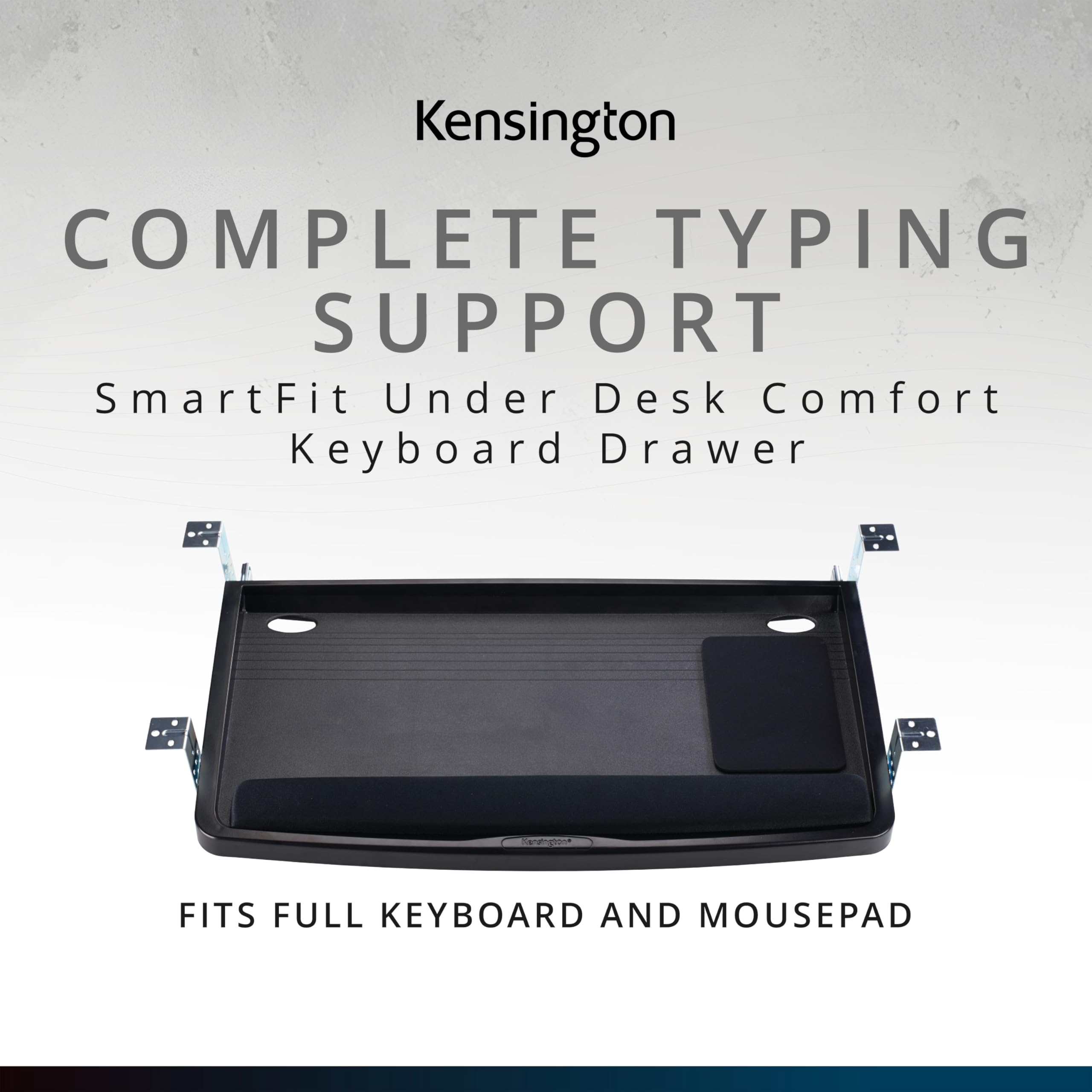
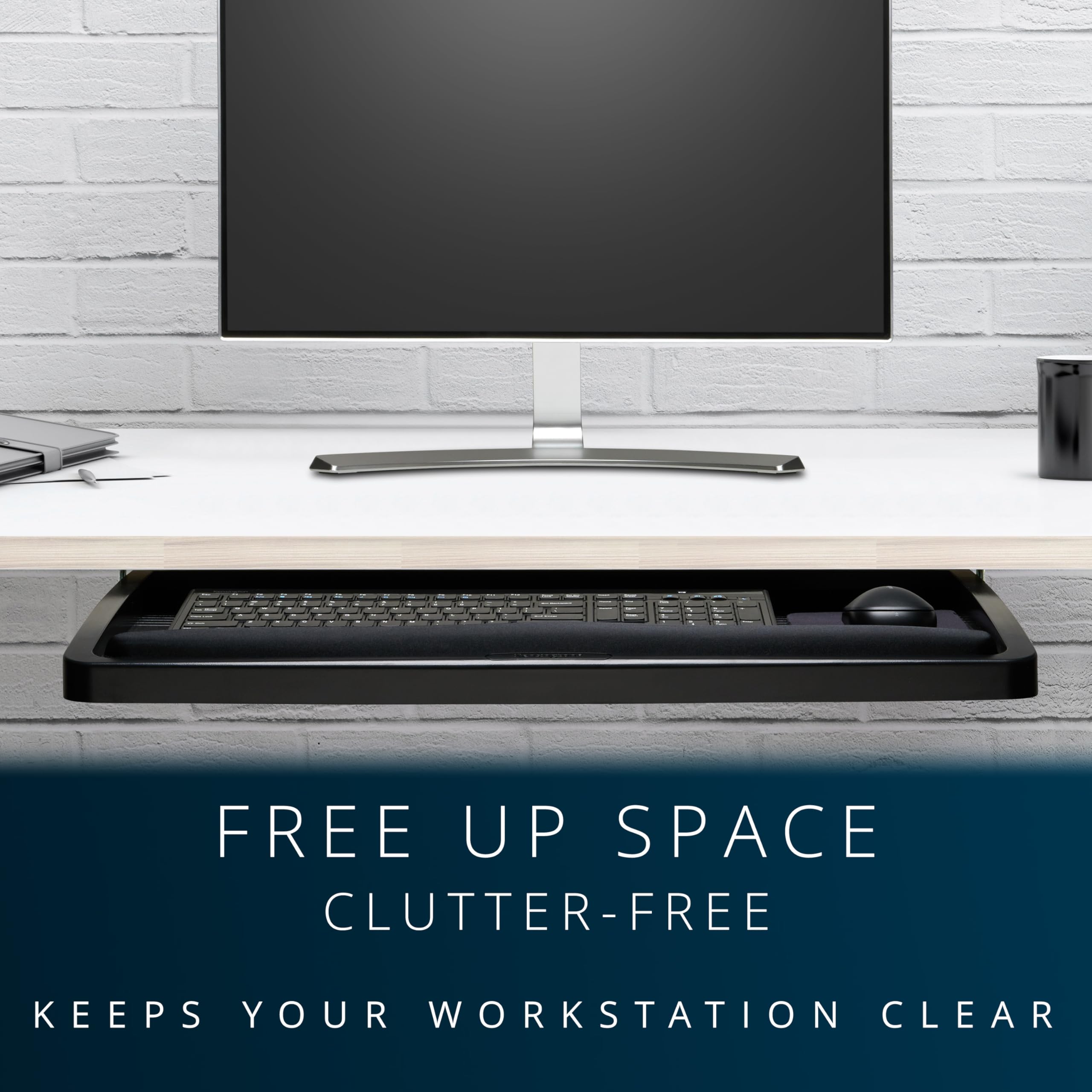
⌨️ Elevate your desk game with the ultimate keyboard drawer upgrade!
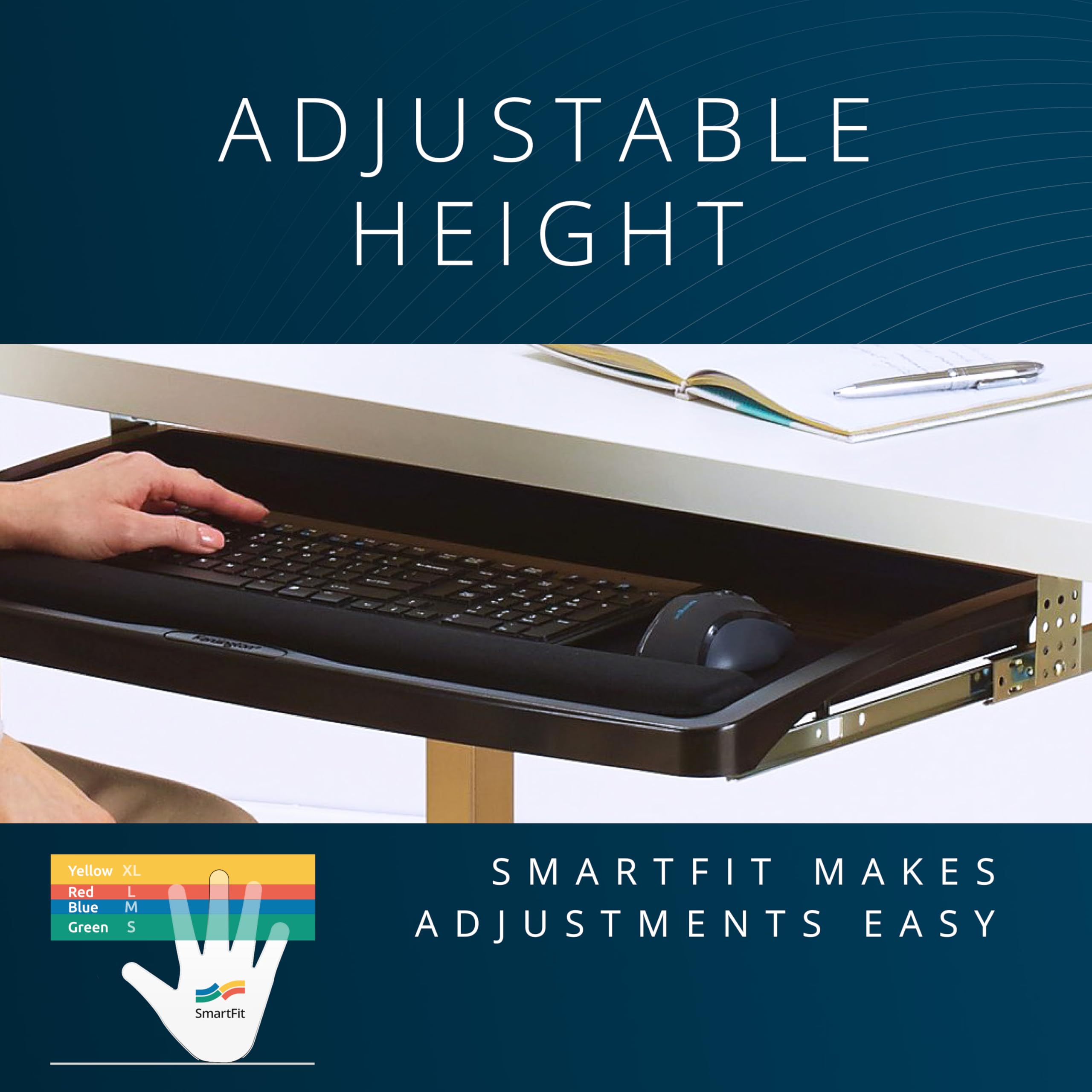
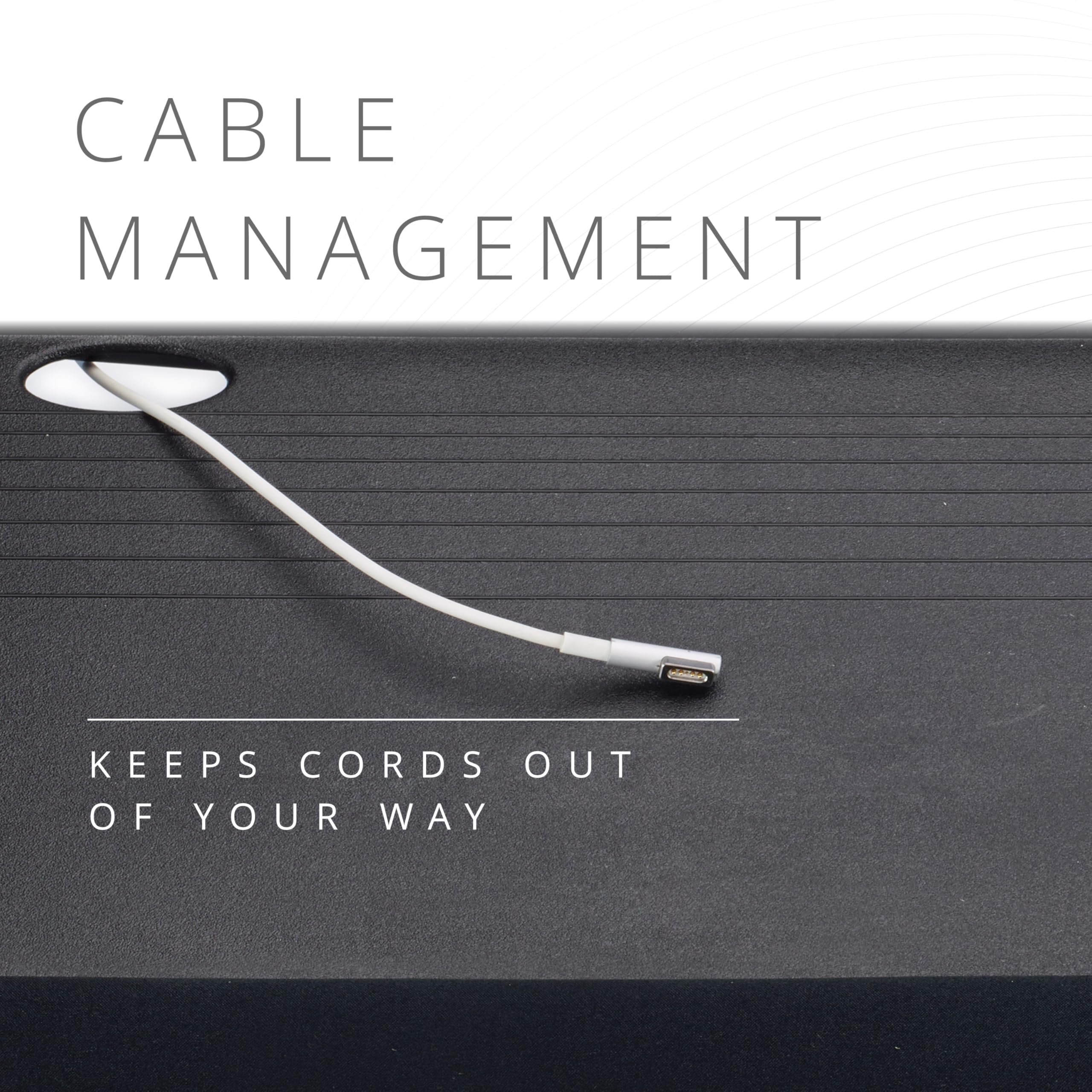
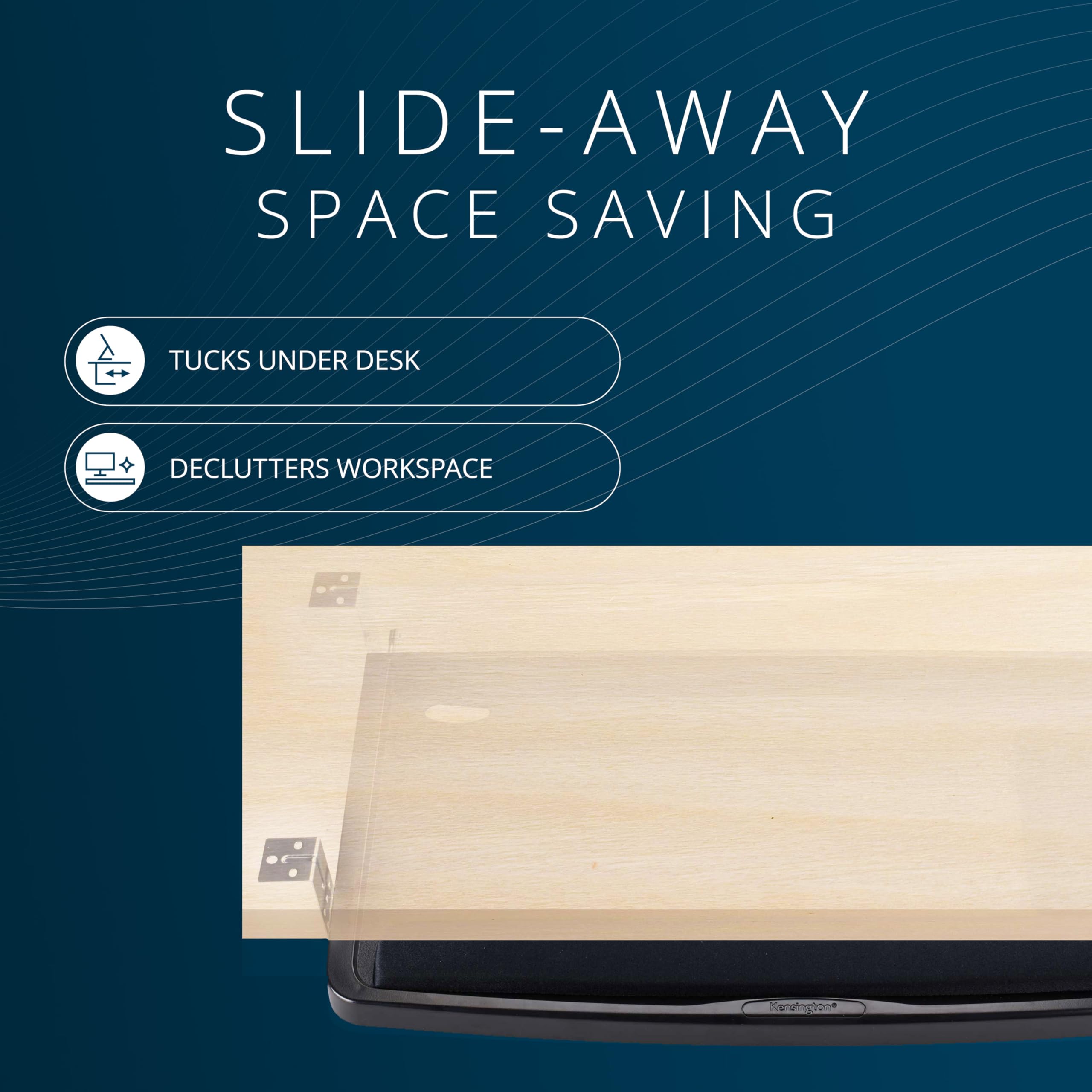
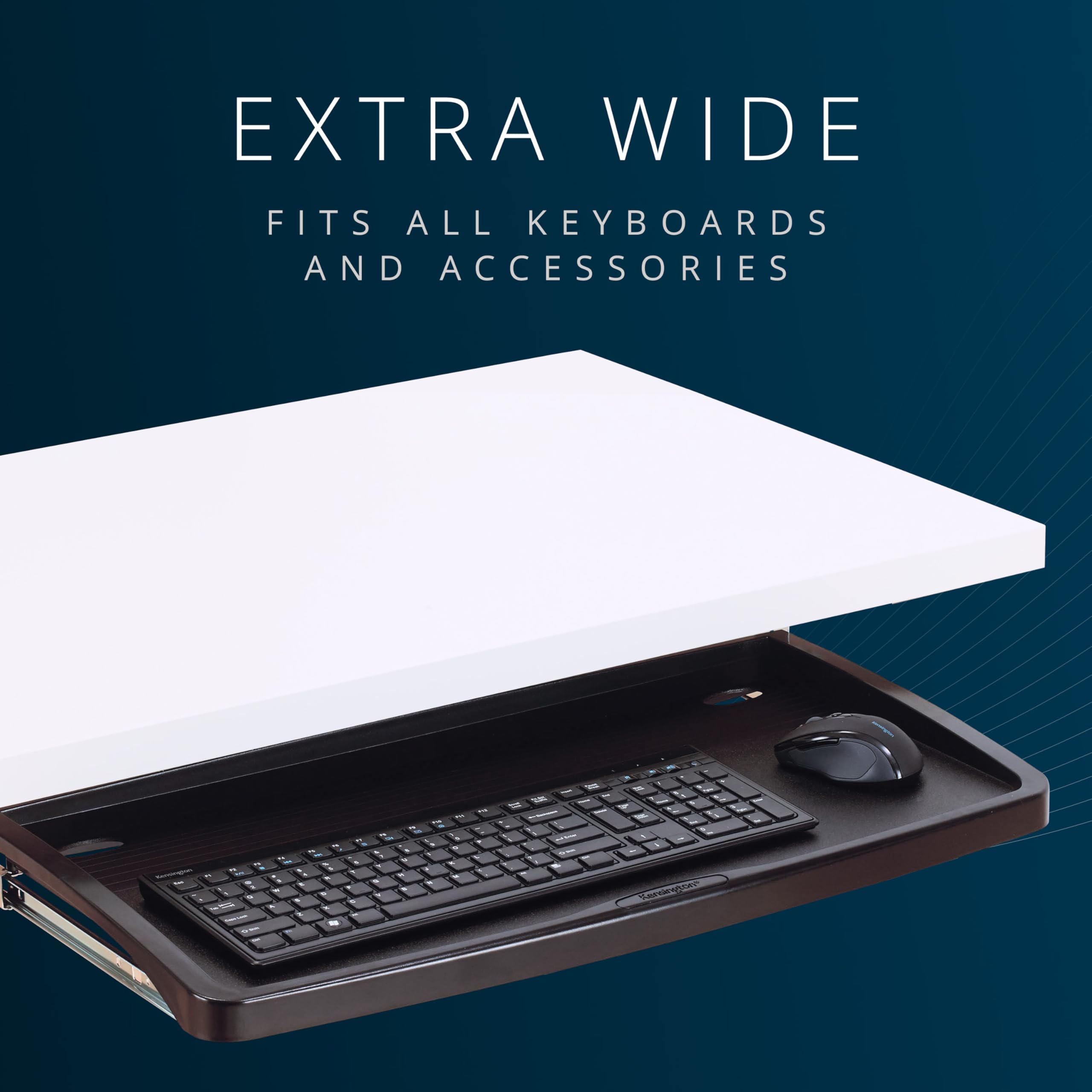
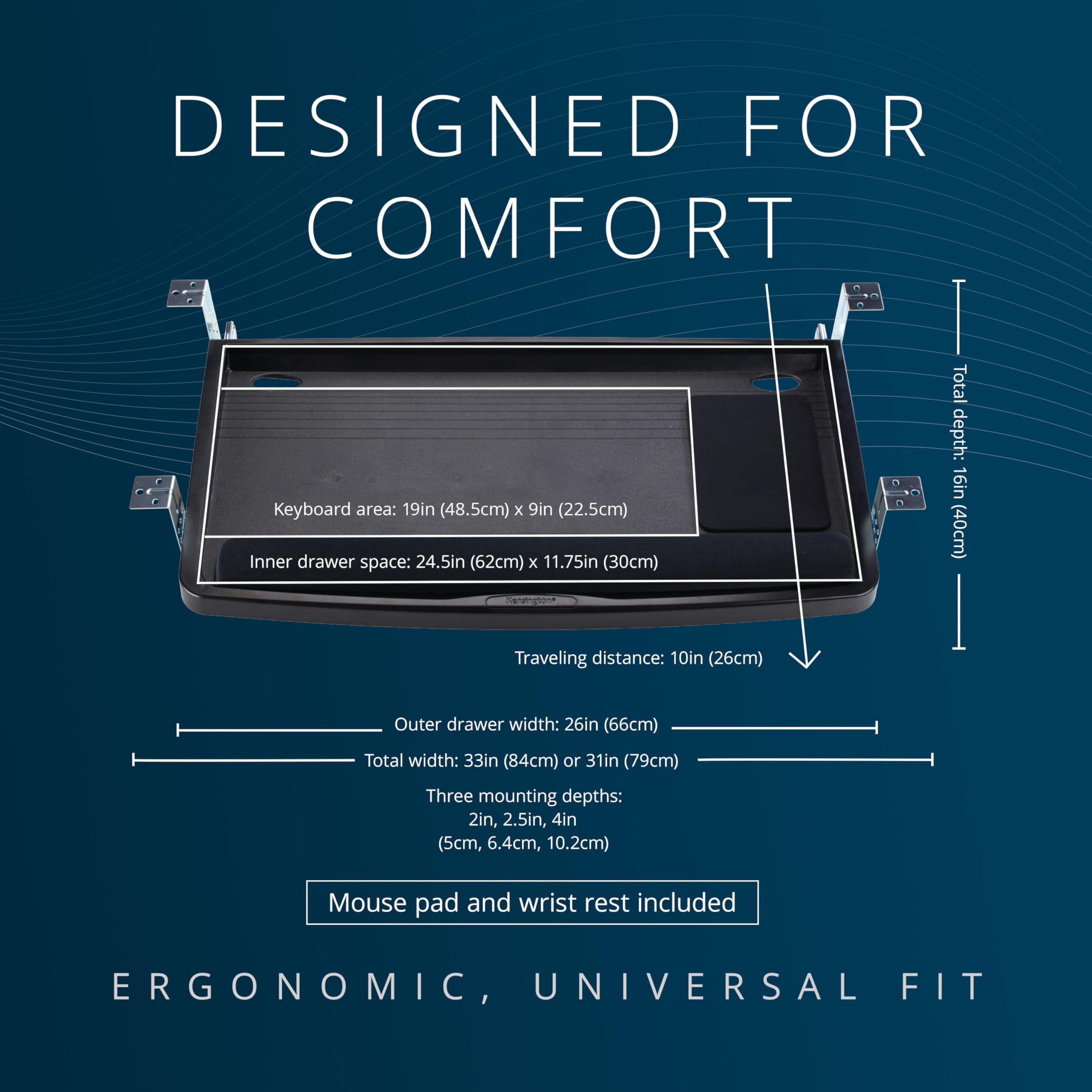
The Kensington Keyboard Drawer features a 24.5" extra-wide tray that fits all keyboard sizes, including ergonomic models, with SmartFit adjustable height settings for personalized comfort. Constructed from durable metal and heavy-duty plastic, it offers a stable and spacious workspace that accommodates your keyboard, wrist rest, mouse, and mouse pad. TAA compliant and designed for professional environments, this drawer enhances productivity and ergonomic health.


| ASIN | B00004Z6N4 |
| Best Sellers Rank | #138,582 in Home ( See Top 100 in Home ) #95 in Keyboard Drawers & Platforms |
| Brand | Kensington |
| Color | Black |
| Customer Reviews | 4.2 4.2 out of 5 stars (3,370) |
| Date First Available | 3 August 2012 |
| Item Weight | 2.27 Kilograms |
| Manufacturer | Kensington |
| Manufacturer Part Number | 60004 |
| Material Type | Metal or Heavy-duty Plastic |
| Model number | 60004 |
| Number of Items | 1 |
| Product Dimensions | 66.04 x 33.53 x 6.99 cm; 2.27 kg |
| Size | 1.5" x 26" x 13.5" |
B**A
Excellent
Good product its worth the price.
H**K
Excellent
Awesome.keyboard tray and very stable .
M**D
Good quality
Good quality
C**L
Really good quality
Really good quality
C**.
I have a 50" wide x26.3" deep x 29.5" high curved front desk that needed a keyboard drawer that would fit under a 1.5" high x .5" deep frame running under the desktop, that varies from about 1.5" to 3" in from the outside edge because of the front desk curve. Taking some measurements, I knew I would have to use the maximum drop for the brackets to get under this frame, so no need to use the "smart fit" directions. First thing to note in assembling the keyboard tray is that the drawer sliders can be attached in only one orientation. Initially, not looking at the directions provided too closely, I lined up a slider and it looked like it was the wrong size as screw hole distance on the tray didn't match the distance for the holes in the brackets on the slider. Tried other side, same thing. Looked at pic in directions and watched online video of assembly and realized the sliders do fit. Take one slider and try on both sides, flipping until you get the orientation right. They will fit. Used middle bottom hole of long side of bracket to attach screw. Once assembled, had the desk upside down and placed the tray on the underside of the desk where I wanted it (short side of brackets screw into desk and long side of bracket hangs down as I was using maximum drop for the keyboard). Marked screw holes, pre-drilled holes and then screwed on. Front brackets were placed flush with the 1.5" frame that I had to get under. See attached pics. I have a K800 keyboard and there is about a 5/8" clearance between it and the 1.5" frame I had to get under (see pics). Keyboard is 18" wide and the tray is 24" wide, leaving adequate room for a mouse (mouse pad included). Note, a bulkier mouse may hit the desk when you close the tray. However, I have my mouse on a small table flush to my keyboard tray and find it ergonomically more comfortable (see pics). Keyboard tray slides in and out smoothly and feels solid and supportive. Maximum bracket drop allows sufficient clearance for keyboard. Directions straight forward (watch the online video if you have trouble). No missing parts. Would buy again.
L**T
C**A
I'm a certified ergonomic specialist and although I have access to very expensive keyboard trays, I didn't want a permanent-mount tray. For this particular application, I needed a removable unit. After an hour of Amazon shopping, I realized this was what I was looking for. The tray is large enough for an ergo keyboard plus mouse (I even have a KVM switch glued down between the two). The installation is easy and after many months, never loosened. I ranked the sturdiness a 3 of 5 but considering the specific application, I can't imagine any other product being more sturdy. The 'height' is limited to 3 settings and although I prefer unspecified height adjustments, for a non-permanent-mount tray, I think the settings are sufficient. I'm very pleased with this purchase.
K**D
Firstly I thought of getting a clamp type tray which I later confirmed would get in the way when I move things around on the desk. At least it wasn’t for me. There was another type of product in the same price range. It had smaller width, but had a separate mouse pad base linked to it, which didn’t seem to be solid enough. I finally chose this one mostly because of the extra-wide inner drawer space (24.5”) which I knew would give me a lot more room to maneuver my keyboard and mouse within a single drawer space, thus giving me more position tolerance. At first look, I wasn’t sure if the rails and brackets were solid enough, but I trusted one of the other reviewers who said it was. The brackets and rails are solid and sturdy and it shouldn’t be a concern, unless you would mean to abuse it. I’m very satisfied with the product and I’m happy that I went with this one. Now my hands nicely hang and rest when I type or use mouse, giving no more strain to my wrists or elbows. Unless you have a desk you can flip over easily for the installation, some measuring, simulation on the optimum installation position, and actual installation under your desk could take some time. Price was right and I would select the same product if I had to do it again. BTW, wrist rest pad and mouse pad came along with the tray which was great. The mouse pad could be better, so I threw in my old mouse pad in there as well. The wrist rest pad, however, is great and no complaint.
A**S
I have neck & shoulder problem due to years of long hours working in front of desktop computer. This keyboard drawer certainly will ease my stiff neck & shoulder problem.
Trustpilot
2 weeks ago
1 week ago