
DOWNLOAD THE APP


Customer Services
Copyright © 2025 Desertcart Holdings Limited
DOWNLOAD THE APP
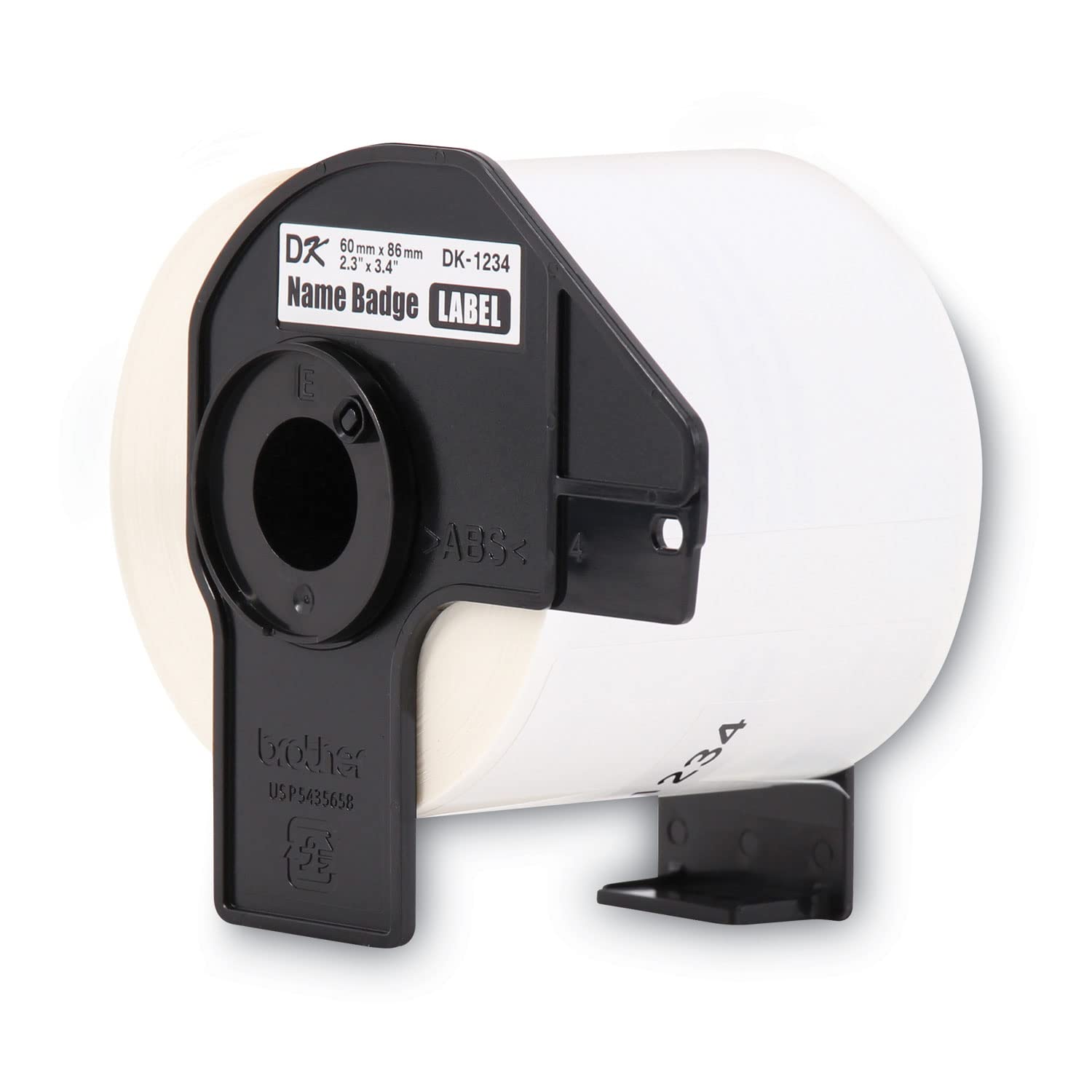
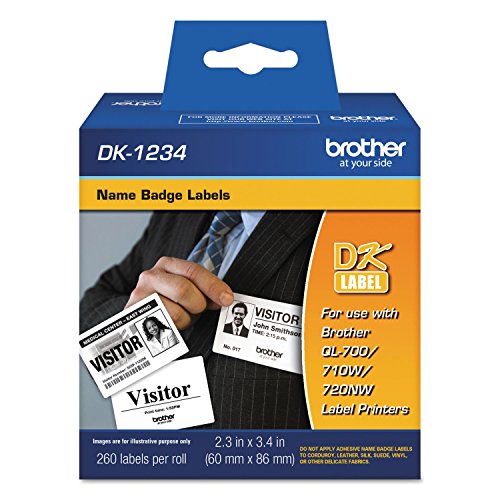
🎯 Elevate your event branding with precision and ease—because first impressions count!
Brother Genuine DK-1234 Die-Cut Adhesive Name Badge Labels offer 260 high-quality, white paper labels per roll, designed for seamless use with Brother QL label printers. Featuring a precision die-cut system and easy-peel backing, these labels enable quick, professional printing of custom name badges with logos, perfect for meetings, conferences, and events.
| ASIN | B015FWU660 |
| Best Sellers Rank | #151,277 in Office Products ( See Top 100 in Office Products ) #3,217 in All-Purpose Labels |
| Brand | BROTHER |
| Color | White |
| Customer Reviews | 4.4 4.4 out of 5 stars (63) |
| Date First Available | 15 September 2023 |
| Item Weight | 318 g |
| Line Size | Standard |
| Manufacturer | Brother |
| Manufacturer Part Number | DK1234 |
| Material Type | Paper |
| Model number | DK1234 |
| Number of Drawers | 2 |
| Number of Items | 1 |
| Product Dimensions | 11.43 x 8.89 x 11.66 cm; 317.51 g |
| Shape | Rectangular |
| Size | 1 Roll |
M**O
Top quality as one would epect from Brother. Delivered quickly. These were a perfect fit as name badge labels for our small badge printer. Not the cheapest out there (as you would expect buying name brand), but the adhesion is good and they take a good image from the printer.
M**S
I use this to make labels for my home canned goods. It's large enough that I can title what is in the jar, date made, ingredients, method and source. All info required by state fairs. The program is easy and simple to use. Drop in the cartridge and the printer knows the size automatically.
L**.
Strong adhesive but give no issues peeling off in the future
B**N
all was fine
G**E
This Brother product purchased through Amazon does not work on the Brother 720NW I’ve used for years. Photo shows my 720NW and box for the labels indicating compatibility. Problem #1: unbelievably - the labels are rolled backwards - cannot be inserted in the 720NW - had to unroll the labels and rerolled do that it could be inserted property. I needed name badges for an event scheduled next morning so I took desperate measure to try to make it work - BUT Problem #2: Printer did not recognize the labels - normally printer will automatically align the inserted label and ready itself for printing - tried to use PTouch program to specify label based on size - did not have exact match size wise - tried to use labels as a continuous roll - PTouch app would print due to mismatch. For my event, had to use blank unprinted labels and a Sharpie!!!
Trustpilot
3 weeks ago
2 weeks ago