🔐 Unlock the future of home security with a tap—because your door deserves smart luxury.
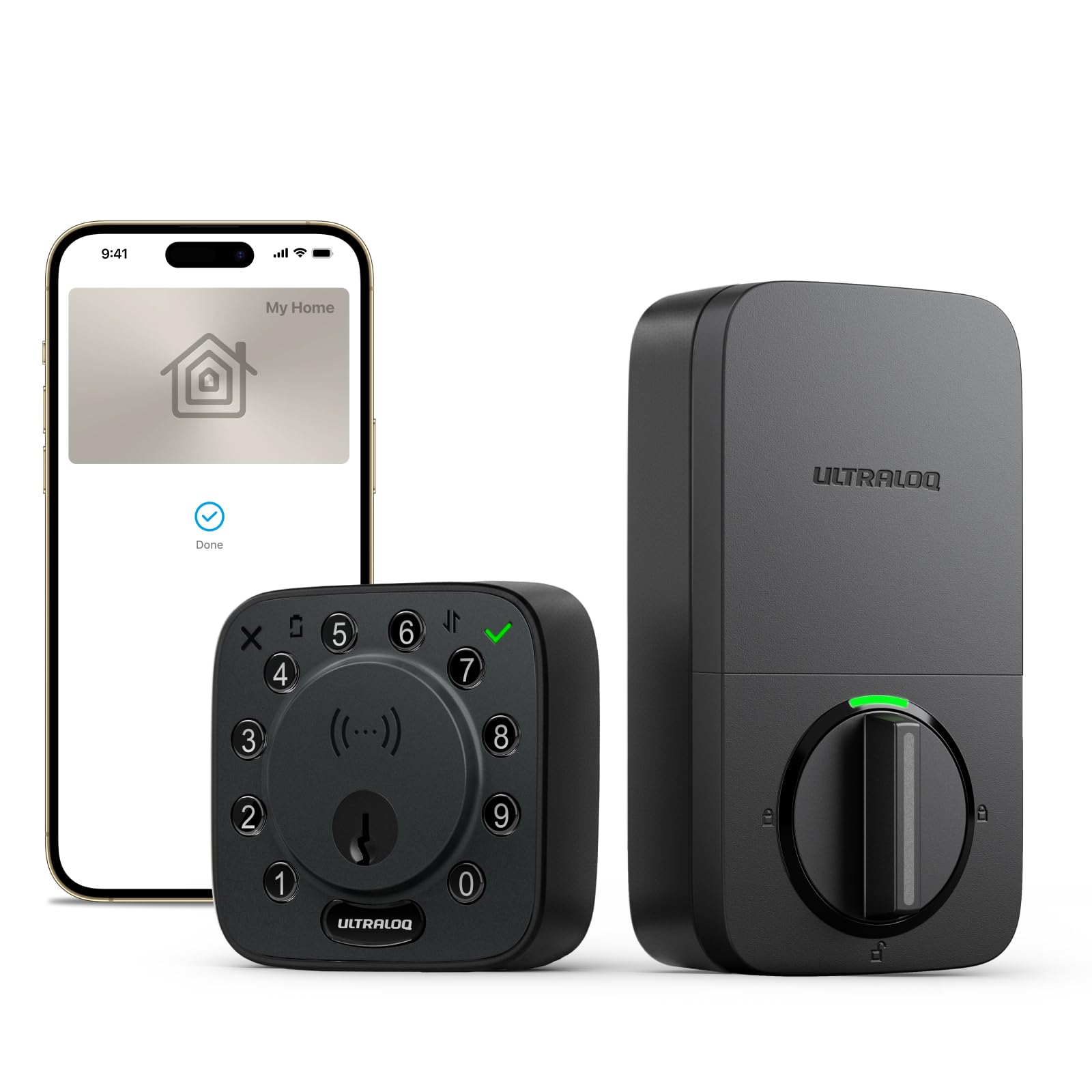
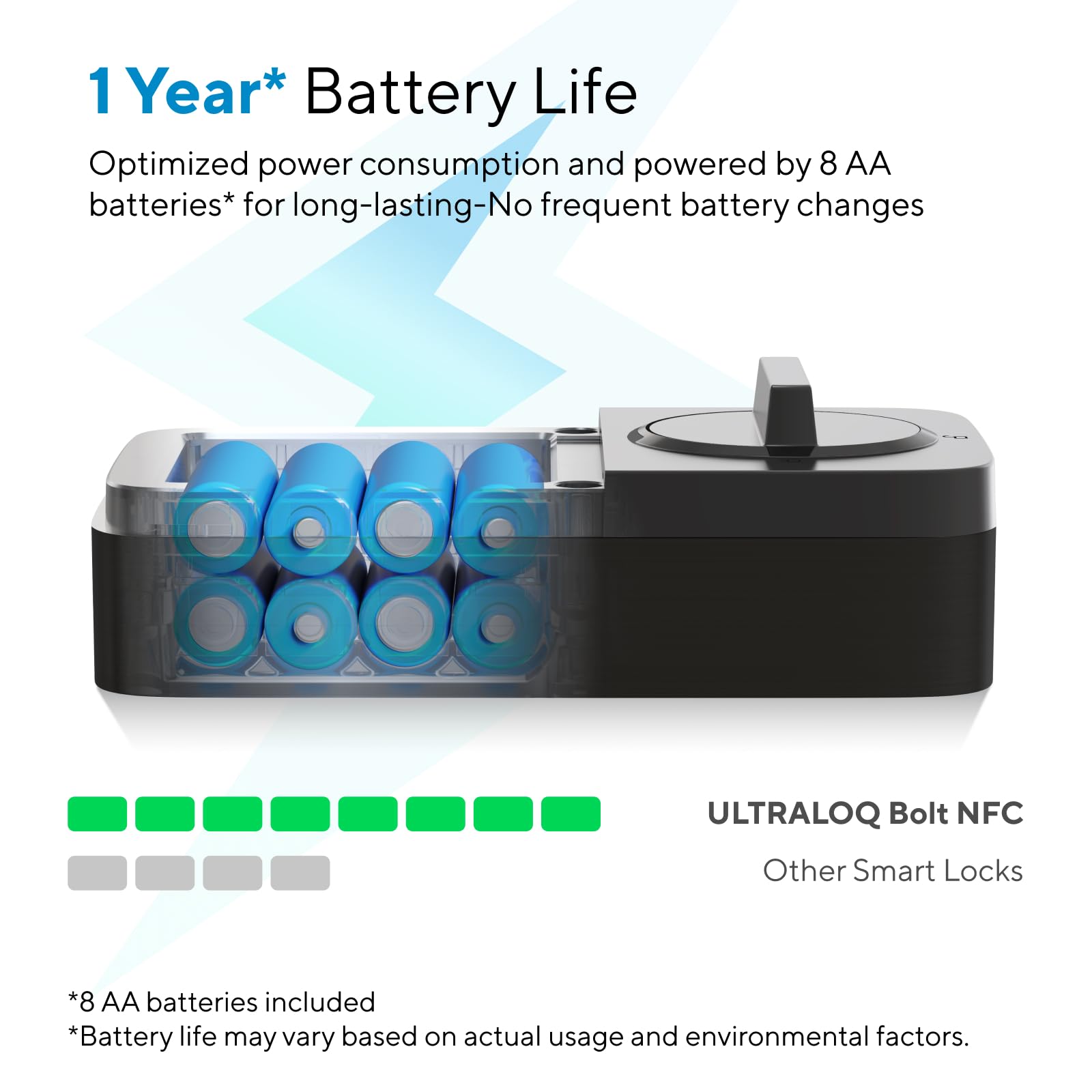
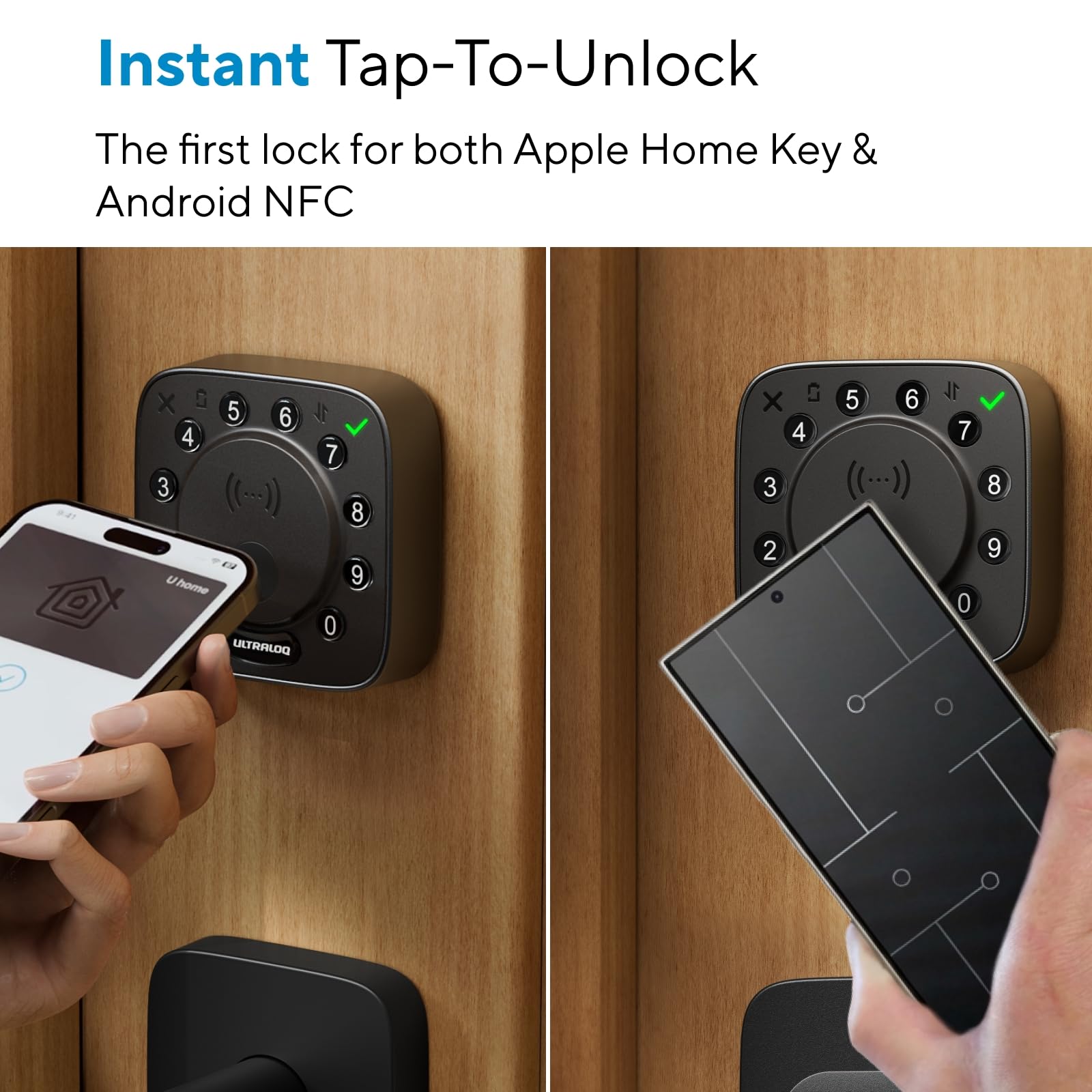
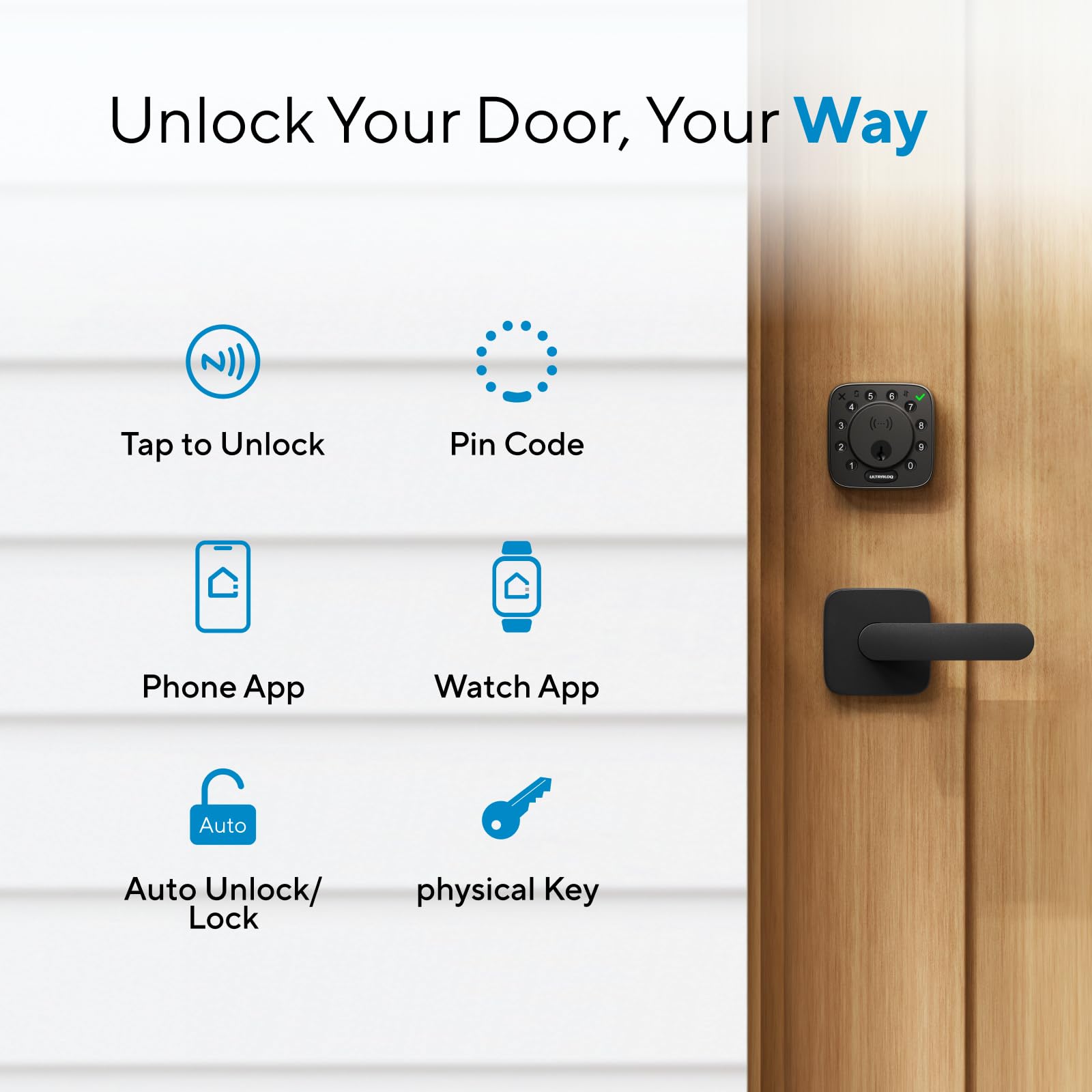
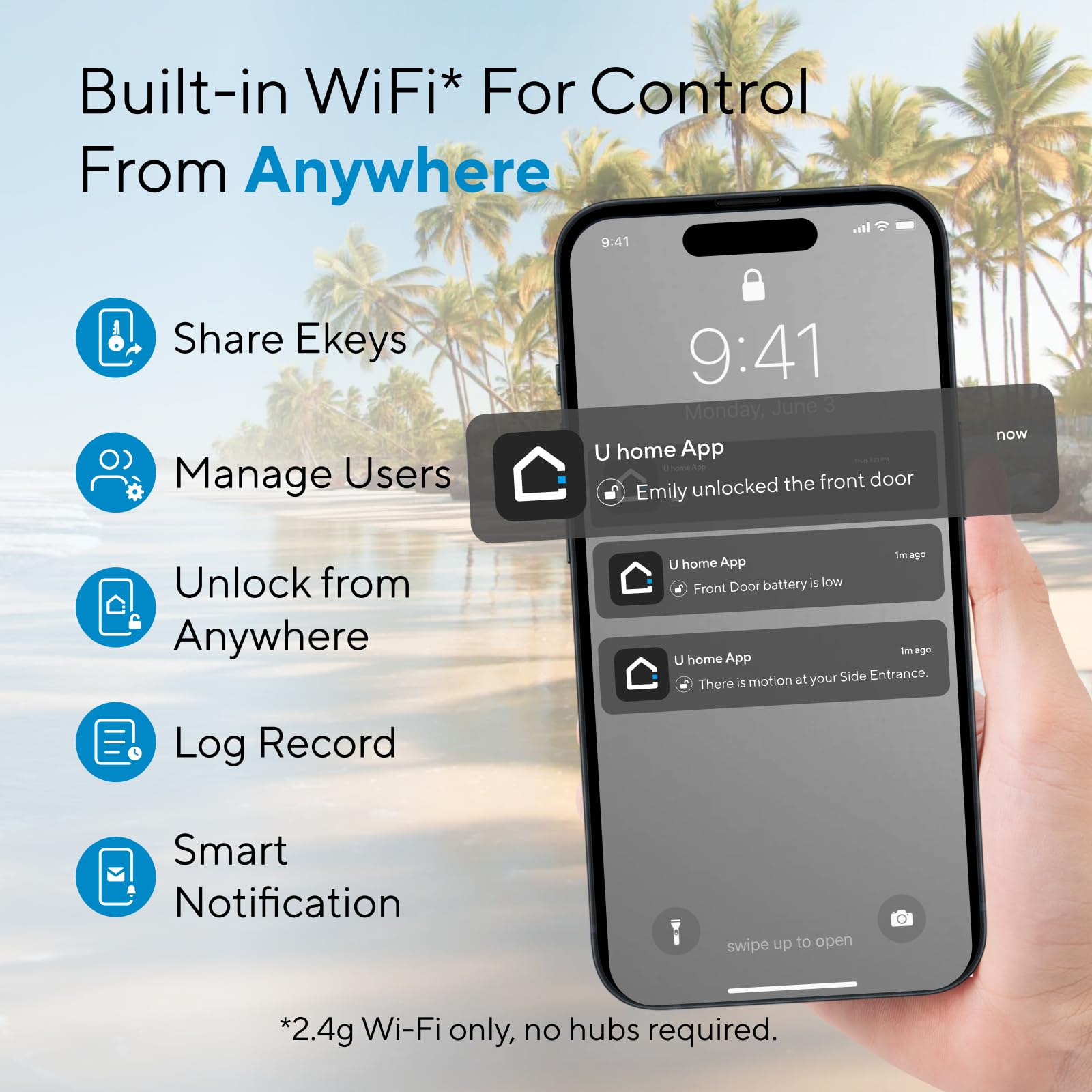
The ULTRALOQ Bolt NFC Smart Deadbolt Lock revolutionizes front door security with world-first Apple Home Key and Android NFC tap-to-unlock technology. Featuring BHMA Grade AA certification, app-based remote control, smart home ecosystem compatibility, and an auto-lock/unlock system, it offers seamless convenience and robust protection. Designed for easy installation and built to endure all weather conditions, this lock keeps your home secure and connected with up to one year of battery life on standard AA batteries.




| Brand | ULTRALOQ |
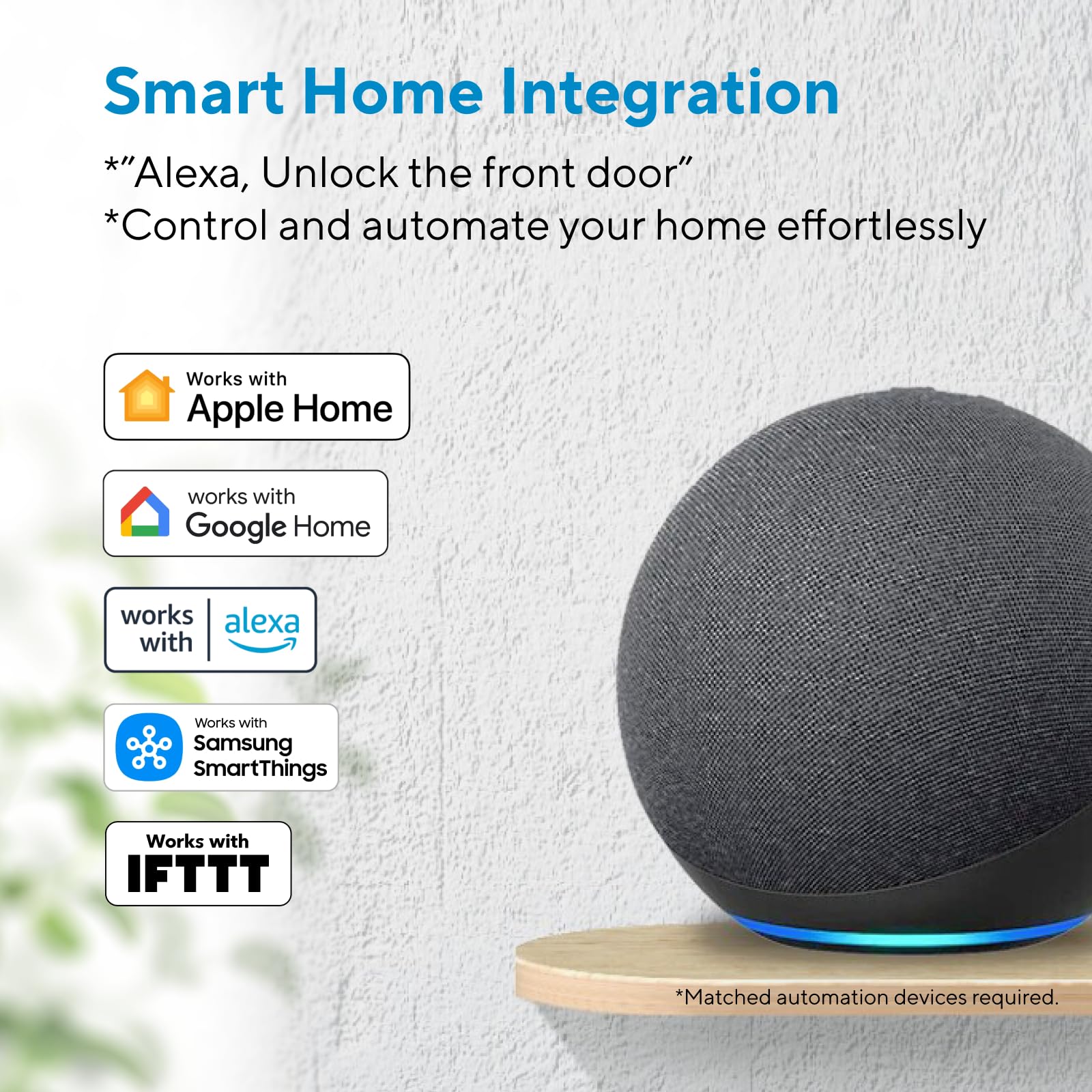
| Special Feature | World’s First Lock Supports Apple Home Key & Android NFC Tap to Unlock, ANSI/BHMA Grade AA Certified, Works with Apple HomeKit, Alexa, Google, SmartThings, Android/IOS App Remote Control, Auto Unlock, Fingerprint-resistant Keypad |
| Lock Type | Combination Lock, Deadbolt, Keypad, Smart Lock with Apple Home Key |
| Item dimensions L x W x H | 2.96 x 1.35 x 2.96 inches |
| Material | Metal, Zinc |
| Recommended Uses For Product | Home/Airbnb/Office/Hotel/Apartment/Rentals |
| Style | Modern |
| Color | Black |
| Number of Pieces | 1 |
| Finish Type | Brushed |
| Included Components | 2 Emergency Keys, 2 Keyfobs, 8* AA Batteries, Installation Kit and User Guide, ULTRALOQ Bolt NFC Smart Wifi Deadbolt with Door Sensor |
| Controller Type | Amazon Alexa, Android, Apple HomeKit, Google Assistant, SmartThings |
| Shape | Square |
| Item Weight | 3.4 Pounds |
| Control Method | App, Push Button, Remote, Voice |
| Connectivity Protocol | Bluetooth, Wi-Fi |
| UPC | 850056978729 |
| Model Name | UUL-BOLT-N-BK |
| Manufacturer | ULTRALOQ |
| Part Number | UUL-BOLT-N-BK |
| Item Weight | 3.4 pounds |
| Product Dimensions | 2.96 x 1.35 x 2.96 inches |
| Item model number | BOLT-N-W-NK |
| Batteries | 4 AA batteries required. (included) |
| Size | Homekey+WiFi |
| Finish | Brushed |
| Item Package Quantity | 1 |
| Special Features | World’s First Lock Supports Apple Home Key & Android NFC Tap to Unlock, ANSI/BHMA Grade AA Certified, Works with Apple HomeKit, Alexa, Google, SmartThings, Android/IOS App Remote Control, Auto Unlock, Fingerprint-resistant Keypad |
| Batteries Included? | Yes |
| Batteries Required? | Yes |
| Battery Cell Type | Alkaline |
| Warranty Description | Lifetime mechanical and 18-month electronic guarantee warranty |
C**Y
Great lock, almost perfect!
We have owned this lock for 1 year. (I wrote this review at 2 months, but we still love the lock, and even bought the cheaper code only version for the back door, since we could share the wifi bridge with multiple locks.) Ok, first of all, installation was a breeze. We were replacing a manual deadbolt, and I'm not even sure we looked at the directions - everything went together without a hitch! Setup was pretty easy too, though if you set it up from the lock itself, and then you want to use the app, you'll have to reset the lock and start over. But even with setting up, resetting and doing it again from the app, we were up and running in about 30 minutes. The lock detects my and my wife's fingerprints just fine. My mom, who is 92, not so much. We assumed her complaints about not being able to grip with her finger tips any more was a grip strength issue, not a friction issue, but maybe not - this lock just does not recognize her fingerprints. It allows her to save them, but when she goes to open the door, it rejects her every time. But as she doesn't go out on her own any more, and her code works fine, so it's not a big deal. The fingerprint is more so we can get in quickly if there is an issue, without having to have her key in hand, so it is fine for us. The app is good, and simple to use. Sometimes it doesn't connect on the first try, but it's like it times out too early, as the second try is always successful. There are indicators in the app as to what method it is using to connect, which is good to see what it's trying to do. It's very simple to add a user to the lock, and I like that you can choose for each user if they have a code, a fingerprint, or the app, or any combination. Each user is allowed two fingerprints. (I saw another user saying "only two?" but for me, based on height and doorjamb, I really ever only use my thumbs to open the lock, and 95% my left thumb. It's too awkward otherwise.) You can also disable a user without deleting that user. We have a code that is shared with the neighbors if we go out of town, but when we are in town, we disable that user. A user can also have scheduled times or days when it works; for example, you could allow a health worker access between 9 and 12 every weekday, but nothing else outside of those hours and days. You can set up a temporary code for say a repair person, that expires after one use. I've never seen quite so many options on a lock! The only "connected" service I've tried this with is IFTTT, and I'm disappointed in that. I have motion sensors set up in the house to "see" if my Mom is moving around (in a non-invasive way) and the triggers feed a spreadsheet. I'd like the lock to do the same thing, and IFTTT is set up correctly to do so as it works occasionally. Maybe 1 in 10, but that's generous. I know that it *should* work, because the text notification I get seems to work 100% of the time. So I don't really have a theory as to why the other fails - both are internet based - if one works the other should. To respond to a few other reviews I saw: It's never given me a "lock jammed" warning. It's never lost its memory on "handing" - whether the lock is installed left side or right side. I don't use the "automatic unlock" feature. We purchased this lock to give us anytime access to the house without having to find the key, and to allow outside access to the house if necessary - she wears a medical alert device, and now the responders can get in if needed. So everything else is fluff, and we are very happy with this lock!
C**S
Amazing lock.
Lock was quick and easy to install and setup. I did run into an issue where the lock was randomly doing things but a quick chat with support issue was resolved very quickly. NFC tags work perfectly along with NFC from the phone. Makes the lock very convenient to use
J**.
Set-up is time consuming
Physical installation of this lock went well. Configuration of the lock was difficult and took me HOURS. Documentation was limited and inaccurate, setting up NFC entry with both Android and iPhone was unintuitive. Updating firmware took long and failed multiple times. Lock only supports 2.4Ghz wifi which was a bit of a pain with mesh network. Honestly, the lock works fine now that it is set up but I didn't think it would take almost a whole day get it completely installed. If you are not technical and willing to experiment, or are using it in a very simple way (all Android devices or all iPhone) then you might want to consider other options. Customer service was very attentive so: 3 stars due to lock set-up trouble and plus 1 for solid customer support.
W**.
Wonderful smart deadbolt, but configuration can be difficult
The U-Bolt Pro fit perfectly in my door to replace my older "dumb" deadbolt. No hassles there-- easy to adjust for diameter of door hole and distance of the hole from the edge of door. Was able to use the previous lock's strike plate in the door frame. The outside part of the lock (with the keypad and fingerprint sensor) has some wires with a rectangular plug that fits into the inside half of the lock mechanism. There was nothing in the instructions on how to properly orient the plug, which could apparently go in both ways. However, on installation, I could open and close the lock with the phone app and by twisting the inside knob (like on any deadbolt), but the outside keypad and fingerprint reader didn't function. The phone app also did not offer the option of programming the fingerprint sensor. There was no mention of this problem in the installation guide, so I had to search online for advice (no support available on weekends). It appeared that there might be a problem with the electronic connection between halves of the lock. I took the two halves apart and re-seated the wires with the plug oriented in the opposite direction. Then, the keypad worked, but I still couldn't program the fingerprint reader. Again, no advice in the limited printed directions. Very frustrating. I decided to wipe the memory of the lock (again, found out how to do this online), reset it to factory configuration with the pin provided, deleted my phone app and reloaded it, and then re-programmed the lock from the beginning. This time , it asked to register the fingerprint of all users as they were added (which it didn't do before) and it finally works fine. I was able to plug in the included WiFi bridge in a nearby outlet and connected it to my WiFi. This was a bit of a hassle because it cannot connect to a 5G network. Fortunately, my router also has a 2.4 GHz network, which worked. Now I can control the lock from anywhere I have a WiFi connection. The keypad and fingerprint reader work perfectly. Aside from the installation hassles (caused by a poor initial electronic connection between the two parts of the lock-- I blame myself mostly), the lack of 5G internet support, the total absence of problem-solving instructions, and lack of weekend support, I think this actually is a great product. I am very happy with it. Just be careful to assure that the electronic connection between the outside and inside lock parts is properly made before trying to program the lock!!! Be sure to use a less than 5G WiFi network. INstall on a weekday. Then you're all set.
T**R
UPDATED. Will lock you out! Don’t work. Love the lock, Great features - critical flaw
Update # 3 (3/22/20) Will return Lock and buy another brand. The replacement failed today with an internal jam error. It jammed in the locked position and unable to open from outside. I got lucky I was taking the trash outside and my wife was home inside. I really like the design and sturdiness feel of the lock. It does no good if unreliable and locks me out. Last thing I noticed, the log does not record errors. The lock jammed and displayed as jammed in the mobile app. When I look at the access log it does not show the jammed activity. ________________________________ Update # 2 (3/19/20) Amazon was great and resolved the matter by processing return exchange. I have to mention the customer service through email was pleasant and responsive as it can be over the few days I tried to resolve the issue. That said, here's my update. 1. The "new" lock that arrived was a used?/open-package lock missing the plastic wraps/bags. I know this because the original lock was new with all the plastic wraps and such. in addition, you can tell the Box plastic tape seal was opened. I hesitated to install it because I felt as it could be a returned defective lock. And since I paid for a new lock, i expected a new lock. But because of the hassle of the manual key locks, I decided to install it. Bad mark for Amazon for sending me an open-package lock. 2. The lock has been in use for a week, and it is operating as expected. The battery level remained at "High" over this time. however, the original lock went from high to non-operating.in an instant, so in the back of my head, there is still unease. 3. Fingerprint biometric security - One of the primary reasons I purchased this lock. 60% of the time operates on the first attempt. The remaining times it took 3-6 attempts to get the lock to initiate the fingerprint read. Not happy with this. I am still up-in-the-air if I a going to keep this lock. The fact that the lock was opened makes me uneasily with a feeling that it might be a defective returned unit and the battery can be dead at any moment. I am Researching the Lockly keyless entry lock. _____________________________________________ Update 1: The lock does not work with fresh batteries. When I Manually locked, I can open with the app. The app will not lock it. When I press the lock/unlock button the lock will beep, but does not move the cylinder to lock. When I press the lock/unlock button on the lock, it does not lock it. A fingerprint does not work. If the door is locked, I can open with the passcode ——————— Easily locked out of your house when battery is low. See my email below. Dear Ultraloq, The lock has been working fine up to today. It's only been 5 days since I installed, and used the batteries that were included with the package, and it completely died. There are a few VERY concerning issues that occurred during this incident. 1. I had no warning of low battery. as of last night there, no messages. This morning no messages until I use the phone to lock the door then i saw. 2. Luckily today, I worked at home today. If otherwise, I would've been locked out of the house with no physical keys (since i have not off-site a set of emergency keys yet). Once the battery was low, the lock DID NOT physically function 3. The status of the lock in the app reflects the action you took. meaning, when the lock was physically unlocked; you open the app, press button to lock it, it will pause (like it's waiting for the lock) then show as locked, but physically it is STILL unlocked. It does not reflect that lock is not functioning (just low battery) 4. 1-week battery life is not good at all. I hope that the batteries were just a batch of bad quality.
L**N
Cool Lock , fast install
Super easy to install and setup. Great functionality. No separate gateway needed to connect to internet. Love that it integrates with Apple Home.
A**R
Works well! Easy to set up and operate.
My family moved to a new house recently and bought three of these locks for our external doors. We have had two installed for about two weeks now, and haven't had any issues (We'll cover the no-yet-installed third unit later). Our internet was just recently installed, so we have not used the Wifi bridge yet or any of the app based features. We've been using the locks in individual, manual setup modes thus far. The interface and setup was quick and easy for our family. Our two younger kids now have easy fingerprint access without the risk of them losing keys or getting locked out. We'll eventually let them pick numeric codes as a backup as well, but the fingerprint seems to be all that's been needed so far. Between the provided instructions and videos, the installation process was pretty straightforward. Like most things, just be sure to read the directions before getting ahead of yourself, and you should be fine. We had to rework the location of the holes in our doors a bit, but that didn't have anything to do with the unit itself. The only real hiccup during installation was that the provided strike for the bolt doesn't leave a lot of room for error in terms of alignment. In our case one, the previous bolt on one of the doors had a plate with a wider opening (and probably wasn't installed correctly). So when we tried to install the new strike in the same place, the bolt kept hitting the plate. We eventually had to modify the plate location in the doorframe slightly to get it to the proper alignment. Again, that ultimately wasn't the fault of the unit, but it's something to keep in mind to check if you run into issues. The only other issue that we've had so far was getting the units rekeyed. We initially bought a set of locking doorknobs--also with Schlage type C cylinders--to use in conjunction with these locks. We were going to rekey the UBolts to all work with the key from one of the doorknobs. We went to Home Depot for this. For some reason, they had trouble getting the UBolt cylinders to take the key configuration from the door handles. They were, however able to get the UBolt units (we only had the 2 at the time) to rekey to one of the UBolt keys. They had trouble transferring the configuration back over to the doorknobs, so we scrapped the locking doorknobs for just basic knobs and are using the UBolts as the only lock on the door. We got the third lock and ran into issues at a different Home Depot with getting it rekeyed to match the other two. Somehow, the Home Depot worker wound up seizing up the cylinder to where it wouldn't work with the key we were re-keying to AND they could no longer open it up to change it back to the provided key. This also isn't necessarily the fault of Ultraloq, but worth mentioning just in case someone else has issues. Or you may want to seek out an actual locksmith to do the rekey. Either way, you'll hopefully have better luck on this than we did, if you rekey. This situation did at least provide us an opportunity to work with Ultraloq's customer service department. We contacted them via their online form and they have been responsive with helping us with our issue. So that's certainly a positive. Overall, We'd certainly recommend the locks thus far and look forward to getting the third one in and start using the Wifi and the app. We will try to update this review once we've used all the other bells and whistles for a while.
W**L
Lock features are great, local bluetooth connectivity works great. Wifi bridge is near useless.
After reviewing many options for smart locks, we settled on this one. Pros: 1. Fingerprint access 2. Keycode access built-in, no need to install a separate stick-on keypad (i.e. Wyze or August) 3. Guest user access, with both timed and/or # of entries limits. Other smartlocks have versions of this, but with stipulations. Wyze requires their addon keypad for this. August requires the guest use the app. 4. Backup physical key access. Not crucial, but nice. Cons: 1. The wifi bridge is near useless for several reasons. The first is the range. The plugin adapter literally has to be next to, or directly across from, the lock. The manual literally says it needs to be within 10 ft. Wifi signals can easily propagate further than that, so that's a self-imposed problem they built into this thing. The second issue, even more importantly, is its actual function. I spent days trying to get it to work properly, with it plugged into the proper place, and maybe it was usable 20% of the time. For whatever reason, it could not establish a reliable, steady link to the door. As soon as it did work, it would just as quickly lose connection. This basically rules out using it for IFTTT automation, or Alexa and Google Home integration. 2. The app is usable, but mediocre, and some options don't work at all. (And I'm told this version is far better than earlier editions). One issue I discovered is for a certain user in the app, once you add a keycode, you cannot remove it without deleting the whole user and starting over. There is an option for receiving 'smart notifications' for different situations on the lock. There are only 3 options available: if a certain user uses the lock, if the lock is manually locked or unlocked, and if the door is autolocked. Missing are important ones, including the most important one in my opinion, if a door is left unlocked for a certain time. That having been said, I tried one of these notification options and NEVER RECEIVED A SINGLE NOTIFICATION. Broken. 3. Wyze and August have sensors that can detect when the door is closed or not. Ultraloq does not, so if the door is wide open, it doesn't care. Not a big issue unless you are trying to use it remotely primarily. Some consumers like the autolock or autounlock features of smart locks. I believe those are a bit buggy and pose potential security risks, so I have not tried it on this lock. Every lock that employs this has some intermittent issue with accurate geolocation of the user's phone. I tried communicating with U-tec's email support multiple times but they did not come up with any useful solutions for the bridge issue. The lock itself has great physical features. When connecting locally with bluetooth, it was fairly flawless. But the wifi bridge needs a drastic re-design. I am returning this version and purchasing the one without the bridge. ADDENDUM: After communicating with customer service over email some more, they sent out another wifi bridge. Initially, I encountered the exact same issues with the first one--a blinking green light 95% of the time that indicated it could not establish a stable wifi link. This was bewildering, as again, the bridge was literally feet away from the door and still couldn't set up a stable communication. Though I had tried linking the bridge to several wifi access points before, out of desperation I tried linking the bridge to an old-as-heck extender that only has 802.11g signal. For whatever unknown reason, this worked and the bridge has stayed mostly connected. The signal strength of all the prior access points is equal at the lock location, so no clue why it liked one and not the other. This remains the most troubling part of this product and I hope they can improve the reliability of the linking process through firmware/software updates.
Trustpilot
2 months ago
1 month ago



