
DOWNLOAD THE APP


Customer Services
Copyright © 2025 Desertcart Holdings Limited
DOWNLOAD THE APP
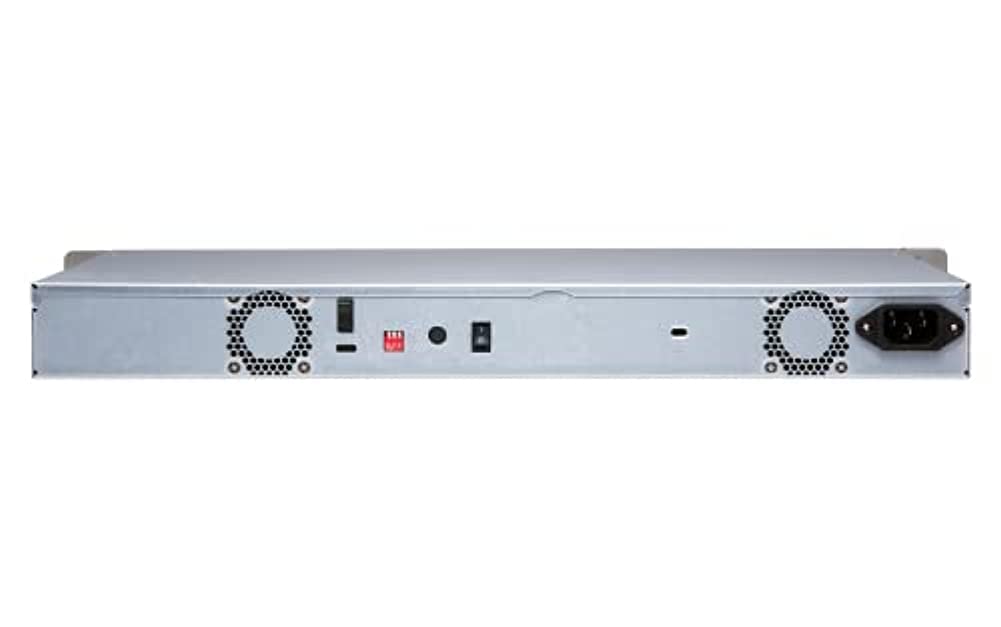
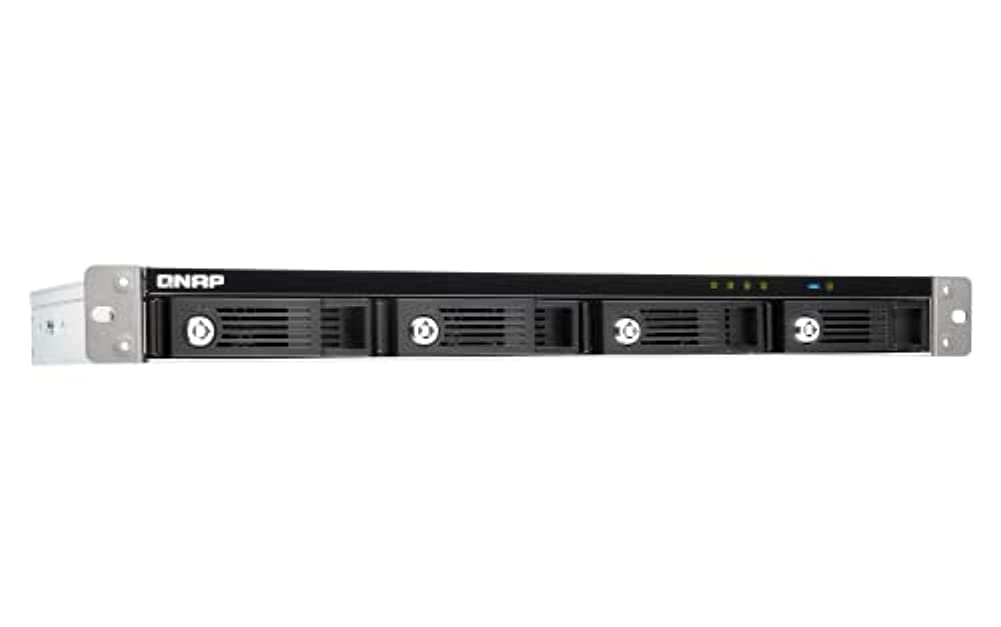
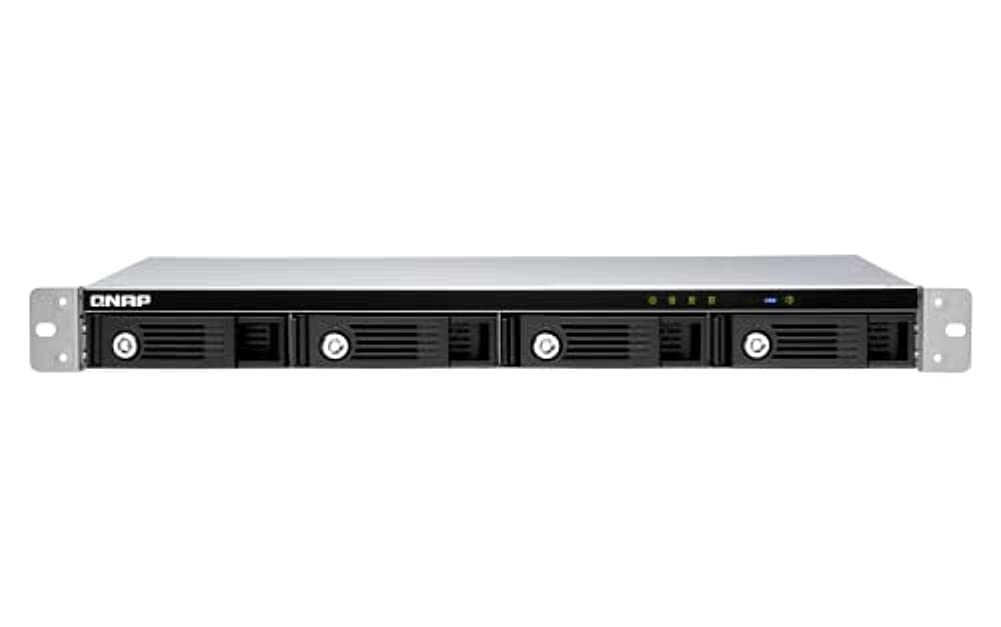
🚀 Elevate your storage game with QNAP TR-004U — speed, security, and scalability in one sleek enclosure!
The QNAP TR-004U is a 1U 4-bay hard drive enclosure featuring USB 3.0 Type-C connectivity and hardware RAID support (RAID 0,1,5, JBOD). Designed for professionals seeking high-speed, secure, and expandable direct-attached storage, it supports up to four 2.5" or 3.5" SATA drives and integrates seamlessly with Windows, macOS, Linux, and QNAP NAS systems. Lockable drive bays and versatile RAID configurations make it ideal for backup, archiving, and capacity expansion, though initial firmware updates may require legacy drives.


| ASIN | B07RCNZCY5 |
| Best Sellers Rank | #831 in Enclosures |
| Brand | QNAP |
| Customer Reviews | 3.6 3.6 out of 5 stars (26) |
| Date First Available | April 30, 2019 |
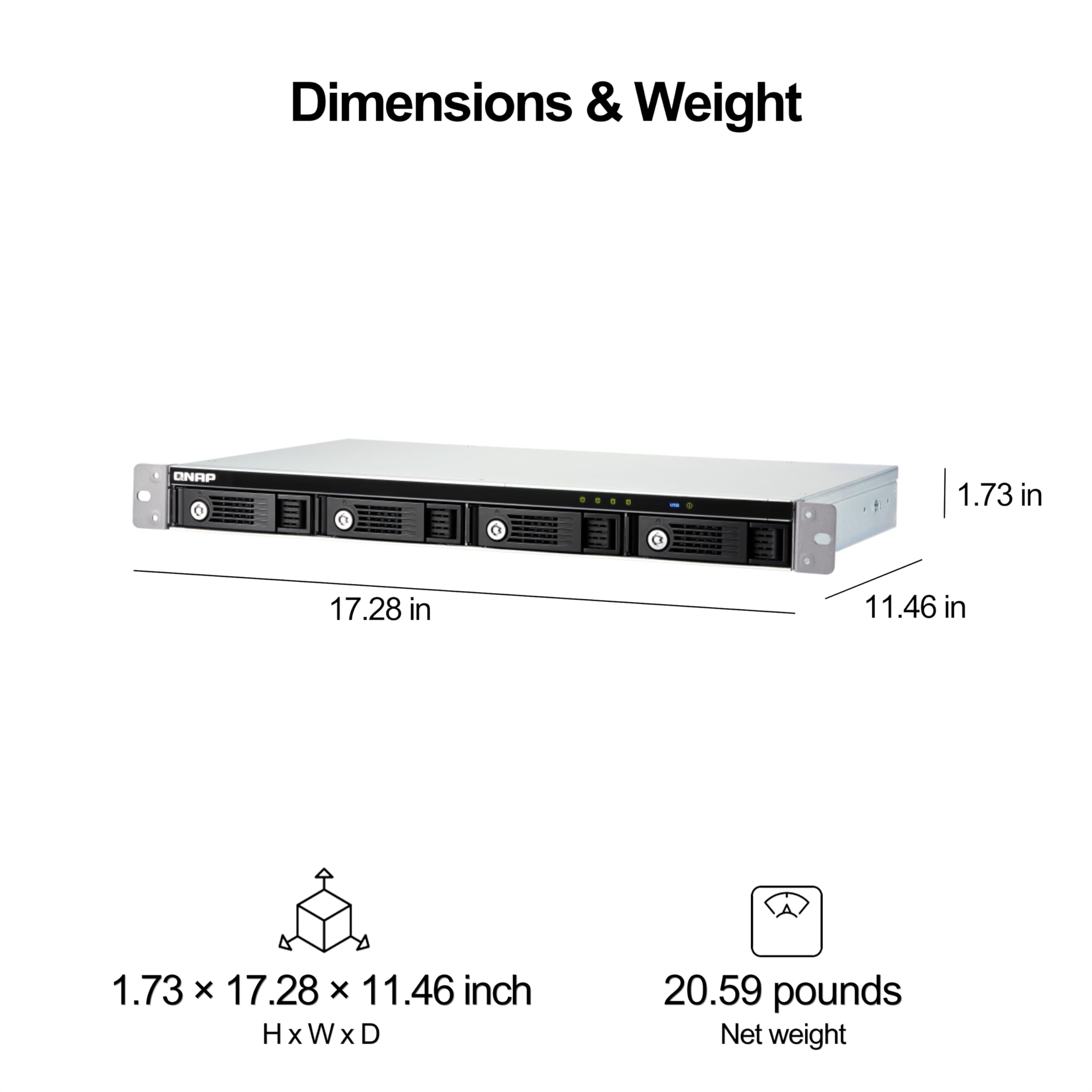
| Item Dimensions LxWxH | 21.5 x 16.5 x 7.5 inches |
| Item Weight | 12.52 pounds |
| Item model number | TR-004U |
| Manufacturer | QNAP |
| Power Source | Battery-Powered |
| Product Dimensions | 21.5 x 16.5 x 7.5 inches |
J**C
Was easy to set up, and configure
Got this at a good discounted price, and love it's design and functionality. Took a bit to get used to Web interface to set it up and configure initially, but caught on real quick. Running four drives, configured as (2) Raid 1's. So two Raids running side by side. Have it hooked up to my main Asustor NAS system, which sees the QNAP as two External Raid One's. With my Asustor NAS, mapping is easy, so uploading/download files between the QNAP Raids and my Desktop Computer drives has been easy, and file transfer speeds are adequate. Also like how the QNAP drives sleep when my NAS is inactive or off. Very Happy with this purchase. The easily removable drive bays are a plus and well designed, I like that they can lock, and the whole system appears high quality in design.
S**E
Won't boot new drives w/o firmware update with old drive, not rack mountable without rails.
*Edited a week of troubleshooting later* Purchased new WD Red Pro 26TB drives (on their compatible list), unit still would not boot. Long story short: I had to dig out an old compatible drive 10TB to get the device to boot and then update firmware using their QNAP RAID Manager software in order for it to recognize newer drives. THE DEVICE WILL NOT BOOT TO ALLOW FIRMWARE UPDATE WITHOUT AN OLDER DRIVE INSTALLED. Horrible design. However, once it was updated, it functioned well. Just a very shortsighted design if you don't have older drives laying around to use to boot it in order to update it. Further, THIS IS NOT RACK MOUNTABLE UNLESS YOU HAVE RAILS. The included mounting ears only have one hole on each side, it is not rack mountable on it's own (I mean, you could, but with the weight of four drives you don't want to). What a crappy design. PERFORMANCE: Fine for an archive, WORTHLESS for multiple users/multitasking user. When doing one thing at a time, not bad. RAID 5 w/ 4x WD Red Pro's I'm writing around 200Mb/s, slightly less than their claimed performance but not bad. However, initiate a second task (opening another file while a transfer is going, try transferring to two different folders, even merely checking file properties on something else on the array) and it slams down to 10-15Mb/s until it can only worry about one thing again. This thing has pathetic multitasking performance. *Original Review* Unit is not compatible with WD Red Pro 22TB drives (but compatible with 16, 18, 20 and 24TB drives) - will not boot with a 22TB of the same family. Tech support, while polite and attempting to help, was in the end useless, defaulting back to "Choose drives from our compatibility list" - Well, how does your device not have compatibility with WD Red's? Completely mind boggling and has cost me a lot of lost money.
K**N
This has been great
Works as expected with a raspberry pi 4. Wish it came with the appropriate rack rails. Beware this will delete existing data on the installed drives when you switch the config dip switch and press the set button. I'm using it in individual disk mode and haven't used the built in hardware raid.
A**G
Solid external DAS enclosure with a few items of note.
First, this is a great unit that I have used for years and it has performed quite nicely. There are however a number of things you should know before purchasing: - This unit excels at being a JBOD. Running it as a RAID will yield slower than expected performance because the RAID is being run on an underpowered CPU. Having said that, there is nothing stopping you from running Software RAID (Windows Storage Spaces, OpenZFS on Linux or FreeBSD GEOM-based RAIDz) and achieving the expected throughput. - You need to make sure you are using 20Gbps (or higher) USB-C cables! Those complaining about poor performance should ensure they're using the correct cabling! 4x HDDs can max out a 10Gbps link, and 4x SATA-based SSDs can push double that with ease. - Make sure you're connecting the USB-C cable in a 20Gbps or 40Gbps USB-C port on the host computer. As expected, 5 or 10Gbps ports will yield lower throughput. - Make quintuple sure the screws are flush with the hard drive caddies. If they're not, you may end up with a drive that you cannot remove from the unit. I had to physically destroy my first enclosure to retrieve a drive because of this design flaw (this is why I docked a star). I hope this review helps you make an informed decision!
J**C
QNAP TR-004U 1U 4 Bay Hard Drive Desktop install
Works great no issues thankfully. Would purchase again.
J**D
home server
Great device working with a personal home server Mac mini as well as a PC.
Trustpilot
1 month ago
2 months ago