
DOWNLOAD THE APP


Customer Services
Copyright © 2025 Desertcart Holdings Limited
DOWNLOAD THE APP
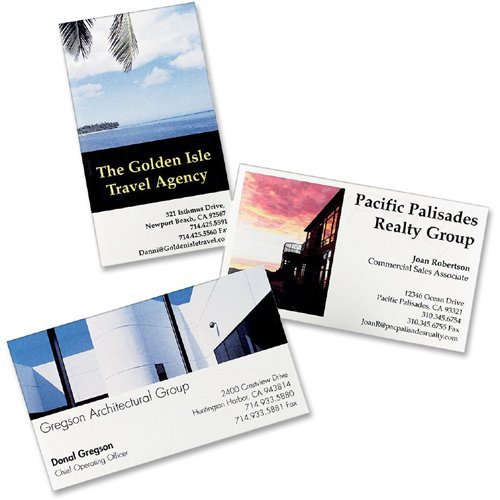
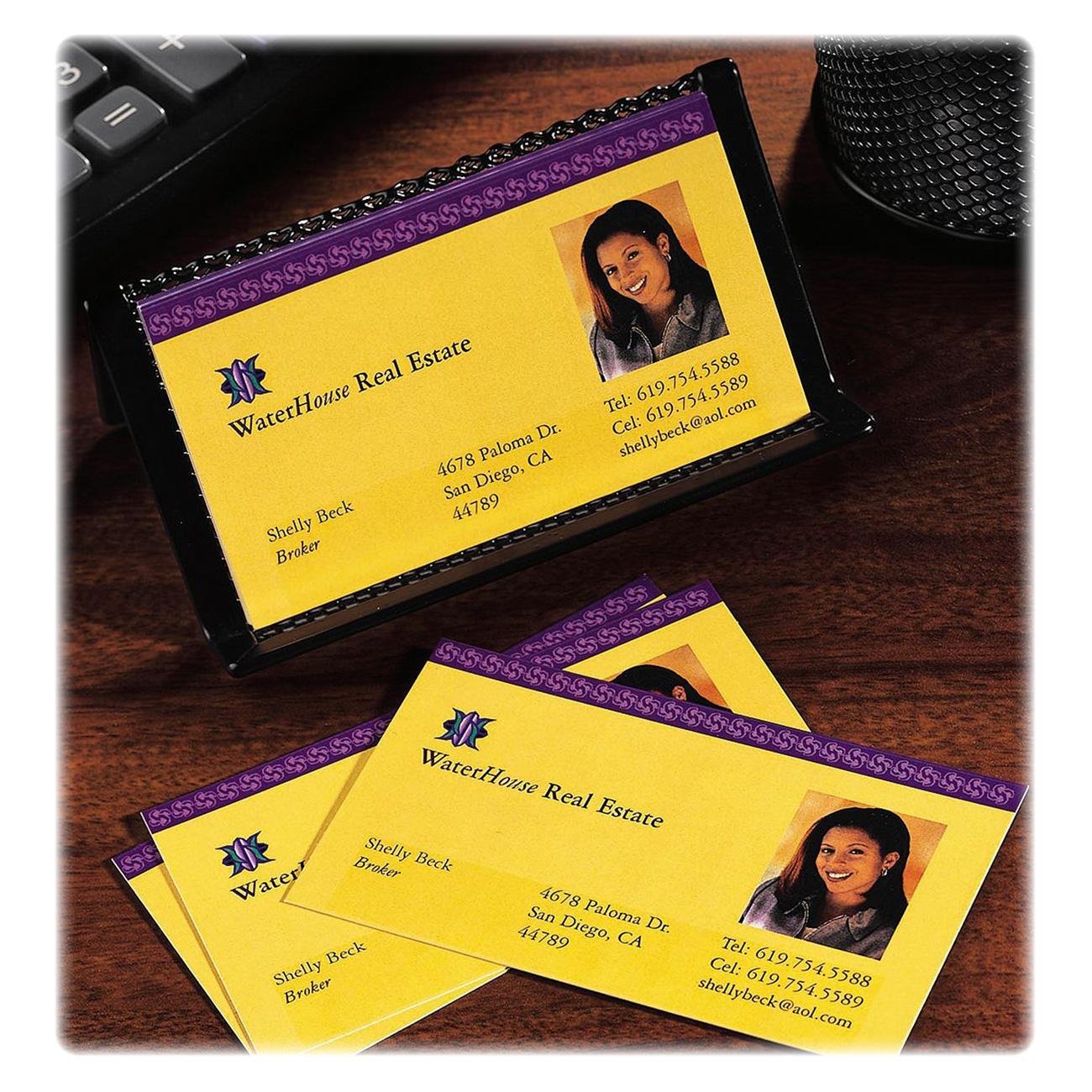
🚀 Make your first impression impossible to ignore!
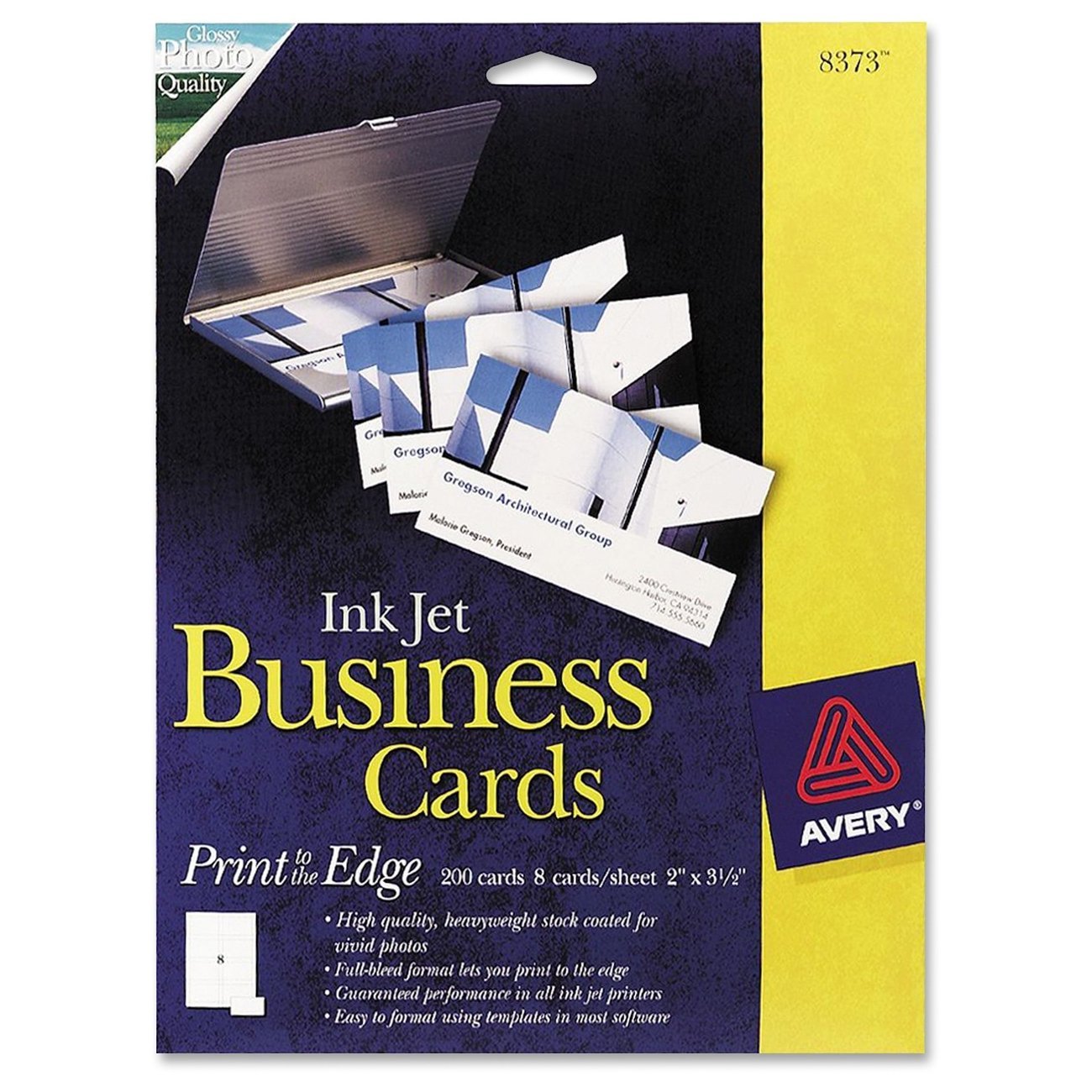
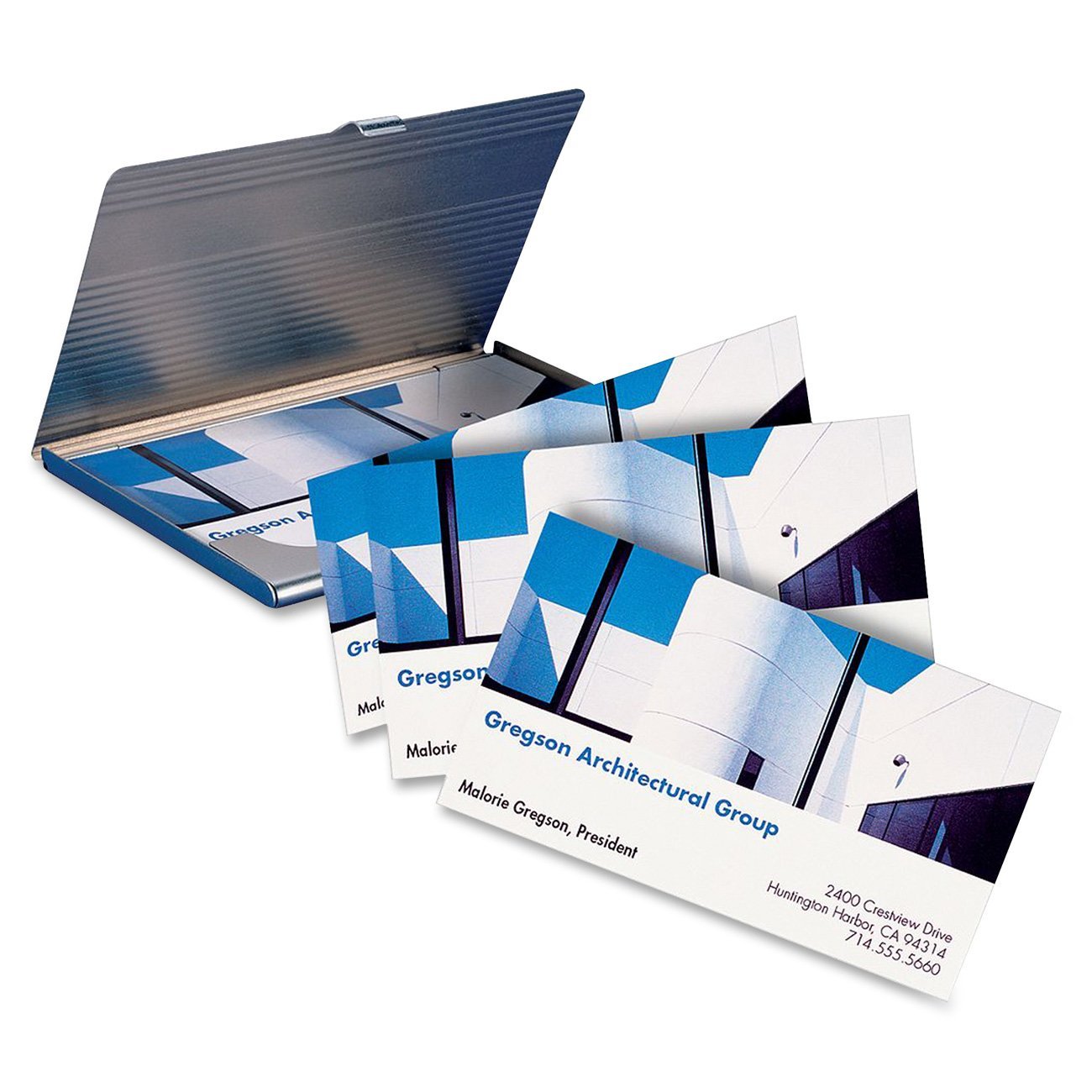
Avery 8373 Print-to-the-Edge Microperf Business Cards offer 200 customizable, 2" x 3.5" glossy cards designed for inkjet printers. Featuring heavyweight 74 lb cardstock and ultra-fine perforations, these cards deliver vibrant, edge-to-edge prints with professional quality. Ideal for millennials seeking a polished, DIY branding solution that commands attention and elevates networking.


| ASIN | B00004Z63P |
| Best Sellers Rank | #1,477,846 in Office Products ( See Top 100 in Office Products ) #4,132 in Business Cards #11,759 in Copy & Printing Paper |
| Brand | Avery |
| Color | White |
| Customer Reviews | 3.9 3.9 out of 5 stars (92) |
| Date First Available | June 14, 2006 |
| Is Discontinued By Manufacturer | No |
| Item Weight | 13.6 pounds |
| Item model number | 8373 |
| Manufacturer | Avery |
| Manufacturer Part Number | 8373 |
| Material Type | Cardstock |
| Number of Items | 1 |
| Paper Finish | Glossy |
| Product Dimensions | 12.1 x 9.3 x 0.2 inches |
| Sheet Size | A4 (8-1/4 x 11-3/4) |
| Size | 8 1/2 In X 11 In |
H**R
8373 Works Great
I've been using the Avery Print to the Edge Ink Jet Business Cards 8373 product for years with great results. I think Amazon must be mixing up reviews for different Avery products here. With the 8373, you ***can*** print on both sides. The front sides are glossy photo quality, the back sides are regular ink jet paper quality. The cards are perforated, which means the edges are not perfectly clean. But you can overprint the cards, so that after you separate the cards, the printing goes right up to the edge. I had to play around with the exact placement of the cards on the page to get it right for my printer - I couldn't just use the template that Avery supplies. I think every printer must be different. Pros Print to the edge Glossy color on front Print on back Cons A little flimsier than professionally made cards Must tweak page placement to get it right Edges not perfectly clean (but close)
B**E
Avery Ink Jet Glossy business cards..
To avoid any confusion, as another reviewer pointed out there seems to be some sort of a mix of different types of business cards and reviews. This review is for Avery Glossy Ink Jet Print to the Edge business cards 8373 template, 200 count. I purchased these glossy cards because I started my own automotive detailing business and I am very specific about wanting a glossy business card due to the industry I am in. I might just be crazy but I feel it's nice to pass out a high gloss business card that could leave the impression that that's just what we do/who we are "return the gloss to your auto finish". Anyway, let me help you to have a better understanding of these cards. Quality: 4 stars out of 5. I feel that much like any other print at home business card i've used that these could be just a little bit thicker/sturdier. However, the high quality vivid images that these cards allow for to be produced does well more than compensate for the thickness. They were no thinner than the 8869 Print to the edge clean edge avery business cards that I had used prior to these so I am sure it is just the industry standard. Imagine printing a photo on plain paper, what happens? The ink "bleeds" into the paper and literally dye's/fades into it. Now, print the same image on high quality photo paper and the end result is much more vivid, vibrant, and professional looking. These cards produce that effect. Some tips... You CAN do double sided printing with these cards HOWEVER, only one side is glossy. So make sure you put your main business features on the glossy side, and maybe just a simple business name on the other, if you are doing double sided printing. Additionally, I HIGHLY recommend these glossy business cards if you are doing a variety of colors on your card and especially if you are doing a background color. My background color was black, they turned out literally 3 times as nice as they other cards that i used prior to this simply because as I mentioned the colors didn't bleed into the paper and blend together. Avery was nice to provide a "practice" sheet to you to make sure you know which way to feed the paper into your printer. Finally, be sure to set your printer settings to glossy paper and high quality to obtain the best prints. I made the mistake of getting a little giddy with these when I first got them and printed them standard quality/standard paper and the ink smudged rendering one page of cards useless. Love these and highly recommend them to add a new level of professionalism to your business. Hope this helped!
M**S
Makes good-looking, professional cards
These make very professional looking business cards, as they can be printed right to the edge with no white border (on both sides). The ink doesn't smudge. The drawbacks: (1) You get only eight cards to the sheet instead of ten, (2) The ink printed outside the card area is wasted, and (3) It takes more work to remove the cards from the sheet because of the extra paper between the cards. All in all, the professional appearance of the cards is worth it, especially for a jewelry-maker like me. I have four different card styles, each with a different vignetted piece of jewelry in the background. It's great advertising.
M**.
Not as good as I had hoped.
Love the print-to-the-edge capability and how easy it is to separate the cards after you print them. Unfortunately the card stock is very thin, which makes them feel cheap even though they look great. Another complaint ... on my Epson inkjet printer solid black areas printed as DARK NAVY BLUE. This doesn't happen when I print solid black on any other other paper stock! As a result I had to revise my business card design to eliminate black areas and didn't get the results I had hoped for.
J**I
The allows me to move small-scale versions of the paintings around on a board until the exhibition looks good rather than moving
This product, as others from Avery, is high quality. They print without jamming and hold ink without smearing. I use them as title cards for my paintings and also as "story board" pictures of the paintings. The allows me to move small-scale versions of the paintings around on a board until the exhibition looks good rather than moving the actual paintings on a wall. The quality of the Avery cards helps that process.
T**E
Terrible Quality Prints
This product is supposed to work with inkjet printers, but the quality of the prints on my Canon MX922 is awful. (This printer prints great photos on Canon glossy photo paper.) This product results in unusable blurry prints. I would not recommend it to anyone with an inkjet printer.
J**S
Get the Description Right!
Get the Description Right! Avery business cards 8373 are great and has only 8 cards per sheet and each card is separated from the others so they print without printing on the other cards, but Avery business cards 8879 has 10 cards per sheet and all the cards are connected to each other so you can not print to the edge without it printing on the others cards NOT GOOD.
A**R
Would not buy again
The edges do not snap clean. Also it is not a two-side print which is a shame becasue the print quality is good on the front until you turn it over to a cheap unfisished back.
Trustpilot
3 weeks ago
3 days ago