🎮 Dominate Every Move with Precision & Style
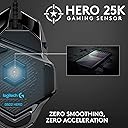
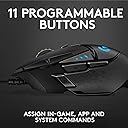
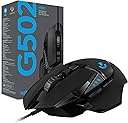
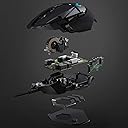
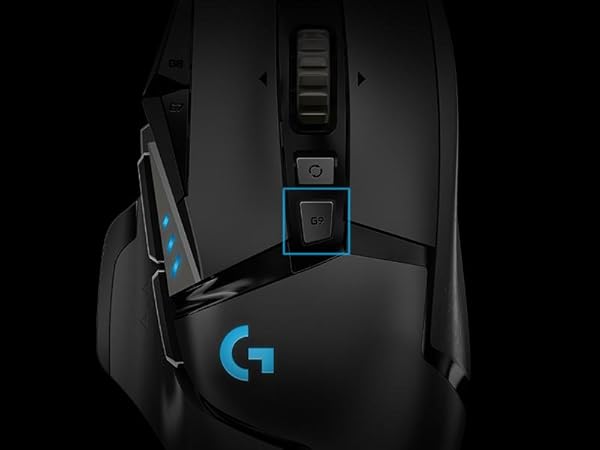
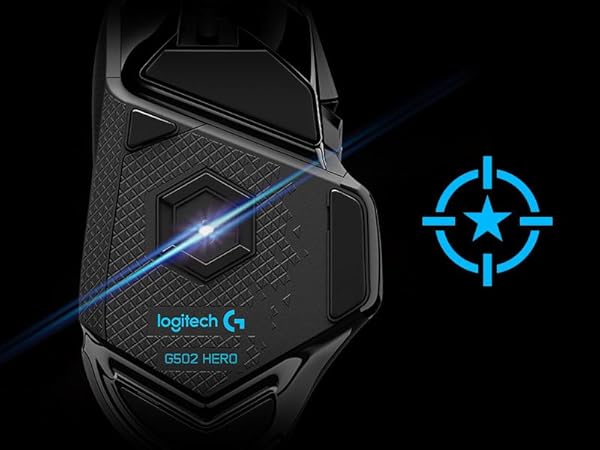
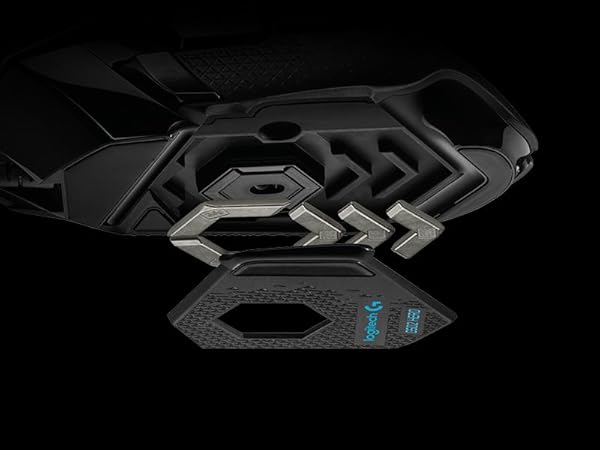
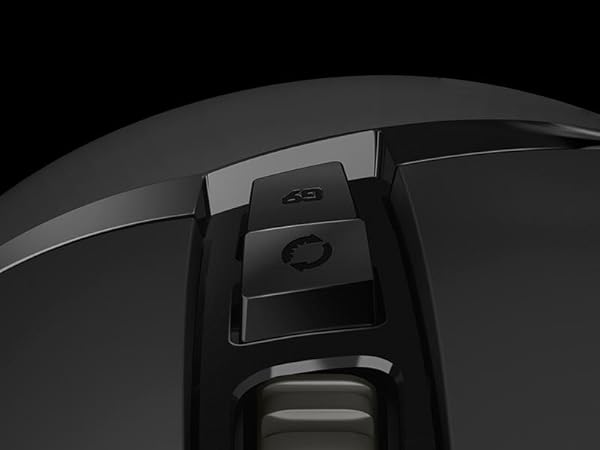
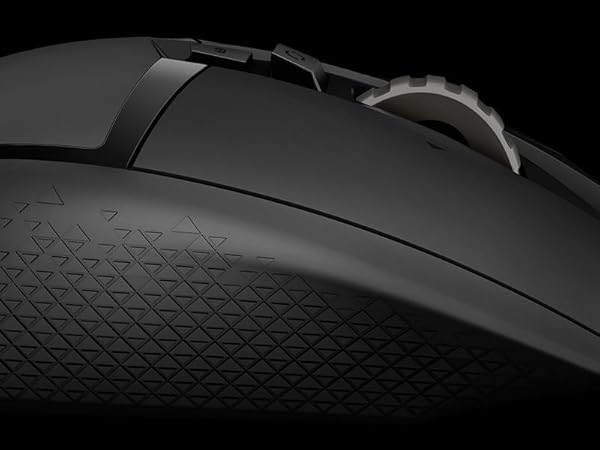
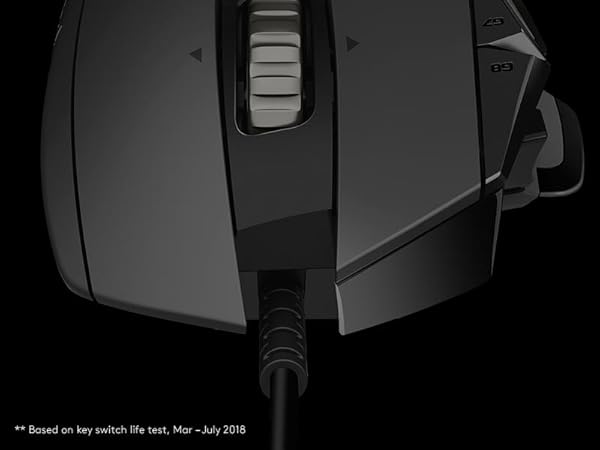
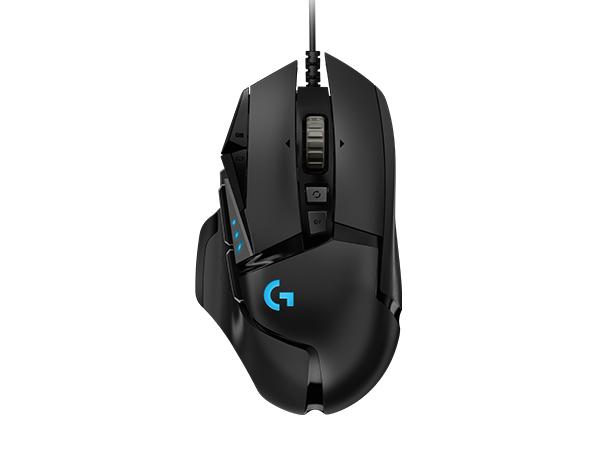
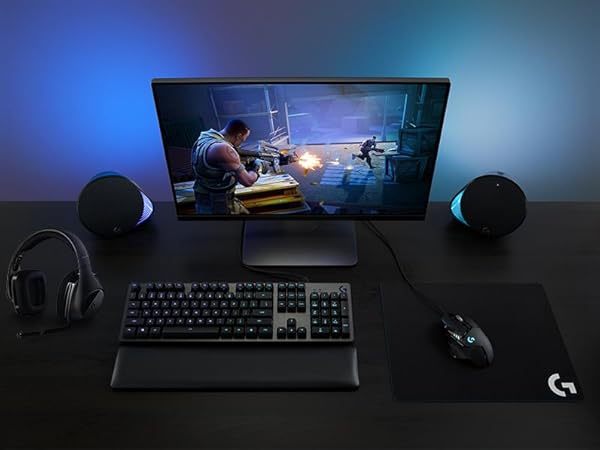
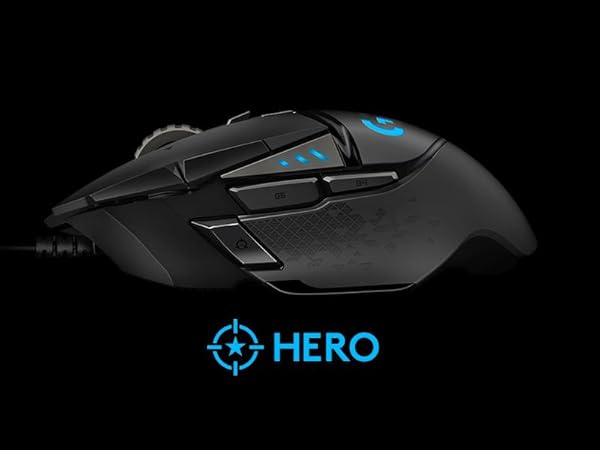
The Logitech G502 Hero is a wired gaming mouse engineered for pro-level performance, featuring the advanced HERO 25K sensor with up to 25600 DPI for ultra-precise tracking. It offers 11 programmable buttons, a customizable weight system, and RGB LIGHTSYNC technology to match your gaming setup. Designed with metal tensioning for crisp clicks and ergonomic comfort, it supports PC and Mac with onboard memory for profile storage, making it a top-tier choice for serious gamers and professionals alike.


| ASIN | B07GBZ4Q68 |
| Additional Features | LED Lights, Programmable Buttons, Touch Scroll |
| Antenna Location | Gaming |
| Are Batteries Included | Yes |
| Are Batteries Required | No |
| Best Sellers Rank | #15 in Video Games ( See Top 100 in Video Games ) #2 in PC Gaming Mice |
| Brand | Logitech G |
| Built-In Media | mouse, quickstart guide, wireless receiver |
| Button Quantity | 11 |
| Color | Black |
| Compatible Devices | Personal Computer |
| Connectivity Technology | USB |
| Customer Reviews | 4.6 4.6 out of 5 stars (57,562) |
| Embellishment Feature | LED |
| Enclosure Material | Metal |
| Global Trade Identification Number | 00097855141996 |
| Hand Orientation | Right |
| Hardware Platform | PC |
| Item Dimensions L x W | 2.95"L x 1.57"W |
| Item Type Name | Logitech G502 HERO High Performance Gaming Mouse |
| Item Weight | 0.27 Pounds |
| Manufacturer | Logitech |
| Model Name | Logitech G502 HERO High Performance Gaming Mouse |
| Model Number | 910-005469 |
| Mouse Maximum Sensitivity | 25600 Dots per Inch |
| Movement Detection | Optical |
| Number of Batteries | 1 Lithium Polymer batteries required. (included) |
| Operating System | OS |
| Power Source | Corded Electric |
| Range | 1.0 meters |
| Style Name | Wired |
| Theme | Gaming |
| UPC | 097855141996 |
| Unit Count | 1.0 Count |
| Warranty Description | 1 year hardware limited |
G**.
Outstanding mouse once you get past the software
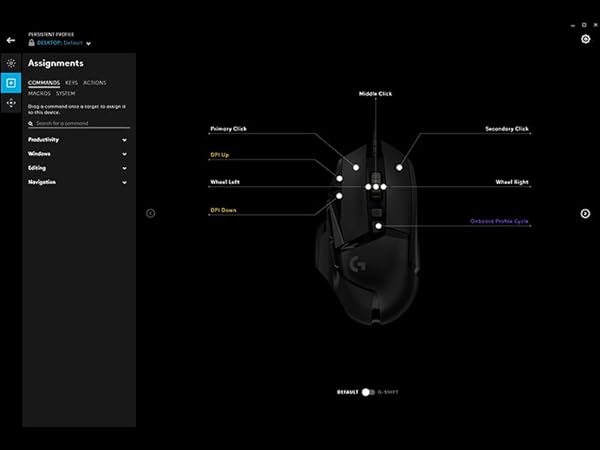
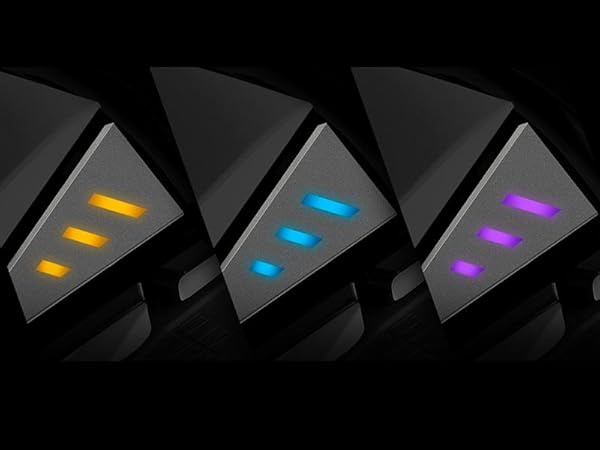
If you talk about this mouse, you really need to talk about the Logitech software, There are 3 different downloads at the Logitech website to change your 5 profile settings if you don't like the default settings on the G502. The one they will suggest first is G HUB and it is by far the worst and most convoluted to learn to setup and use. The second which they are phasing out is Logitech Gaming Software. (If you install both G HUB and Logitech Gaming Software, and you try to use Logitech Gaming Software, it will not allow you to use it, and it will tell you to use G HUB instead even though many FAQ's at the Logitech website still refer to Logitech Gaming Software.) However, the third, and the one you should download and use, is called Onboard Memory Manager. It is very simple and easy to figure out, does almost everything you want it to, and it doesn't also install a lot of other crap on your system. NOTE: If you do wind up installing G HUB or Logitech Gaming Software, the setting DPI LIGHTING for "ALWAYS ON" is unchecked by default and is not in Onboard Memory Manager. (By default, when you change profiles, the side DPI lights on the G502 briefly go on and then go off to indicate what profile you are on.) I suspect this setting is unchecked by default for a reason, because I could not get it to work properly when set to "ALWAYS ON". When this option is checked the side DPI lights would not stay on the proper profile indicator to indicate the current profile setting, and they would randomly change (such as when I used the scroll wheel.) What I did was to keep this setting in G HUB or Logitech Gaming Software unchecked. Then in Onboard Memory Manager I would select a fixed color for each profile so I would always know what profile I was currently on. (BTW, this is similar to what is on the wireless G305 mouse but they are only small dots of color, you can't change the default colors, and they only select up to 5 different DPI settings on only one available onboard profile as opposed to the 5 profiles each with 5 DPI settings on the G502.) Unless you have a desire to be frustrated, do yourself a favor and just download Onboard Memory Manager. On the G502, the only reason I can see for using G HUB or Logitech Gaming Software is if you want to change settings for mouse click one or two, which Onboard Memory Manager won't allow, or if you want to setup profiles for individual games and software on your computer, in which case I would lean in favor of Logitech Gaming Software which is much more intuitive and easy to use. All that being said, once you get past setting the G502 up, the mouse performance is outstanding. I didn't add the weights since the mouse felt fine to me. And even though the highest default DPI setting is at 6400, you can set it all the way up to 25,600 if you wish. Also, I have small hands, and even though some of the buttons I will never be able to push without really reaching, it's very comfortable using for long periods of time, and for the current price you can't beat it.
N**W
Perfect Gaming Mouse for Every Setup
The Logitech G502 Hero is fantastic. It feels solid and comfortable, with precise tracking that makes gaming a breeze. The customizable buttons and adjustable weight system let me tailor it perfectly to my setup. Build quality is top-notch, and the software, once you get used to it, is very powerful. Definitely one of the best mice I’ve ever used—worth every penny.
B**N
The best gaming mouse
The Logitech G502 HERO is honestly the best mouse I’ve ever used! I absolutely loved it while I had it. It’s super customizable, you can adjust the weight to fit your preference, and it even has a dedicated sniper button, which is such a cool feature for gaming. The performance is amazing, and it feels really precise and comfortable to use. I did end up trading it in for the wireless version, but only because I decided it was worth the upgrade. Overall, this is hands down one of the best gaming mice out there.
S**M
Great Mouse! Lasted me 5+ years, and still works perfectly fine
I have had this mouse for over 5+ years, along with my Logitech G213 Prodigy keyboard. This was a great mouse that lasted me forever. It is a wired mouse that you can change the RGB like most, and it is a great mouse that allows you to have any DPI that you could want. The look is nice with the mouse, and it has a nice feel in the hand, especially if you have larger hands, like I do, especially. I rest my thumb on the bottom left lip of the mouse, and it works terrific for that, and has great reach to the Mouse's 5 and 6 buttons. It does have an infinite scrolling button if you want to as well, like most Logitech mice do now, and it works well! I did end up replacing this mouse, but not because it broke! I just switched up the look of my setup and wanted something new. This thing lasted me 5+ years, and I felt like I would put it to rest for a bit. It still worked great, and I still have it, in case anything happens. Great value for the money! Especially if you want to pair it up with the Logitech G213 Prodigy. These are old, I know! But these are great for anyone who is just getting into gaming, or wanna give Logitech a shot, as you might be a fan of a different brand, but you don't wish to spend over $100+ with each purchase, just to try the brand out.
K**L
Solid for 5 years then unusable.
Bought this back in 2020 and it was an excellent mouse up until now. Feels good in the hand and I love the free scroll wheel. Now I'm experiencing the double click issue that many other reviews are mentioning. No amount of canned air seems to resolve it. Still, it was a great mouse for five or so years.
M**.
Logitech G502 Hero High Performance Wired Gaming Mouse
Great mouse. fits the hand, not too big. it has good weight to it and the setting are easy to switch between during gaming.
M**Z
Very Good mouse. Scroll wheel could use a better feel.
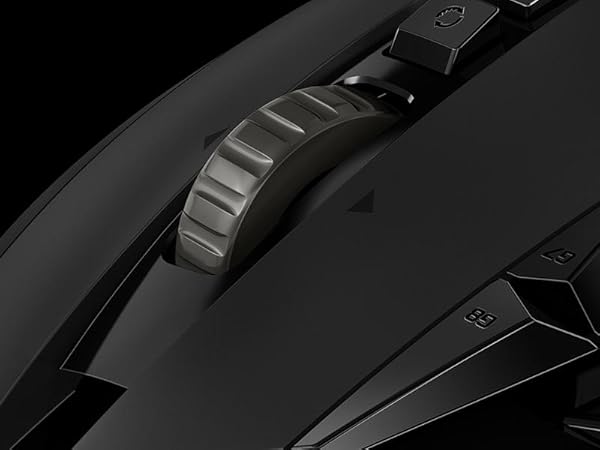
I bought this 4 years ago. And its very comfortable. Its fast and the buttons are alright. Clicks are good. My only gripe is the mouse wheel. It feels terrible. Not the scroll itself but the ridges on the wheel itself that you touch. It doesnt feel good. Scrolling needed an adjustment in settings but overall its good. If you plan on changing settings or remapping the buttons you'll need to download G-Hub which is their app.
J**N
A budget staple
I had this mouse for 6 years before needing to replace. I put the thing through hell, truly, and it held up through it all. Finally needed to replace it and happily bought the same one. I was delighted to see that it was only 35 dollars. The grip is comfortable and with the adjustable weight and dpi you can customize it to your liking. I really think this is one of the best gaming mouses you can get for under 40 bucks.
R**.
Buy it, it’s not heavy at all, if u don’t have the power to use this as your main mouse ur weak💀
Y**.
G502 is one of the best gaming mice I’ve used in a long time. Right out of the box, it feels solid and well-built — not cheap or flimsy. The shape fits my hand comfortably whether I’m clawing or palm-gripping, and the buttons are responsive without being too stiff.
A**Y
جيد جدا
A**R
It’s truly an amazing gaming mouse. The response time, how it fits in the hand, and the build quality are all excellent. I don’t think I could use another mouse after this one. If it ever breaks, I’ll definitely buy the same model again. Totally worth the price!
J**N
It is a good mouse, replaced my Razer
Trustpilot
2 weeks ago
2 weeks ago