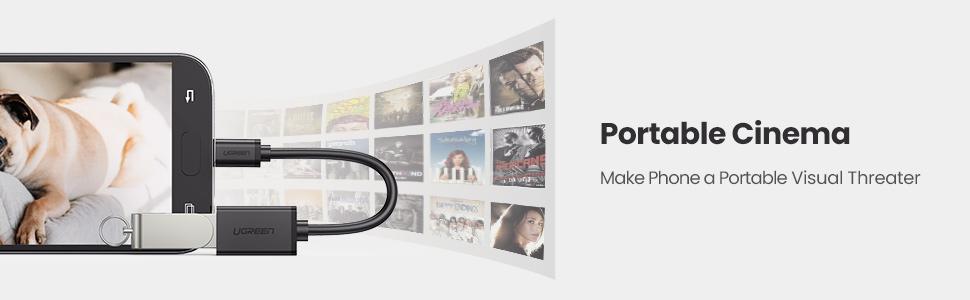
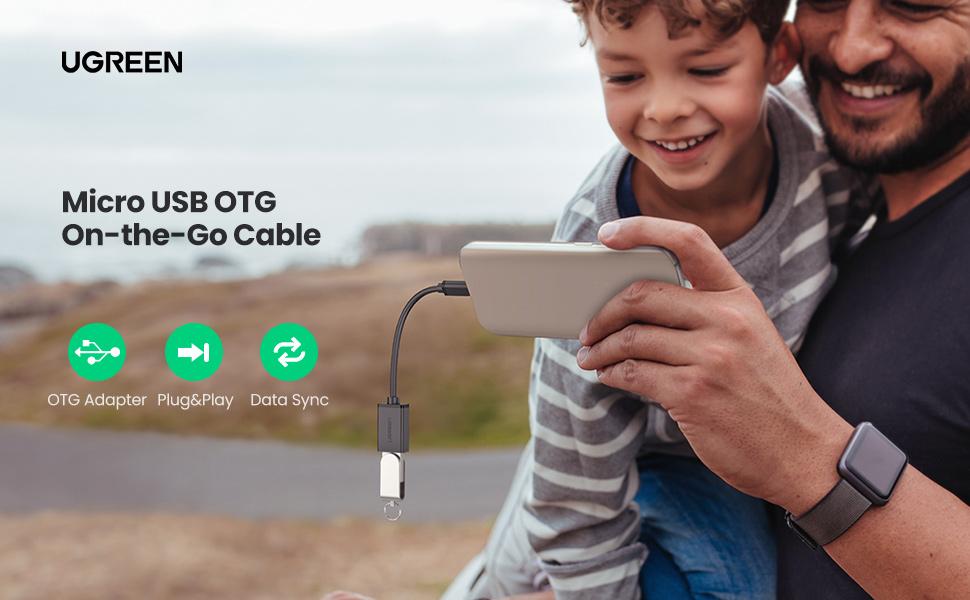
⚡ Stay connected anywhere, anytime — the ultimate OTG cable for pros on the move!
UGREEN’s 2-pack Micro USB to USB OTG cables empower your Android devices and DJI remotes to act as PC hosts, enabling direct connection to keyboards, game controllers, flash drives, and more. With a compact 4-inch design, broad device compatibility, and emergency power-sharing capabilities, these cables are essential for professionals who demand seamless data transfer and device control without hassle.


| ASIN | B00N9S9Z0G |
| Best Sellers Rank | #10,260 in Cell Phones & Accessories ( See Top 100 in Cell Phones & Accessories ) #61 in Cell Phone OTG Adapters |
| Brand | UGREEN |
| Color | Black |
| Computer Memory Type | DDR2 SDRAM |
| Customer Reviews | 4.6 4.6 out of 5 stars (8,370) |
| Date First Available | July 9, 2014 |
| Hardware Platform | sony_psp |
| Is Discontinued By Manufacturer | No |
| Item Dimensions LxWxH | 0.35 x 0.63 x 1.06 inches |
| Item Weight | 1.44 ounces |
| Item model number | 10396P |
| Manufacturer | UGREEN GROUP LIMITED |
| Product Dimensions | 0.35 x 0.63 x 1.06 inches |
| Standing screen display size | 6 Inches |
F**N
Pefect OTG Cable for the DJI Spark RC and iPhone.
These OTG Cables are great. Well made and a very good price. I bought these to use with my DJI Spark RC as a direct connection to my iPhone 7 Plus and THEY WORK perfectly. For any DJI Spark users that want to use their RC with a Cable instead of WiFi these are the cables that work, so many others DO NOT! BTW, there is a sequence that must be followed in order for any OTG cable to work with the Spark RC. Here is what I use: OGT Cable Set up on Spark Remote Make sure you’ve paired the RC to the Spark via WiFi First. It must be paired or the first time for the OTG Cable setup to work. Turn off WiFi and turn on Airplane Mode 1) switch on remote (nothing plugged in) 2) switch on spark 3) Wait for green light on controller 4) switch on ipad/iphone 5)open up DJI Go4 App you will have a grey screen. 6) plug in lightning cable to ipad/iphone 7) plug in usb end of lightning into the otg cable 8) plug otg cable into remote 9) pad/controller will make a sound to make connection 10) You'll get the "This accessory may be etc, etc" HIT dismiss 11) Camera view pops up. Now you are ready to go.
S**Y
You will no longer need to remove your Samsung S7 Edge's jacket to use a USB connector!
As mentioned in the headliner, I was tired of having to remove the protective covering/aka/protective jacket *call it what you willI guess* in order to use the small, stubby, white USB connector that Samsung includes in its original packaging w-its smartphones. Don't get me wrong, I am grateful for rec'g the original OEM-packaged USB that comes with the phone. The caveat with that comes at a price: do you want to use the aforementioned connector so you can plug in your other USB flash drives(for example) to share or view pictures, or what if you use that USB flash drive for security-related reasons? No matter the reason, you'll be removing the phone's jacket...leaving it vulnerable to getting broken...whether it be falling off the table after it rings, vibrates, or merely drops out of your hands. Heh, yes. I know, as this kind of crapola has happened to me: just enough to where I knew I needed some sort of longer-type cables that could do the same thing, and WITHOUT the need to take off my phone cover. Get it? So far, so good! I received the two(2) black cables w-UGREEN on both the USB and micro sides. I will 'try' to include a picture or two of the product(s) after submitting this review. The USB connector cables work exactly as advertised and are exactly what I was looking for. As of the writing of this review, I could not be more pleased. I am able to use all my USB drives with both cables. As mentioned earlier, I bought these cables specifically for my Samsung Galaxy S7 Edge.
T**R
Still working fine after several years of regular use
I use one of these as an adapter for my camera and another for my PC, neither of them have caused me any issues after several years. They fit tight and don't feel cheap at all, a quality product. Seems like a must-have for a post COVID world, where more and more people are working from home, but still need to have meetings that require webcams or cameras.
C**S
Works with one quirk
I bought this to connect my Android version 7.0 phone to a USB keyboard and thumb drives. It works fine. The phone sees and powers the keyboard and its pointing device (Lenovo keyboard with track stick). It also opens my USB drives and in My Files allows loading of documents and photos. Haven't tried video or music files yet, but see no reason why they would not work. It does not connect my Canon printer by USB, but I probably just need a printing app to support that as I only have Cloud printing installed. The only quirk is that in order to power the unpowered USB keyboard, this adapter needs to have its micro-USB end plugged into the phone while the keyboard cable's USB-A end is plugged into this adapter's USB-A female connector. When reversed with the adapter connected to the keyboard and the other cable connected to the phone, there is no power to the keyboard and hence it is not recognized. I do not understand why this difference occurs, but it is not a problem for me. Overall, looks like a fine product.
D**0
Works with Peloton Bike
These work very well to pull power from a Peloton Bike (not Bike+). Most micro USB cables to USB C do not pull power from the Micro USB port, but as this is used to connect to keyboards and other small devices, it has the appropriate wires/circuitry. I used this and an USB A to USB C cable and now can charge my phone from the Peloton and not risk having an additional charging cord get tangled in the pedals. I have heard that it can be used to connect a keyboard to the Peloton, but I don't have a use case for that.
A**Y
If you've never heard of OTG cables, buy one!
You can't go wrong with these. I ordered these before phones came with them. So very useful.
R**Y
USB Camera connection for an android tablet
Needed a micro usb to usb pigtail to hook a usb color astronomy camera to my Lenovo M8 tablet. This little cable adapter is perfect. The narrow micro usb end of the chord lets me plug it into my tablet without having to take it out of the protective case.
D**H
Old devices barely work with flash drives
This thing is only good for keyboards and mice, flash drives barely work on my micro USB device.
P**R
Zuerst habe ich bezweifelt, dass solch ein einfaches Kabel mein Smartphone mit so vielen Geräten funktionell verbinden kann, aber ich wurde eines besseren belehrt. Die Verarbeitung des Kabel ist gut, es hat auf beiden Seiten einen guten Halt und wackelt nicht. Ich verwende es mit meinem Google Nexus 5 und habe daran erfolgreich USB-Sticks, einen USB-Barcodescanner, Tastaturen und Mäuse angeschlossen, alles funktioniert ohne Probleme.
C**E
Superbe câbles OTG qui permet de brancher une clé USB 2 Fonctionne parfaitement ( plusieurs essais avec différentes clés USB 2 ) Excellent rapport qualité-prix
M**H
does the job good value adaptors.
S**B
5/5, cheap, simple, works. It is an OTG USB cable. If you know what it is, then you don't need an explanation. If you don't know what it is, then you will spent hours figuring out why your robot doesn't recognise the USB drive firmware update, or why your phone doesn't recognise your new headphone amp. But that is your fault, not the device's fault... Like it was my faut not reading the manual and wasting my time. ;) Anyway, you need an OTG(!) USB cable to connect cameras, USB drives, dongles, amps and DACs to a phone or tablet or vacuum robot, because a NORMAL USB cable is slightly different and will NOT let your phone or tablet or vacuum robot "see" the USB device (look on Wikipedia for the "why").
J**F
This is a Male Micro USB 2.0 to Female USB Type A OTG cable. Pros: Plug and Play with Android 6.0 - Work flawlessly. Tested with Logitech M185 Wireless mouse High quality build cable. Feels very sturdy.- see picture attached Value for money - comes with 2 cables - see picture attached Additional plus point: The sealable plastic sleeve that comes with it its very thick and seems to have magnetic shielding. Very high-quality to protect a commodity product. You can keep it for other uses to protect your other cables. Cons: I can't think of any at the moment. Very impressed with the seamless PnP feature. How it works? - Works with Android 6.0 (only tested on Nexus 5 and Nexus 9) - Works with wireless (not bluetooth) mouse (Logitech M185) and similar products and any USB flash drives - Simply plug micro usb side to your phone or tablet, plug in your USB flash drive or wireless doggle (for keyboard or mouse) Suggestion For working with tablet, Logitech K400 Plus wireless keyboard with mouse pad will be a perrfect fit with this OTG cable. Turning your tablet into a proper productivity device, assuming you are comfortable with Google Docs/Spreadsheet/Slides
Trustpilot
3 days ago
1 month ago