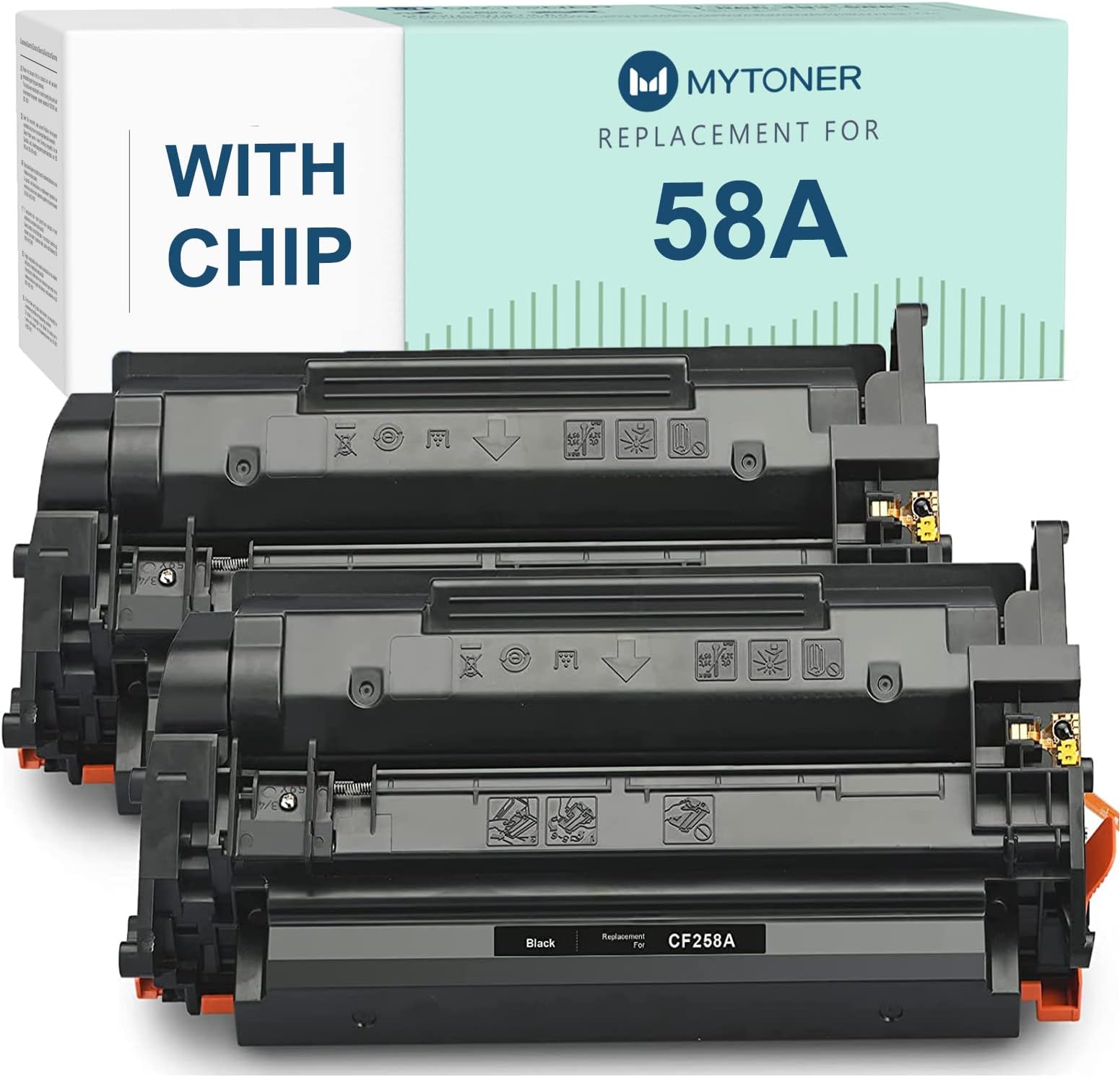



MYTONER (58A with Chip) Compatible Toner Cartridge Replacement for HP 58A CF258A for Laserjet Pro M404dn M404dw M404n MFP M428fdw M428fdn M428dw M428 M404 M430f M406dn (Black,2-Pack)
Product ID: 166399221
Product description Warm Tips What will you get Compatible CF258A 58A toner cartridge WITH CHIP (2-Pack) 2 X CF258A Black toner cartridge Cartridge Page Yield 3000 pages per Black toner cartridge NOTE: It depends on printer and usage Reminder Make sure the printer is powered ON when replace this new toner cartridge. The printer may prompt for an error message indicating that it is not OEM for the first installation, click "OK" to continue. If your printer is powered OFF when replace this new toner cartridge, the printer prompts "Memory error on indicated cartridges. Event Code: 10.00.00 " and info button "!" is flashing, try opening and closing the printer front door, this error be fixed. Installation Guide STEP 1: Gently Shake for 5-6 seconds to loosen toner powder. STEP 2: Remove orange protective cap. STEP 3: Entirely pull out the sealing tape from cartridge. STEP 4: Insert the cartridge inside the printer and ensure each cartridge locked into correct slot. Compatible with the following printers Please confirm your printer before placed order LaserJet Pro MFP Series M428fdw M428fdn M428dw LaserJet Pro Series M404dn M404dw M404n High Yield Up to 3,000 pages for each 58A Black cartridge. (5% coverage) MYTONER Hello. Have a nice day!


| ASIN | B07VW6WWCB |
| Brand | MYTONER |
| Built-In Media | Toner Cartridge |
| Compatibility Options | Compatible |
| Compatible Devices | Printer |
| Customer Reviews | 3.9 out of 5 stars 5 Reviews |
| Included Components | Toner Cartridge |
| Manufacturer | Plenty Talent (NOT HP OEM) |
| Mfr Part Number | HP-CF258X-1P-NC-M404 |
| Model Number | HP CF258X 58X |
| Other Special Features of the Product | High Yield |
| Page Yield | 3000 |
| Printer Model Compatibility | HP LaserJet Pro M404dn |
| Printer Type | Laser |
| Special Feature | High Yield |
| UPC | 754407263680 |
| Unit Count | 2.0 Count |
Trustpilot
2 weeks ago
2 weeks ago